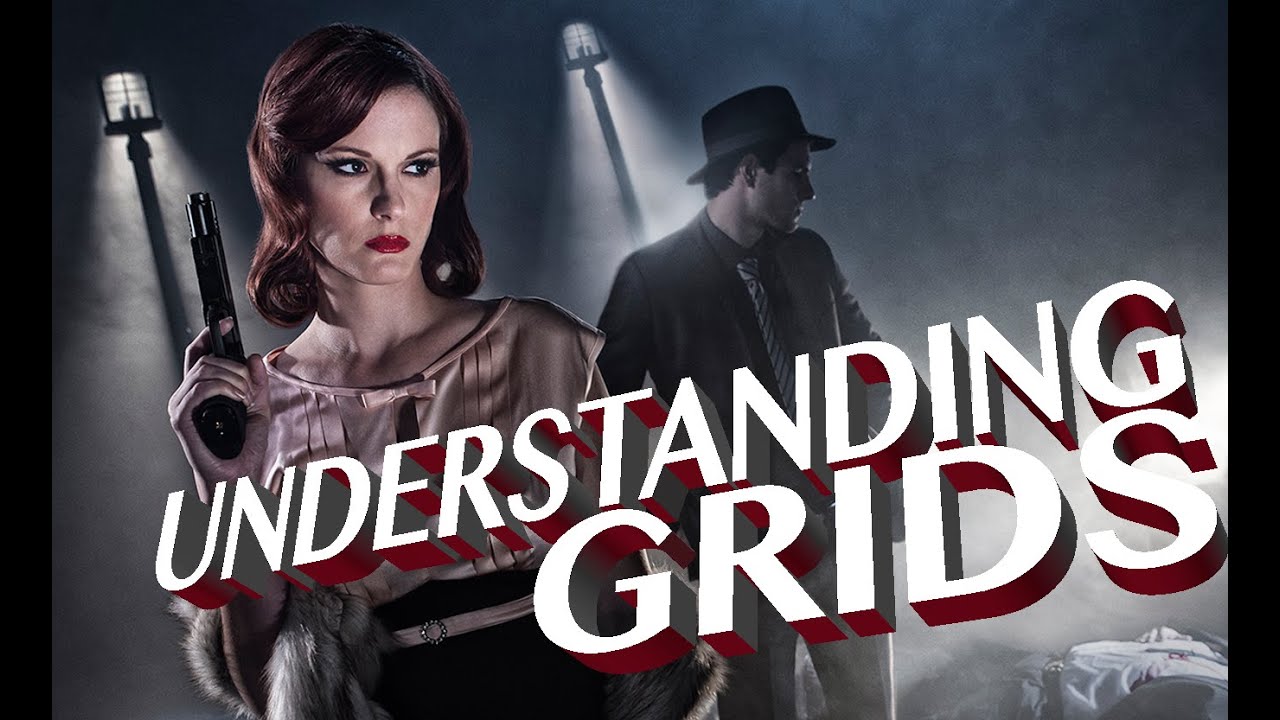
Every photographer has a moment where they realize soft, wrapping light isn’t always the answer. For me, that shift happened during a fashion editorial where I needed the light to stay exactly where I put it. A softbox was bleeding onto the background, flattening the whole image, and I didn’t have a clean way to contain it. I started reaching for grids on almost every shoot after that. They’re not flashy and they don’t get talked about the way octodomes do, but nothing else gives you that combination of directional punch and surgical control.
In this The Slanted Lens tutorial, Watch the full tutorial on YouTube, J.P. Morgan walks through the full range of grid options and then puts them to work on a neo-noir shoot with smoke, DIY streetlights, and strobe mixed with tungsten. It’s one of the most practically useful modifier tutorials I’ve seen because he actually measures the coverage differences instead of just eyeballing them. The numbers matter. Once you see how dramatically a 10-degree versus 40-degree grid changes your spill, you stop treating grid selection as an afterthought.
What follows is my step-by-step breakdown of the tutorial, expanded with the specifics you need to replicate this approach in your own studio.
Step 1: Understand What a Grid Actually Does
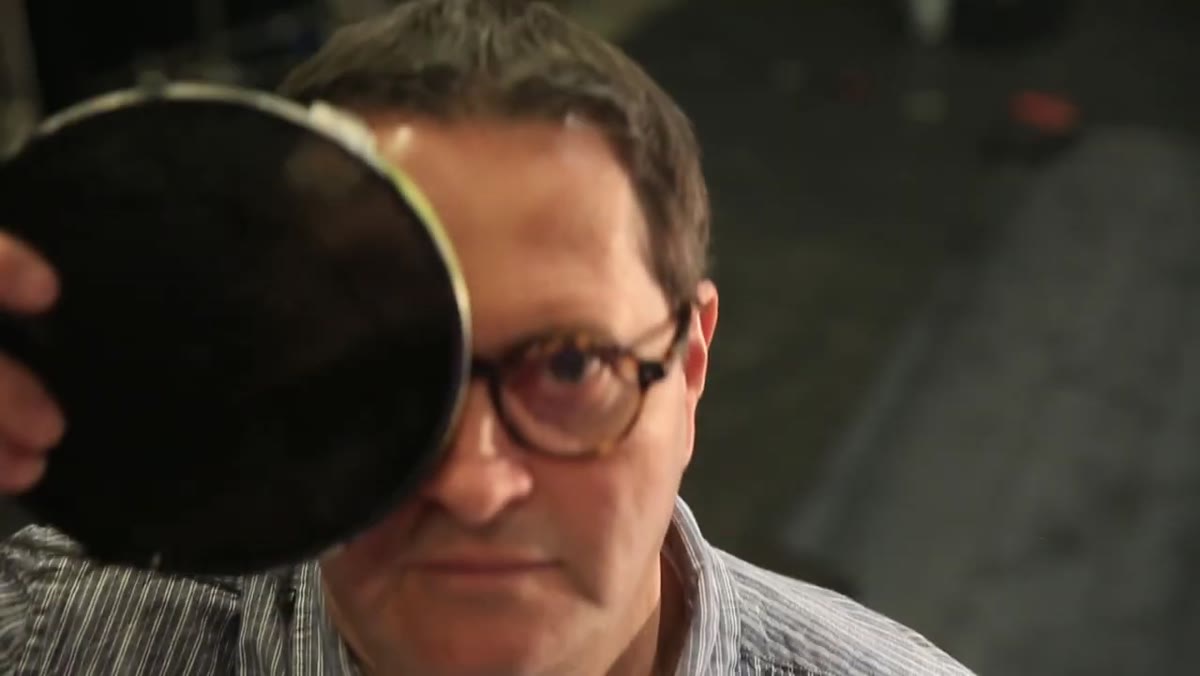 Honeycomb metal grid insert held against a 7-inch reflector
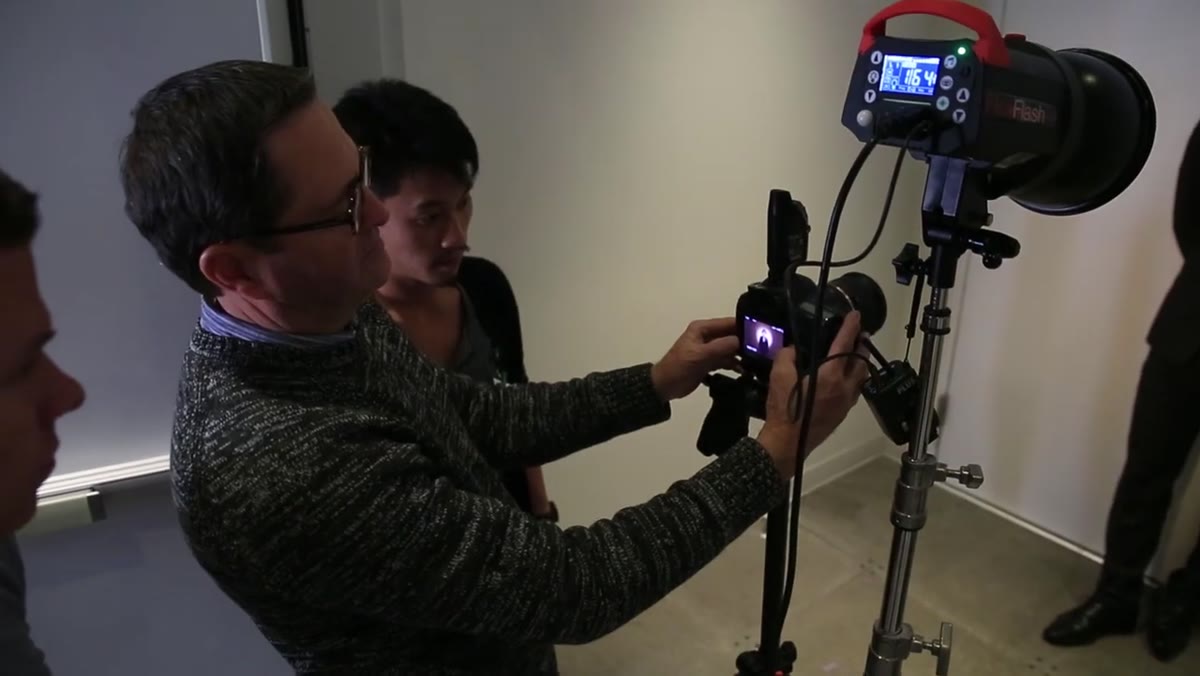
A grid is a honeycomb metal insert that slots into the front of a reflector, typically a 7-inch reflector on a standard strobe head. The honeycomb cells physically block light from traveling at wide angles. The tighter the cell openings, the more restricted the beam. Think of it like looking through a drinking straw versus looking through a paper towel roll. The grid doesn’t change how hard or soft the light is in the way a diffusion panel would. It controls where the light goes, not the quality of the light itself. That distinction is worth burning into your brain before you touch a modifier.
Honeycomb metal grid insert held against a 7-inch reflector
A grid is a honeycomb metal insert that slots into the front of a reflector, typically a 7-inch reflector on a standard strobe head. The honeycomb cells physically block light from traveling at wide angles. The tighter the cell openings, the more restricted the beam. Think of it like looking through a drinking straw versus looking through a paper towel roll. The grid doesn’t change how hard or soft the light is in the way a diffusion panel would. It controls where the light goes, not the quality of the light itself. That distinction is worth burning into your brain before you touch a modifier.
Step 2: Learn the Four Grid Degrees and Their Coverage at Six Feet
 10-degree grid illuminating a roughly 3-foot circle on a white wall
Morgan tests each grid at six feet from the wall, which gives you a repeatable reference point. At 10 degrees, the coverage circle is roughly three feet in diameter. This is your tightest, most controlled option. He shot it at 1/60 sec and f/6.3, and that exposure number becomes your baseline for the comparisons that follow. At 20 degrees, the coverage opens to about five feet. At 30 degrees, you gain another two-thirds of a stop and the circle stretches to roughly six feet. The 40-degree grid covers about eight feet and gains another two-thirds of a stop. Write those numbers down. Better yet, sketch them in a notebook. I keep a lighting journal with exactly this kind of data from every modifier I’ve tested, because recalling it quickly on set is worth more than any spec sheet.
10-degree grid illuminating a roughly 3-foot circle on a white wall
Morgan tests each grid at six feet from the wall, which gives you a repeatable reference point. At 10 degrees, the coverage circle is roughly three feet in diameter. This is your tightest, most controlled option. He shot it at 1/60 sec and f/6.3, and that exposure number becomes your baseline for the comparisons that follow. At 20 degrees, the coverage opens to about five feet. At 30 degrees, you gain another two-thirds of a stop and the circle stretches to roughly six feet. The 40-degree grid covers about eight feet and gains another two-thirds of a stop. Write those numbers down. Better yet, sketch them in a notebook. I keep a lighting journal with exactly this kind of data from every modifier I’ve tested, because recalling it quickly on set is worth more than any spec sheet.
Step 3: Watch What Happens to the Shadow Areas as the Grid Gets Wider
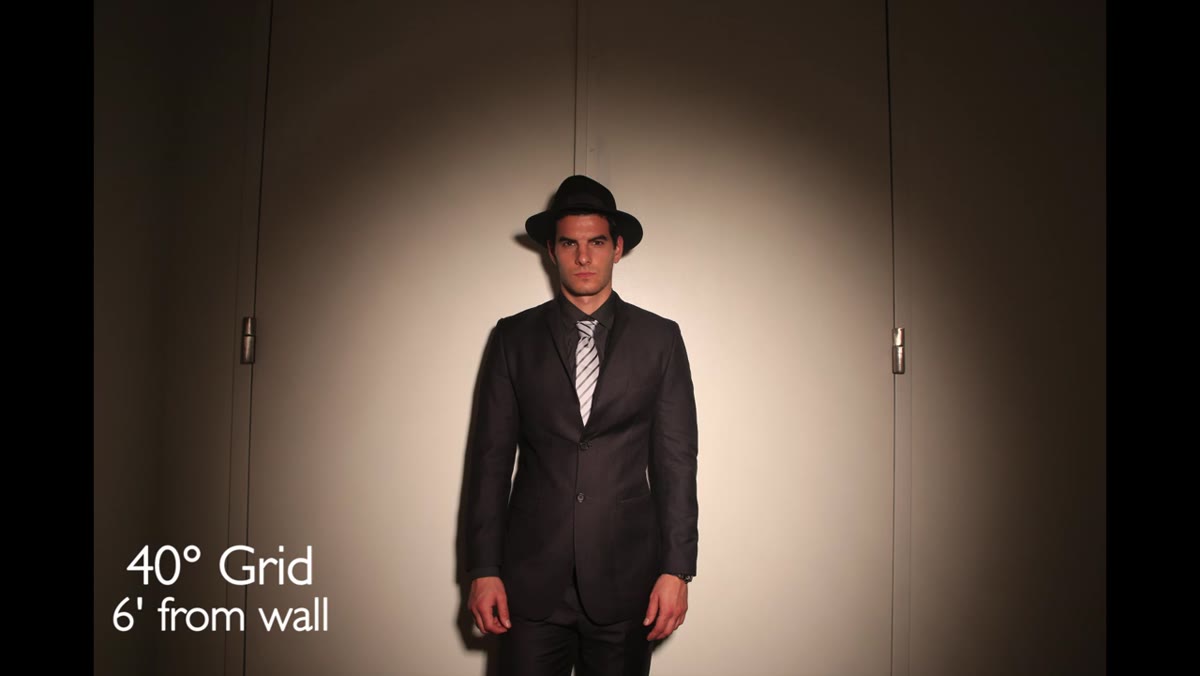 40-degree grid showing light bleeding into surrounding shadow areas
This is the part most tutorials skip, and it’s the most important technical point in the video. As you move to larger grids, the light doesn’t just cover a wider area. It also starts bouncing off the inner walls of the reflector and bleeding into the shadows surrounding the beam. A 10-degree grid produces almost no spill into shadow areas. By the time you’re using a 40-degree grid, you’ll see a noticeable fill effect in what should be your dark zones. If you’re shooting something where clean, deep shadows are part of the look, that spill will undermine the image. For noir-style work, or any shot where contrast is doing compositional work, stick to 10 or 20 degrees and be willing to sacrifice coverage area for shadow integrity.
40-degree grid showing light bleeding into surrounding shadow areas
This is the part most tutorials skip, and it’s the most important technical point in the video. As you move to larger grids, the light doesn’t just cover a wider area. It also starts bouncing off the inner walls of the reflector and bleeding into the shadows surrounding the beam. A 10-degree grid produces almost no spill into shadow areas. By the time you’re using a 40-degree grid, you’ll see a noticeable fill effect in what should be your dark zones. If you’re shooting something where clean, deep shadows are part of the look, that spill will undermine the image. For noir-style work, or any shot where contrast is doing compositional work, stick to 10 or 20 degrees and be willing to sacrifice coverage area for shadow integrity.
Step 4: Build a Set That the Grids Can Work With
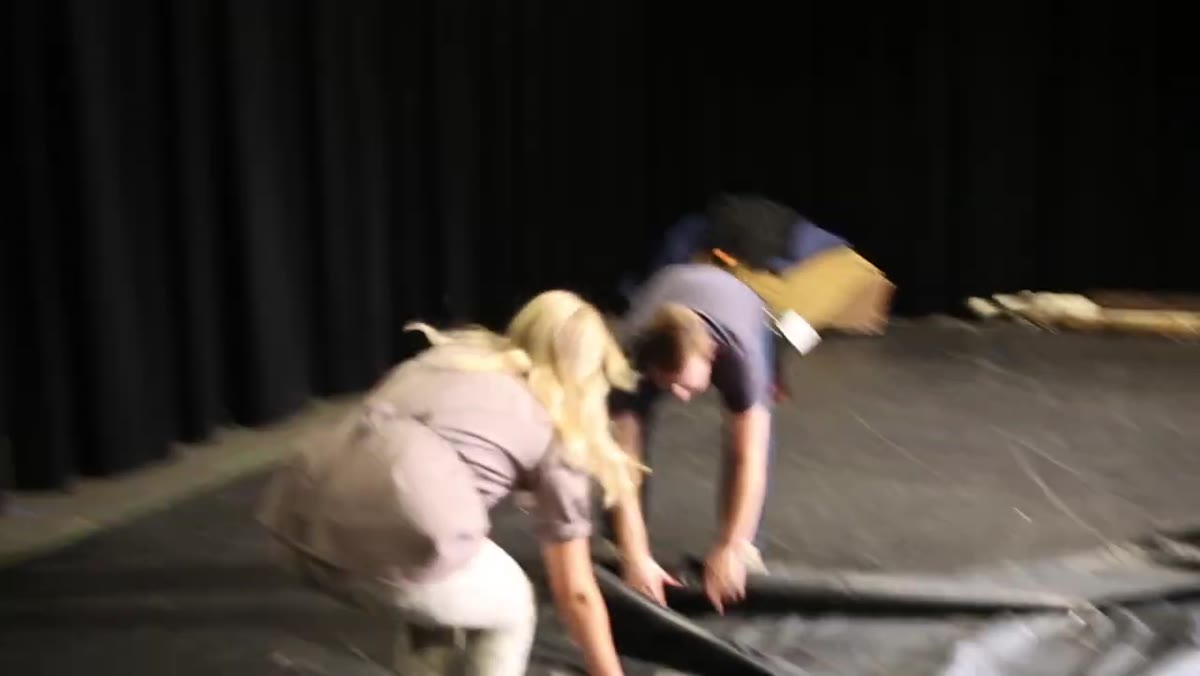 Black curtain backdrop and black plastic floor sheeting on studio set
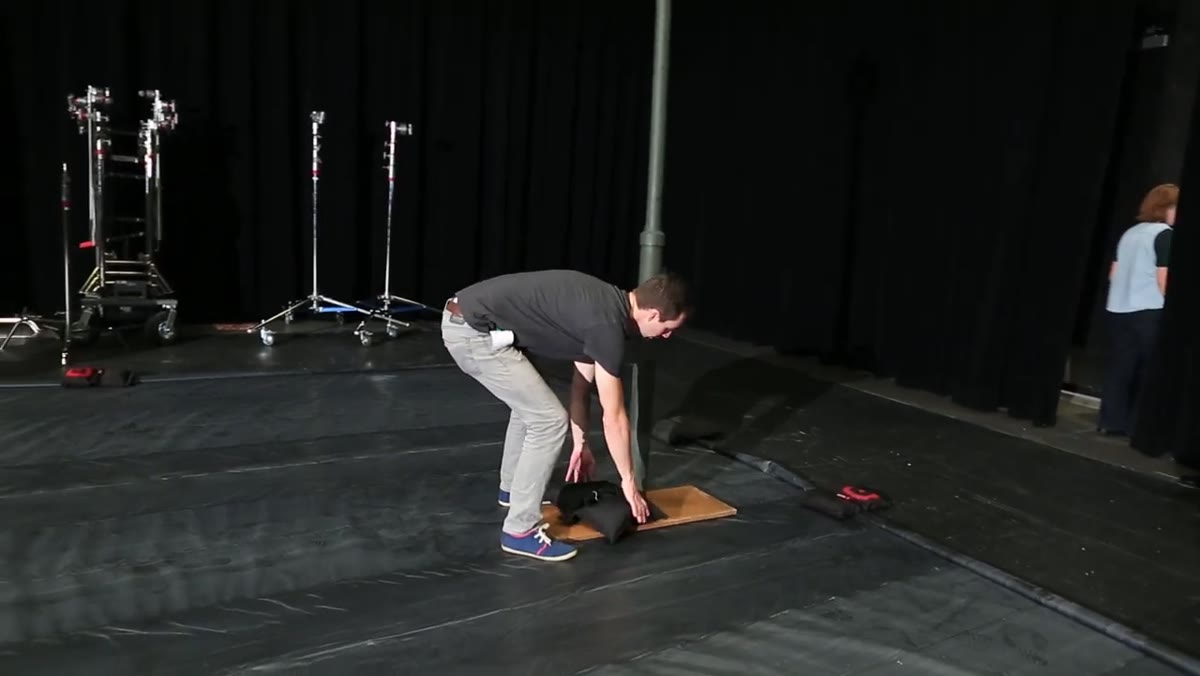
Morgan’s set for this shoot is deliberately simple. Black curtain backdrop, black plastic sheeting on the floor. He adds water to the floor to create a wet-street reflection effect. The dark surfaces matter here because they absorb spill rather than bouncing it back into the scene. If you’re using grids for this kind of dramatic, high-contrast work, a light-colored floor or background will fight you. Every bit of spill that hits a light surface comes back as unwanted fill. Black or very dark surfaces let the grid do its job cleanly.
Black curtain backdrop and black plastic floor sheeting on studio set
Morgan’s set for this shoot is deliberately simple. Black curtain backdrop, black plastic sheeting on the floor. He adds water to the floor to create a wet-street reflection effect. The dark surfaces matter here because they absorb spill rather than bouncing it back into the scene. If you’re using grids for this kind of dramatic, high-contrast work, a light-colored floor or background will fight you. Every bit of spill that hits a light surface comes back as unwanted fill. Black or very dark surfaces let the grid do its job cleanly.
Step 5: Build or Source Practical Lights That Sell the Location
 DIY streetlight made from ABS pipe sections and carriage light fixture
For this shoot, Morgan needed streetlights, so he built three of them using four-inch ABS pipe stepped down to two-inch pipe with a collar, capped at the base with an ABS end cap bolted to plywood. A carriage light fixture screws onto the top. Total cost was around $60 per unit. This is the kind of detail I appreciate in a tutorial because practical lights aren’t just props. They’re additional light sources that contribute to the mood and help justify the direction of your key light. When your practical and your strobe are working in the same direction and color temperature, the whole image reads as believable.
DIY streetlight made from ABS pipe sections and carriage light fixture
For this shoot, Morgan needed streetlights, so he built three of them using four-inch ABS pipe stepped down to two-inch pipe with a collar, capped at the base with an ABS end cap bolted to plywood. A carriage light fixture screws onto the top. Total cost was around $60 per unit. This is the kind of detail I appreciate in a tutorial because practical lights aren’t just props. They’re additional light sources that contribute to the mood and help justify the direction of your key light. When your practical and your strobe are working in the same direction and color temperature, the whole image reads as believable.
Step 6: Add Atmosphere with a Hazer and Mix Light Sources
 Rosco Hazer unit running in studio, haze visible in air around set
Morgan uses a Rosco Hazer to fill the room with a consistent atmospheric haze, setting the output to six or seven and running 30-second bursts every few minutes until the haze stabilizes. He also brings in a Source 4 theatrical fixture, a tungsten instrument commonly used in film, to complement the strobe grids. The two sources produce different color temperatures, which adds visual complexity and realism to the scene. If you’ve ever ruined a shot by ignoring color temperature mixing, you know how badly it can go wrong. Here, the mismatch is intentional and controlled. The tungsten warmth from the practicals and the Source 4 contrasts with the neutral strobe from the grids in a way that reads as cinematic rather than accidental.
Rosco Hazer unit running in studio, haze visible in air around set
Morgan uses a Rosco Hazer to fill the room with a consistent atmospheric haze, setting the output to six or seven and running 30-second bursts every few minutes until the haze stabilizes. He also brings in a Source 4 theatrical fixture, a tungsten instrument commonly used in film, to complement the strobe grids. The two sources produce different color temperatures, which adds visual complexity and realism to the scene. If you’ve ever ruined a shot by ignoring color temperature mixing, you know how badly it can go wrong. Here, the mismatch is intentional and controlled. The tungsten warmth from the practicals and the Source 4 contrasts with the neutral strobe from the grids in a way that reads as cinematic rather than accidental.
What I’d Add From My Own Work
The tutorial stops at the demonstration level, which is exactly right for a video. But one thing I’d push further in practice: test your grids against your specific reflector before the shoot, not during it. The coverage numbers Morgan demonstrates are reliable starting points, but different reflector depths and finishes will shift your results. I label my grids with masking tape right on the rim indicating which reflector they were calibrated with, because I found early on that swapping the same grid between different heads gave me inconsistent pools. That kind of variability becomes a problem fast when your subject is standing in a specific mark and you need the light to hit a specific zone.
If you’re shooting anything with a deliberately dark background, grids should probably be part of your standard kit rather than a specialty item you pull out occasionally. They’re not just for noir. I use them on clean commercial portraits whenever I need to keep light off the background entirely.
Grids are how you stop negotiating with your light and start telling it exactly where to go. The degree of the grid determines how much of the scene you’re controlling, and the shadow spill that comes with wider grids is a real consideration, not a minor footnote. Start with a 10-degree, do Morgan’s six-foot wall test yourself with your own equipment, and build your understanding from there.
Watch the full tutorial on YouTube to see the complete noir shoot and how all of these elements come together on a finished set.
Comments (1)
Applied this to my portfolio shots and the improvement is noticeable.
Leave a Comment