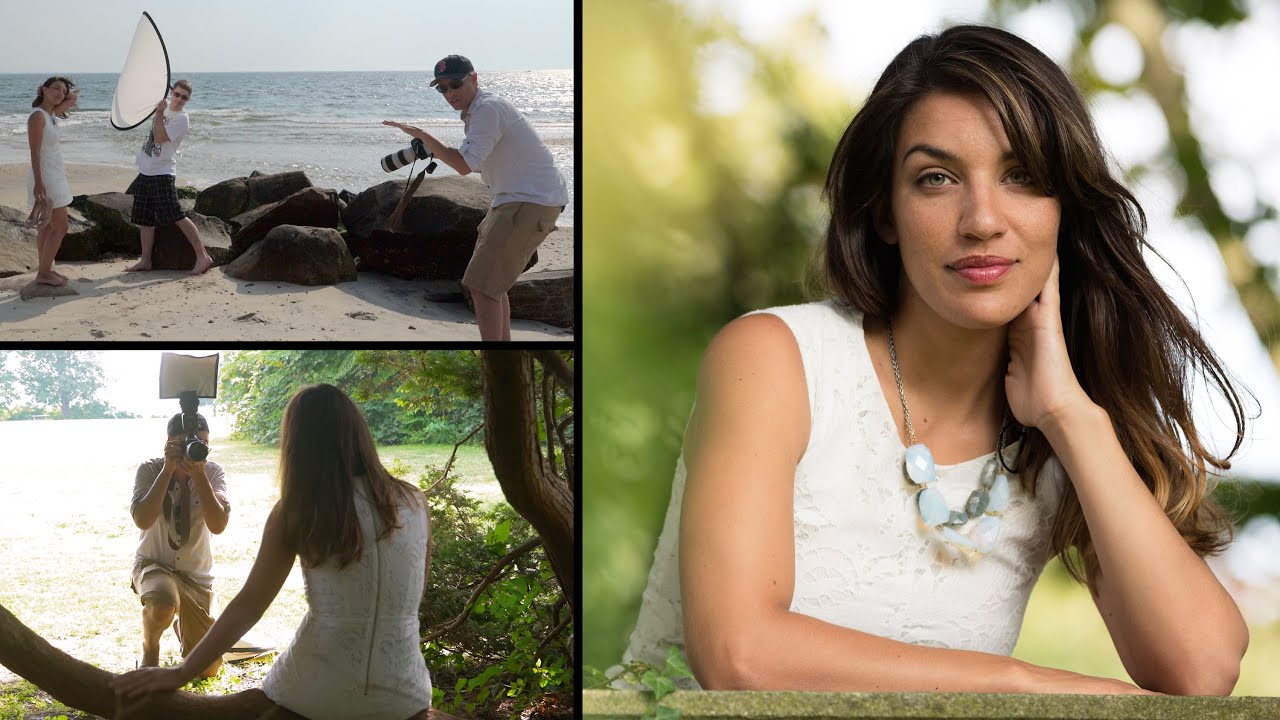
Most of my working life happens under controlled light. Strobes, softboxes, grids I’ve labeled with masking tape so assistants don’t rearrange my kit mid-shoot. So when a client calls and says “we want something outdoors, natural, editorial” my internal response is something close to professional anxiety. The sun doesn’t take direction. It moves, it blows out backgrounds, it puts hard shadows under eye sockets, and it has no regard for your sync speed.
That’s exactly why I keep returning to outdoor portrait tutorials from photographers who actually work outside. In this Tony and Chelsea Northrup tutorial, filmed at Harkness State Park, they cover background selection, shade versus sunlight, fill flash technique, lens choice, posing hands, and framing in under fifteen minutes. Watch the full tutorial on YouTube before or after reading this, but what follows is a working breakdown you can take to your next location shoot without pausing a video every thirty seconds.
The reason this tutorial earns a place in my reference library is that it doesn’t romanticize natural light. It treats light as a problem to be solved with specific tools and decisions. That’s the same mindset I bring to a studio setup, and it translates cleanly to the field.
Step 1: Choose Your Background Before You Touch Your Camera
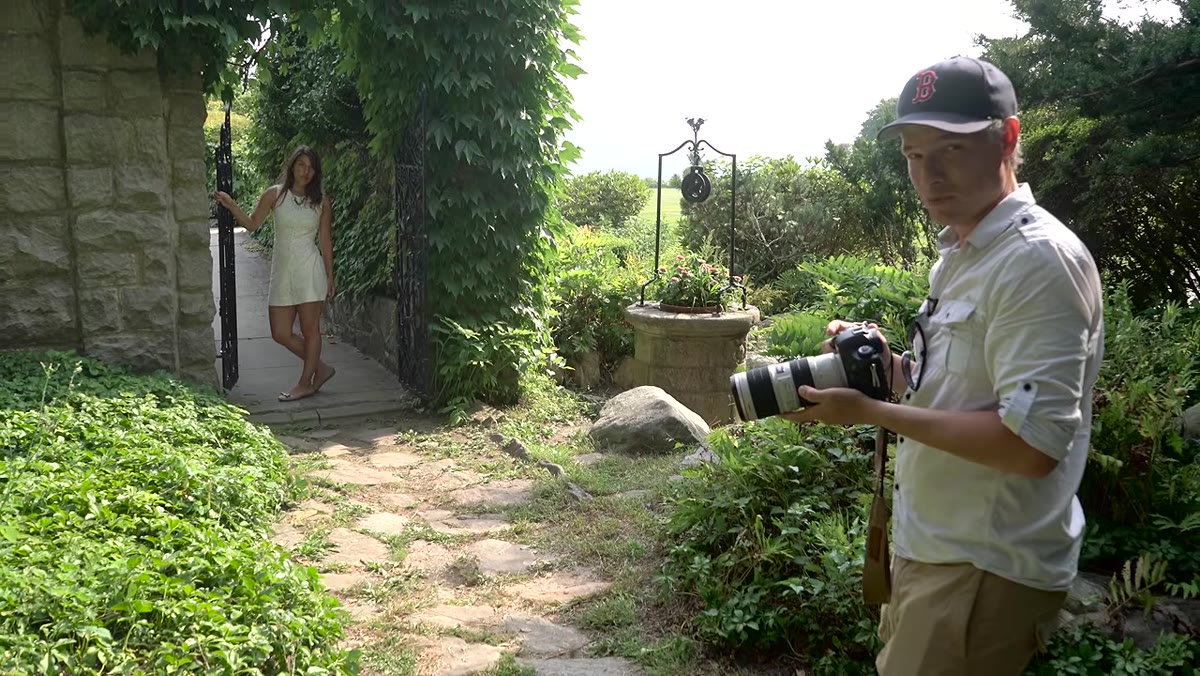
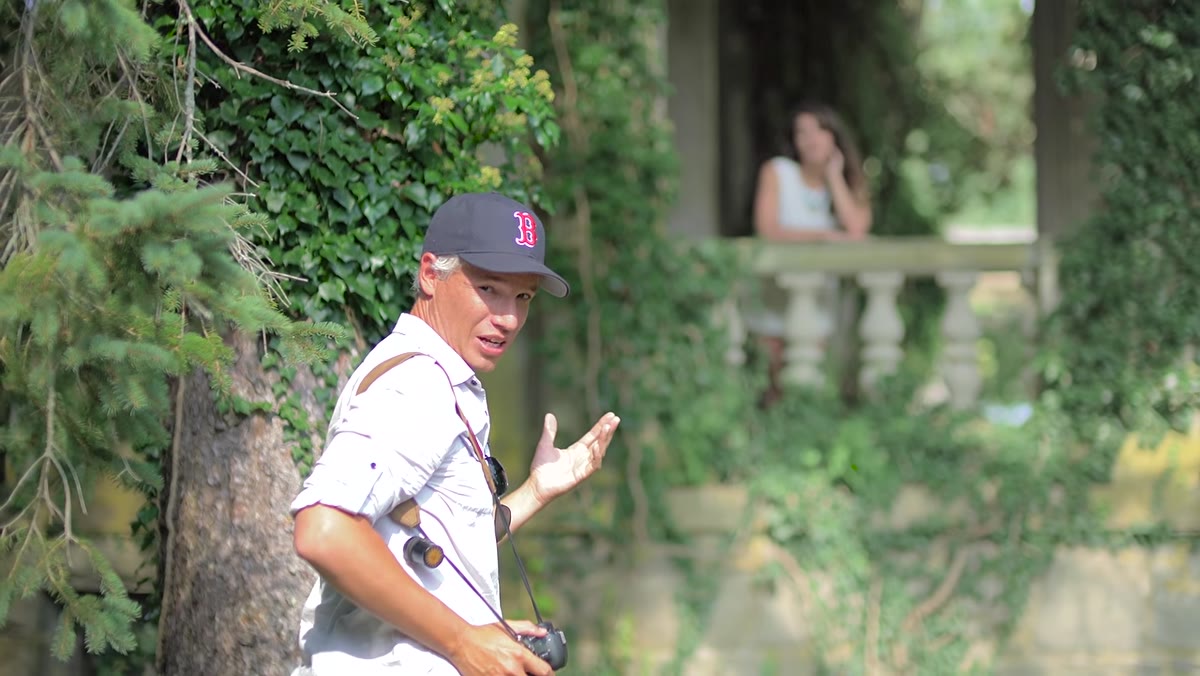
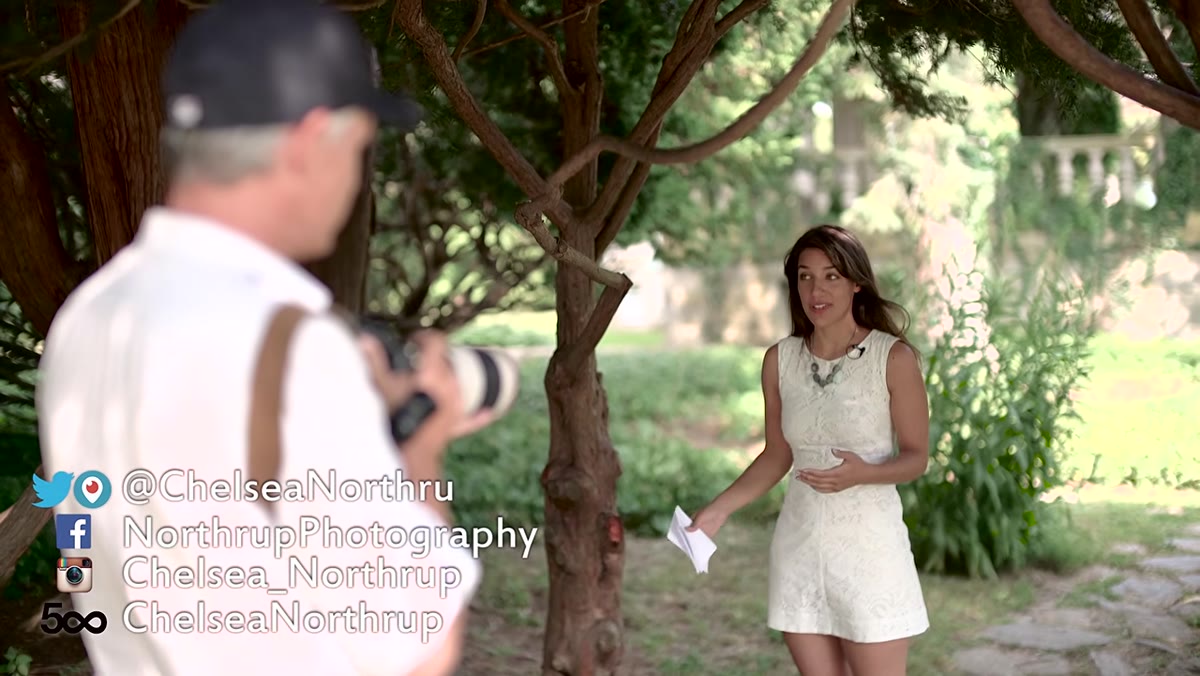 Chelsea scanning background options at Harkness State Park
Walk the location first. Tony and Chelsea identify three distinct background options immediately on arrival, a pergola, dense greenery, and an ocean view. They cross off the ocean because the sky is hazy, which means a blown-out, flat backdrop with no texture. The decision is methodical, not aesthetic.
Chelsea scanning background options at Harkness State Park
Walk the location first. Tony and Chelsea identify three distinct background options immediately on arrival, a pergola, dense greenery, and an ocean view. They cross off the ocean because the sky is hazy, which means a blown-out, flat backdrop with no texture. The decision is methodical, not aesthetic.
The practical rule is this: the background should have enough visual interest to look intentional without competing with the subject. Busy, high-contrast backgrounds pull the viewer’s eye. When you’re unsure, change your camera height. Dropping to knee level can swap a cluttered midground for a cleaner sky or foliage ceiling. Raising up eliminates foreground distractions. Your legs are a free piece of camera support that most people forget about.
Step 2: Find Open Shade, Then Check It Carefully
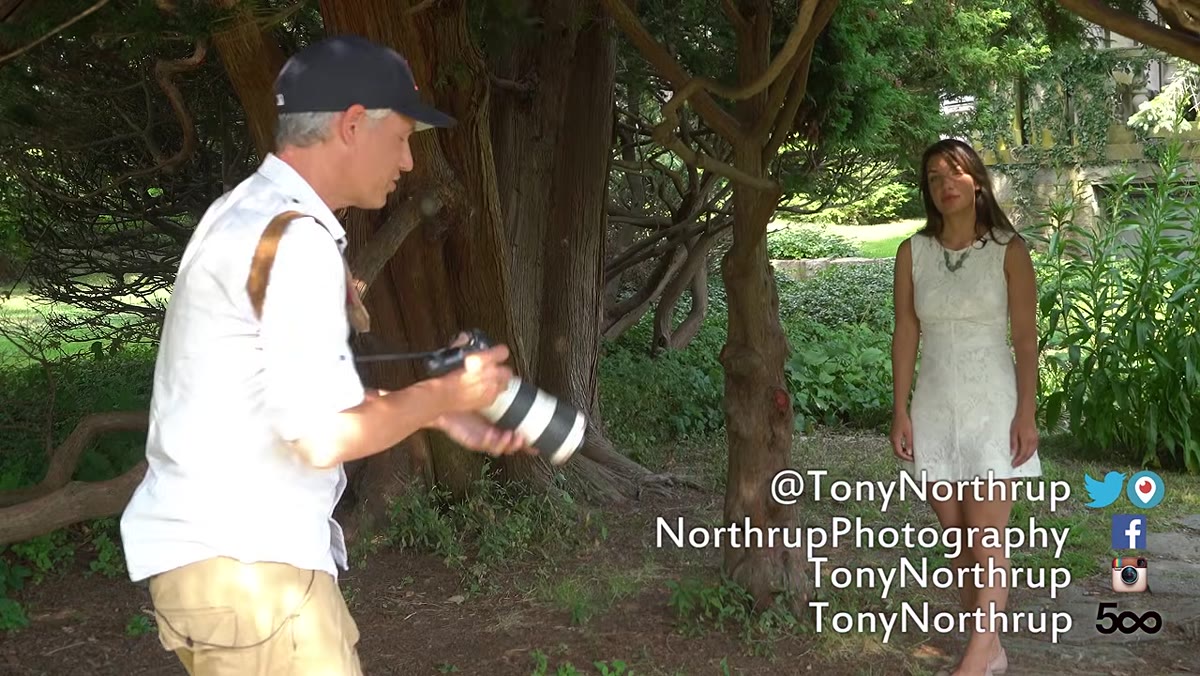 Dappled sunlight creating hard shadow patterns on Chelsea’s face
Shade is not automatically safe light. This is the mistake I see newer photographers make consistently. They move their subject under a tree, call it “soft light,” and then wonder why the images look patchy. Dappled light through a leaf canopy creates hard, shifting pools of sun that behave exactly like a bare strobe at close range. It looks awful on skin.
Dappled sunlight creating hard shadow patterns on Chelsea’s face
Shade is not automatically safe light. This is the mistake I see newer photographers make consistently. They move their subject under a tree, call it “soft light,” and then wonder why the images look patchy. Dappled light through a leaf canopy creates hard, shifting pools of sun that behave exactly like a bare strobe at close range. It looks awful on skin.
What you want is open shade, meaning a position where the subject is blocked from direct sun but faces a large, open sky or a bright reflective surface. Tony has Chelsea move half a step out of the dappled zone and the difference is immediate. Even, diffused light falls across her face without a single hard shadow line. Before you start shooting, ask your subject to stand still and study their face for several seconds. If you see any bright patches, they’re still in direct sun somewhere.
Step 3: Add Fill Flash at a Low Power - and Know When to Use HSS
 Rogue FlashBender attached to speedlight for fill flash in shade
Shade solves the hard-light problem but can introduce a new one: flat light with no specular highlights in the eyes. Catchlights matter. They’re what separate a portrait that feels alive from one that looks like a passport photo. The fix is a low-power fill flash with a diffuser or a modifier like the Rogue FlashBender they use here.
Rogue FlashBender attached to speedlight for fill flash in shade
Shade solves the hard-light problem but can introduce a new one: flat light with no specular highlights in the eyes. Catchlights matter. They’re what separate a portrait that feels alive from one that looks like a passport photo. The fix is a low-power fill flash with a diffuser or a modifier like the Rogue FlashBender they use here.
The key setting Tony mentions is flash exposure compensation dialed down to roughly -1.5 to -2 stops. This is not about adding dramatic light. It is about adding just enough to create a small specular highlight in the iris and gently lift shadow detail. If you’re shooting in full sun with a fast lens wide open, your shutter speed will exceed your camera’s standard sync speed, which is usually 1/200 or 1/250 of a second. Turn on High Speed Sync before you need it. The other technique worth filing away: adding flash to an overexposed background situation actually darkens the background. The camera reduces overall exposure to compensate for the flash, so the subject’s face holds its brightness while the background drops down. It’s a cleaner solution than fighting with your exposure compensation alone.
Step 4: Pick a Lens for Control, Not Just Bokeh
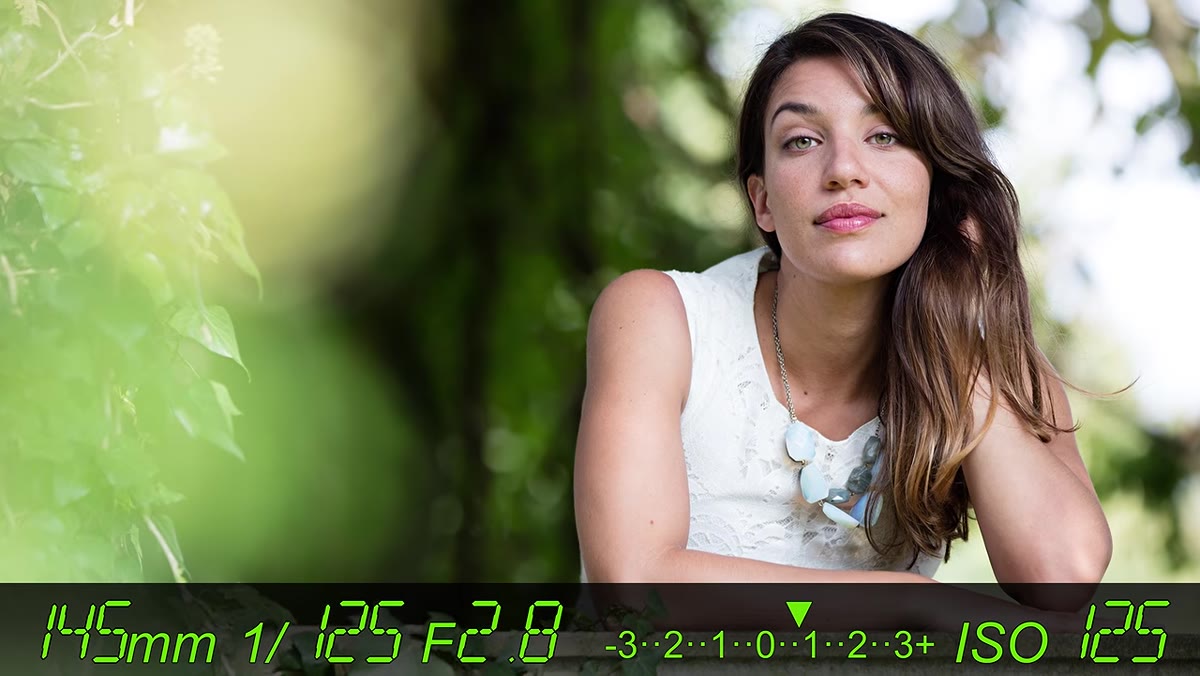
 Comparison of wide aperture bokeh versus stopped-down background sharpness
Tony makes a case for zoom lenses over primes for portrait work on location, and I understand his reasoning even though my studio default is usually a prime. A zoom lets you reframe quickly when you find a good background position you don’t want to abandon. You can move from a wider environmental shot to a tight face crop without physically moving and risking losing your spot or your light angle.
Comparison of wide aperture bokeh versus stopped-down background sharpness
Tony makes a case for zoom lenses over primes for portrait work on location, and I understand his reasoning even though my studio default is usually a prime. A zoom lets you reframe quickly when you find a good background position you don’t want to abandon. You can move from a wider environmental shot to a tight face crop without physically moving and risking losing your spot or your light angle.
What matters more than prime versus zoom is aperture. A fast lens at f/2.8 or wider gives you subject separation that makes an otherwise ordinary background work in your favor. Tony shows a side-by-side comparison of f/2.8 versus a higher f-stop and the background goes from a pleasant blur to a readable, distracting collection of shapes. For outdoor work where you can’t control what’s behind your subject, a wide aperture is not just an aesthetic choice. It’s a compositional tool.
Step 5: Pose the Hands Deliberately, Every Single Time
 Correct versus incorrect hand positioning showing back-of-hand problem
Hands are the hardest part of portrait posing. Tony’s rule is clean and easy to remember: never show the flat back of someone’s hand to the camera. Turn the hand sideways, tuck it partially away, or use it to hold something. The back of the hand is the widest, most geometric view of it, and it reads as a large, flat shape that stops the eye.
Correct versus incorrect hand positioning showing back-of-hand problem
Hands are the hardest part of portrait posing. Tony’s rule is clean and easy to remember: never show the flat back of someone’s hand to the camera. Turn the hand sideways, tuck it partially away, or use it to hold something. The back of the hand is the widest, most geometric view of it, and it reads as a large, flat shape that stops the eye.
There’s a second consideration around depth. Hands that are significantly closer to the camera than the face will appear disproportionately large because of perspective compression. If the hands need to be in the shot, position them at roughly the same focal distance as the face, or use a slightly longer focal length that naturally compresses depth and keeps proportions consistent. A foreground element slightly out of focus, a branch, a flower, a piece of fabric, can also break the compositional monotony and add a layer of depth without the hand problem.
Step 6: Review Your Frames Every Few Minutes, Crop at the Right Points
 Zooming into LCD to check hair placement across the face
Set a habit of zooming in on your LCD every ten to fifteen frames. You’re specifically looking for two things: hair falling across the face and cropping errors at the edges of the frame. A chunk of hair obscuring part of the face is genuinely difficult to fix in post, especially on complex backgrounds. It takes thirty seconds to ask your subject to brush it back. It takes thirty minutes in Photoshop if you don’t.
Zooming into LCD to check hair placement across the face
Set a habit of zooming in on your LCD every ten to fifteen frames. You’re specifically looking for two things: hair falling across the face and cropping errors at the edges of the frame. A chunk of hair obscuring part of the face is genuinely difficult to fix in post, especially on complex backgrounds. It takes thirty seconds to ask your subject to brush it back. It takes thirty minutes in Photoshop if you don’t.
On cropping: the rule is to cut between joints, not on them. Between the wrist and elbow. Between the knee and hip. Cutting directly on a joint creates an optical illusion that reads as an amputation. Also resist the urge to barely clip fingers. Either include them fully or exclude them entirely. If you’re shooting for print at 8x10, build in extra frame space on the sides because the aspect ratio will require cropping during the print process.
What I’d Add from the Studio Side
The one thing I’d layer onto this tutorial is color temperature awareness. Shade is not neutral. Open shade lit by blue sky runs significantly cooler in Kelvin than full sun, often 7000K or above, and mixing that with even a small amount of direct sun hitting part of the frame creates a color cast inconsistency that makes skin tones look wrong in ways that are hard to diagnose. I learned this the hard way on an editorial shoot early in my career. Now I always set a custom white balance on location or shoot a color checker card in the ambient light before bringing in flash, because flash adds its own color temperature to the equation.
The single biggest takeaway from this tutorial is that outdoor portrait photography is an active process of elimination. You eliminate the wrong background, eliminate direct sun, eliminate flash power that’s too high, eliminate distracting crops. What’s left, if you’ve made clean decisions, is a portrait that looks like it was easy. It was not easy. That’s the point.
Watch the full tutorial on YouTube to see each of these decisions made in real time at the location.
Comments
Leave a Comment