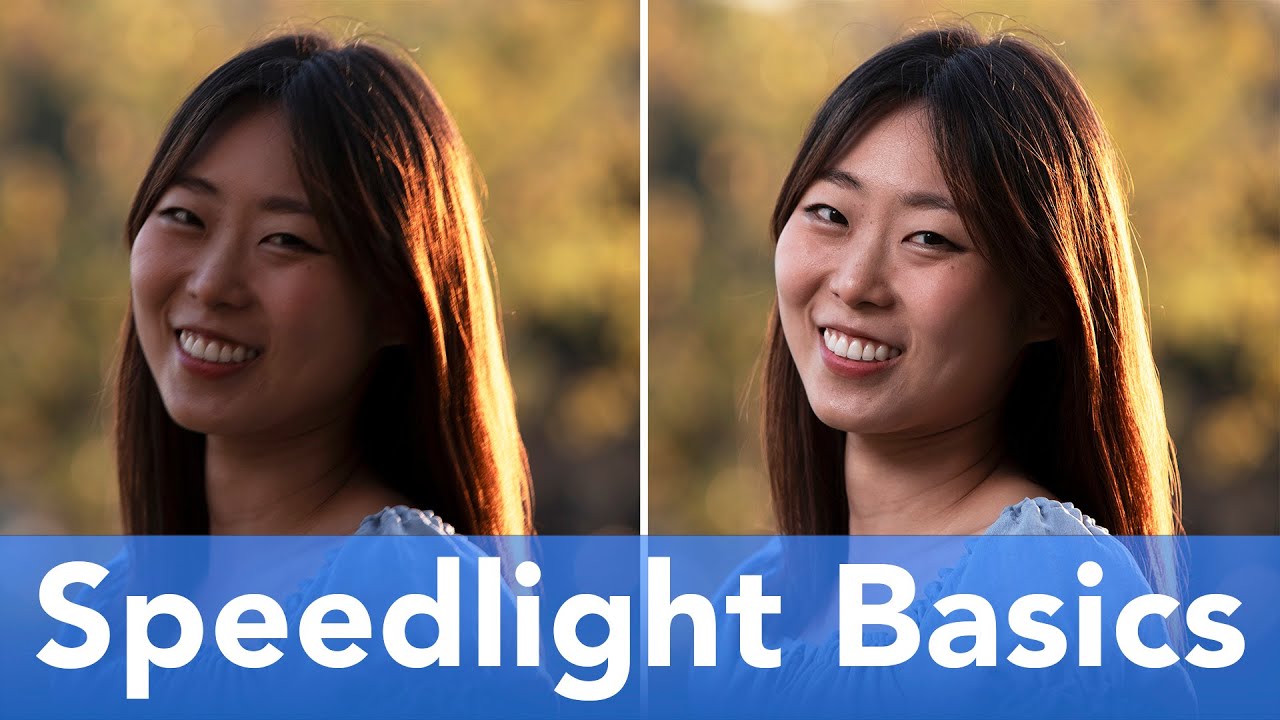
Most of my work happens in a controlled studio environment where I can label every light, sketch the setup in my lighting journal, and predict exactly what I’m going to get before I fire a single frame. But clients don’t always want the studio look, and the moment you move a portrait session outside, a lot of photographers revert to putting the flash back on the camera and hoping for the best. That on-camera position kills the light. It flattens faces, kills dimension, and gives you that flat, muggy event-photography look that nobody is hiring a commercial photographer to produce.
The fix is not complicated, but it does require you to stop thinking of your speedlight as a camera accessory and start treating it like a proper light source. In this The Slanted Lens tutorial with Jay P. Morgan, he walks through the entire process of getting an FJ80SE speedlight off the camera, into a softbox, and dialed in for outdoor portrait work. Watch the full tutorial on YouTube - but read this first if you want the settings to actually make sense before you press play.
Jay has a line in this tutorial that I’ve already stolen for my own vocabulary: if you can touch the light or the light stand, it’s probably in the wrong place. That’s the mindset shift everything else depends on.
Step 1: Understand What a Speedlight Can and Cannot Do Outdoors
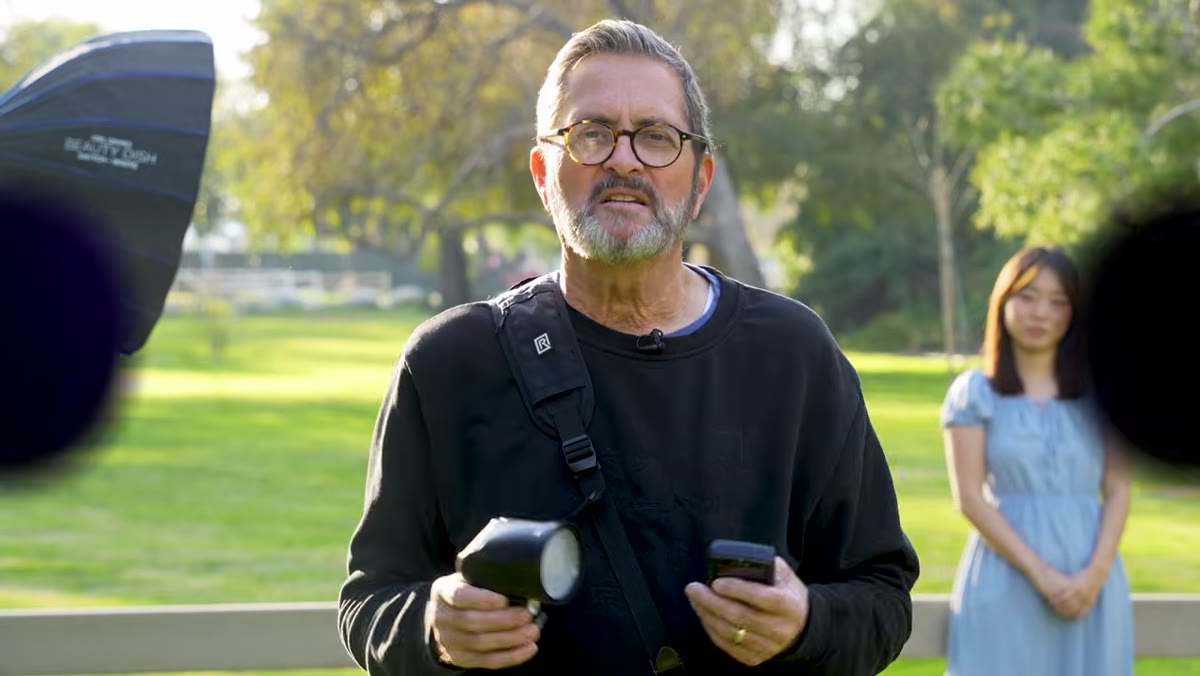 Jay listing speedlight pros and cons to camera
Before you even unpack your gear, you need to calibrate your expectations for the tool. A speedlight running around 80 watt-seconds is not going to overpower bright midday sun the way a 200 or 400 watt-second strobe will. If you’re shooting at noon in full sun and expecting your flash to fill the frame dramatically, you will be disappointed. What a speedlight excels at outdoors is working in open shade, during golden hour, or any situation where the ambient light is already manageable.
Jay listing speedlight pros and cons to camera
Before you even unpack your gear, you need to calibrate your expectations for the tool. A speedlight running around 80 watt-seconds is not going to overpower bright midday sun the way a 200 or 400 watt-second strobe will. If you’re shooting at noon in full sun and expecting your flash to fill the frame dramatically, you will be disappointed. What a speedlight excels at outdoors is working in open shade, during golden hour, or any situation where the ambient light is already manageable.
The advantages are real and worth respecting: most photographers already own one, they’re genuinely affordable (the FJ80SE sits under $200), and you can carry two or three of them in a single bag without noticing the weight. I’ve worked with photographers who have built entire careers on speedlights and never felt limited. Know the ceiling, work within it, and you’ll get consistent results.
Step 2: Set the Flash to Manual Mode
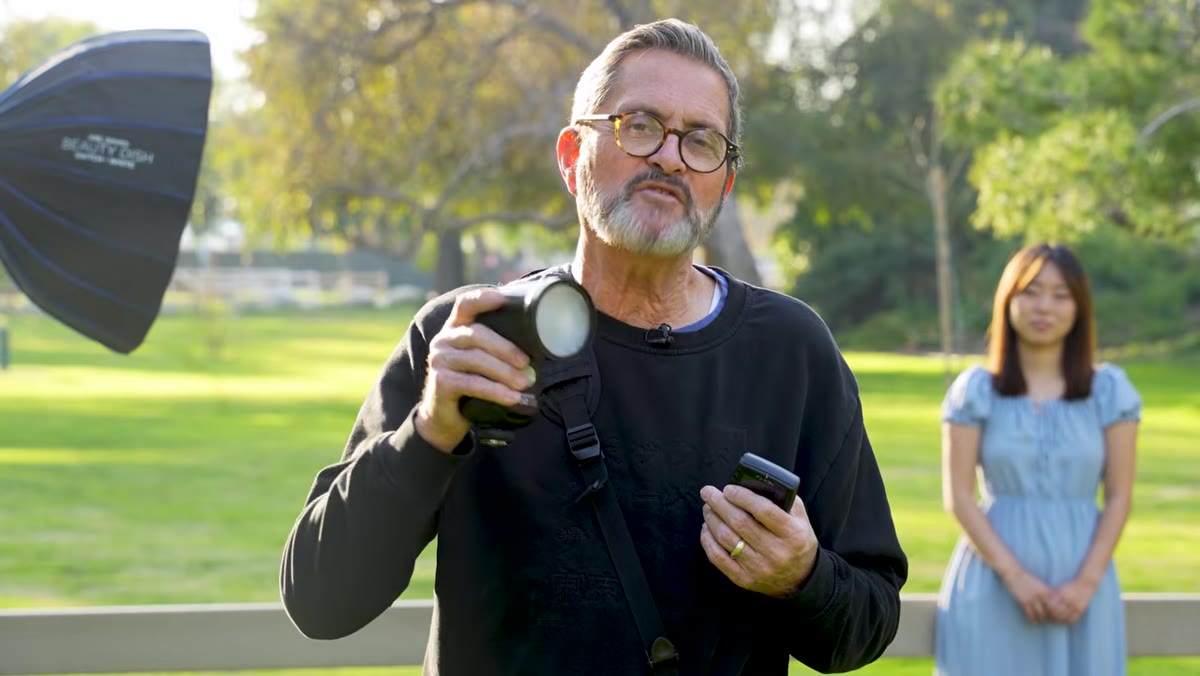 FJ80SE menu showing manual mode selected
TTL sounds convenient, but it is not your friend for controlled outdoor portrait work. TTL is constantly reading the scene and adjusting power, which means your exposure shifts frame to frame depending on how the subject moves, what’s behind them, and how the ambient light changes. Manual mode means you set the power, and it fires at that power every single time. That consistency is what lets you actually craft the light rather than chase it.
FJ80SE menu showing manual mode selected
TTL sounds convenient, but it is not your friend for controlled outdoor portrait work. TTL is constantly reading the scene and adjusting power, which means your exposure shifts frame to frame depending on how the subject moves, what’s behind them, and how the ambient light changes. Manual mode means you set the power, and it fires at that power every single time. That consistency is what lets you actually craft the light rather than chase it.
On the FJ80SE, power the unit on and navigate to manual mode from the main menu. You’ll also want to confirm your sync setting. Stay on first curtain sync for standard outdoor portrait work. High-speed sync is a separate conversation for a different day, and second curtain sync is for motion work. First curtain, manual power. That’s your starting position.
Step 3: Match the Flash and Trigger to the Same Channel
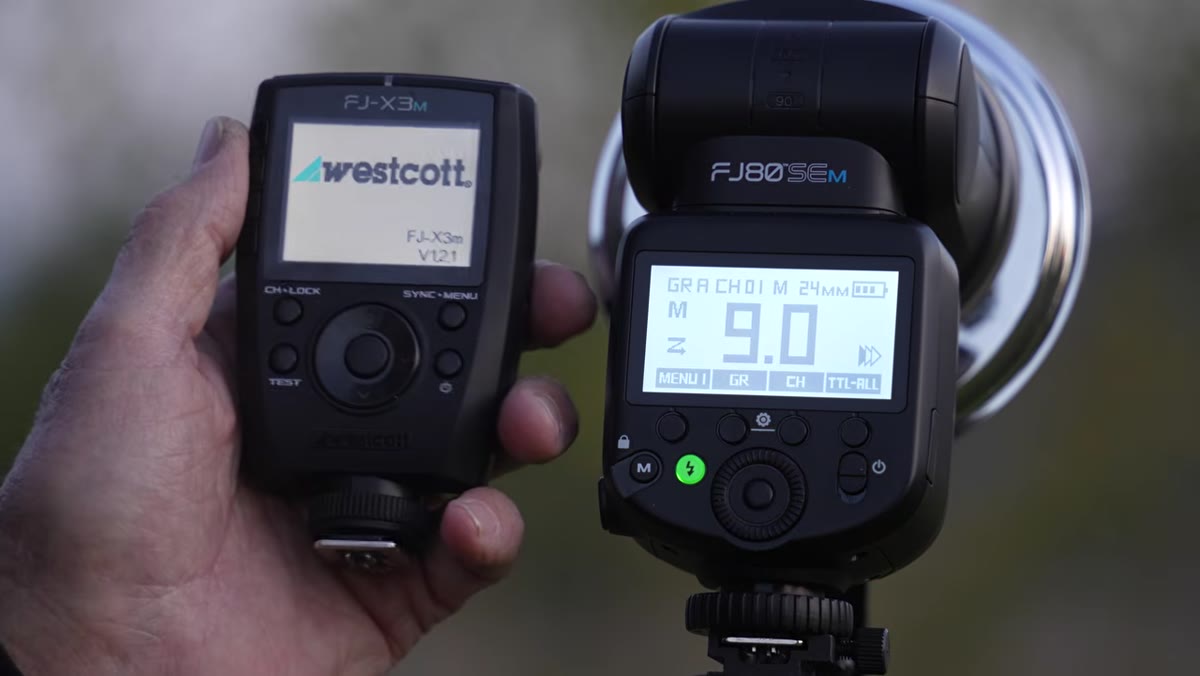 Trigger display showing channel one selected
The trigger is what separates a speedlight sitting on your hot shoe from a legitimate off-camera lighting tool. Without it, you are tethered. With it, you can position the flash anywhere within range and fire it wirelessly from the camera. The critical detail here is channel matching: the flash and the trigger must be set to the same channel, or nothing fires.
Trigger display showing channel one selected
The trigger is what separates a speedlight sitting on your hot shoe from a legitimate off-camera lighting tool. Without it, you are tethered. With it, you can position the flash anywhere within range and fire it wirelessly from the camera. The critical detail here is channel matching: the flash and the trigger must be set to the same channel, or nothing fires.
In the tutorial, Jay sets both the FJ80SE and its corresponding trigger to channel one and confirms that the trigger is also in manual mode, not TTL. This is important. Even if the flash is set to manual, a trigger left in TTL can override your settings. Get both devices into manual, land them on the same channel, and confirm the connection by pressing the test button before you ever point it at a subject.
Step 4: Take Control of Power from the Trigger
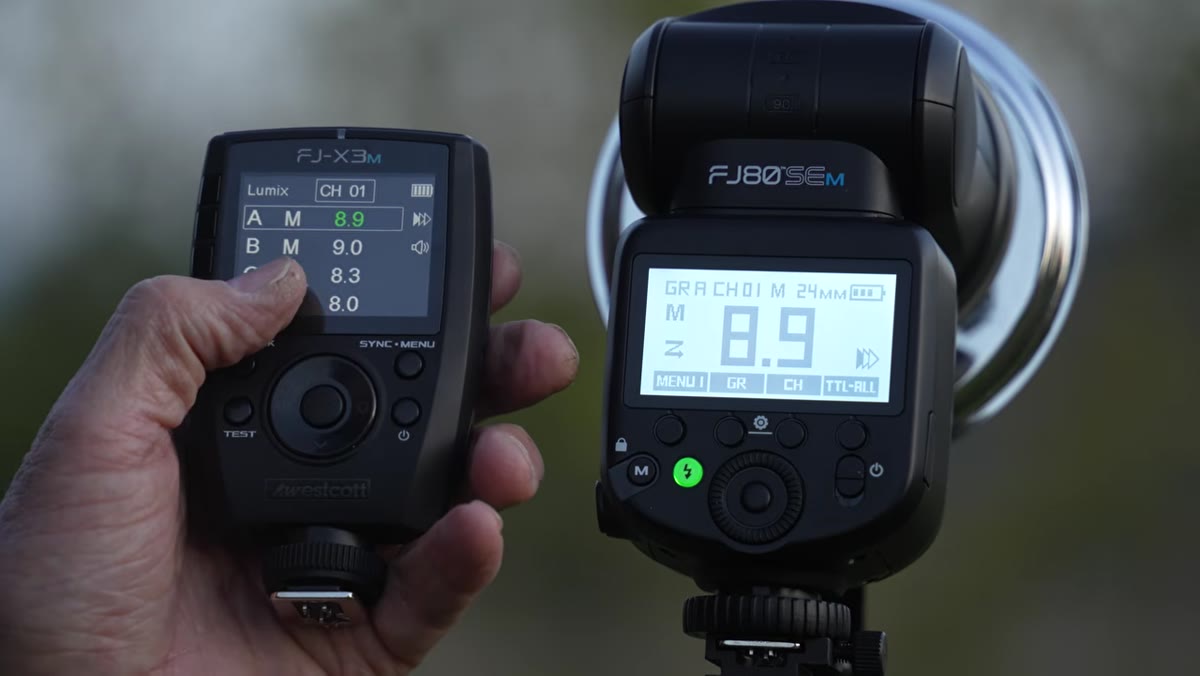
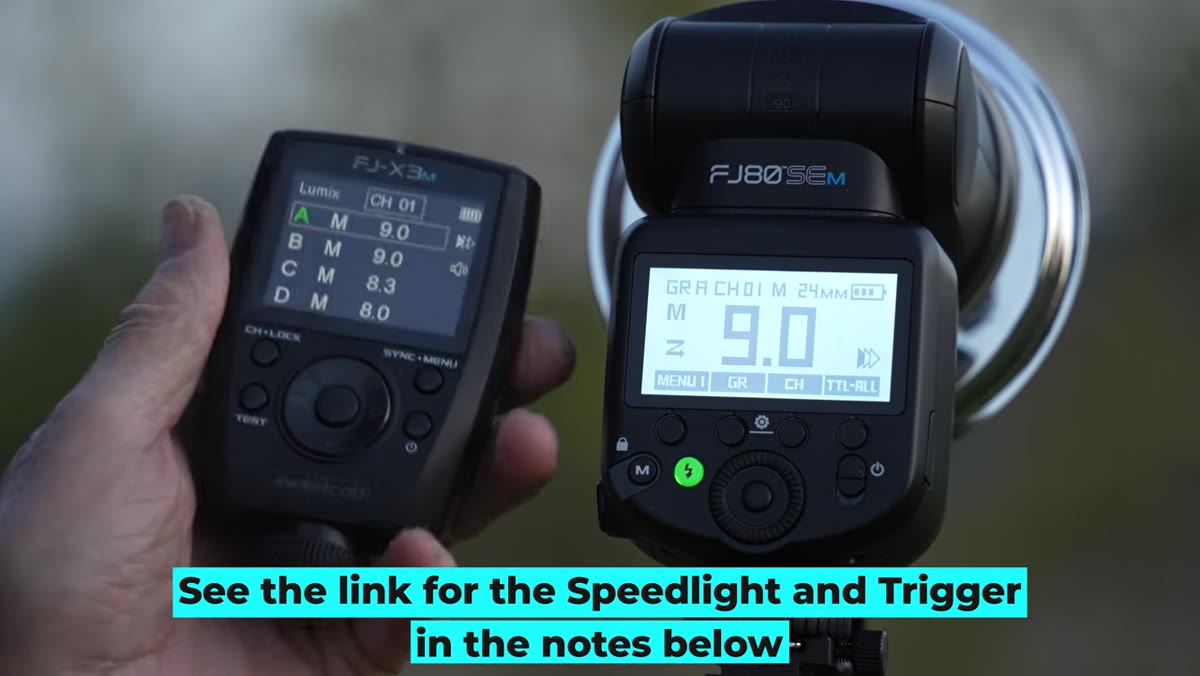 Adjusting flash power up and down via trigger controls
One of the genuine advantages of a well-matched trigger system is that you don’t have to walk back to the flash every time you want to adjust power. From the trigger on the camera, you can scroll power up or down in real time between shots. In the tutorial, Jay demonstrates this by pressing the green button on the trigger and adjusting the output directly from the camera position.
Adjusting flash power up and down via trigger controls
One of the genuine advantages of a well-matched trigger system is that you don’t have to walk back to the flash every time you want to adjust power. From the trigger on the camera, you can scroll power up or down in real time between shots. In the tutorial, Jay demonstrates this by pressing the green button on the trigger and adjusting the output directly from the camera position.
This matters on an actual shoot. Your subject is in position, the light is reading close to where you want it, and you just need a third of a stop more power. Being able to make that adjustment without breaking the flow of the session is a professional-level efficiency. Set your starting point, take a test frame, and fine-tune from the trigger rather than running back and forth to the stand.
Step 5: Plan to Meter or Test - Pick One and Commit
 Jay describing metering vs. test shooting approach
Jay is straightforward about this: you’re either using a light meter to dial in your exposure before you shoot, or you’re shooting a test frame and adjusting based on what you see. Both approaches work. What doesn’t work is guessing and then wondering why the exposure isn’t consistent across the session.
Jay describing metering vs. test shooting approach
Jay is straightforward about this: you’re either using a light meter to dial in your exposure before you shoot, or you’re shooting a test frame and adjusting based on what you see. Both approaches work. What doesn’t work is guessing and then wondering why the exposure isn’t consistent across the session.
My preference is to start with a meter reading, get within a reasonable range, then fine-tune with a test shot on the actual subject. The meter gets me close fast, and the test frame accounts for whatever the meter can’t see, including how the modifier is shaping and scattering the light. Whatever your method, the goal is to match your flash output to your chosen aperture before the real frames start.
From My Own Kit: The Bracket Is Not Optional
I want to add something the tutorial touches on but that photographers consistently underestimate: the bracket that connects the speedlight to the softbox matters as much as any other piece of gear in this setup. A speedlight is not shaped like a monolight. It doesn’t drop into a standard Bowens mount. You need a proper speedlight bracket that positions the flash head at the center of the modifier, or your light distribution will be uneven, hot in one corner, and you’ll spend the whole shoot chasing a problem you never correctly identified.
I test every new modifier the day it arrives, and the first thing I check is that the light source is actually centered in the mount. A few minutes with a tape measure before the shoot saves an entire session of head-scratching.
The single most important takeaway from this tutorial is the simplest one: distance from the camera is what transforms a speedlight from a snapshot tool into a portrait light. Get it off the camera, get it far enough away that you cannot reach it from your shooting position, and put it inside a modifier. Everything else, the channel settings, the manual mode, the power adjustments, is just execution.
Watch the full tutorial on YouTube to see Jay P. Morgan walk through the complete setup with the FJ80SE, including the softbox configuration and bracket assembly that this guide sets up for you.
Comments
Leave a Comment