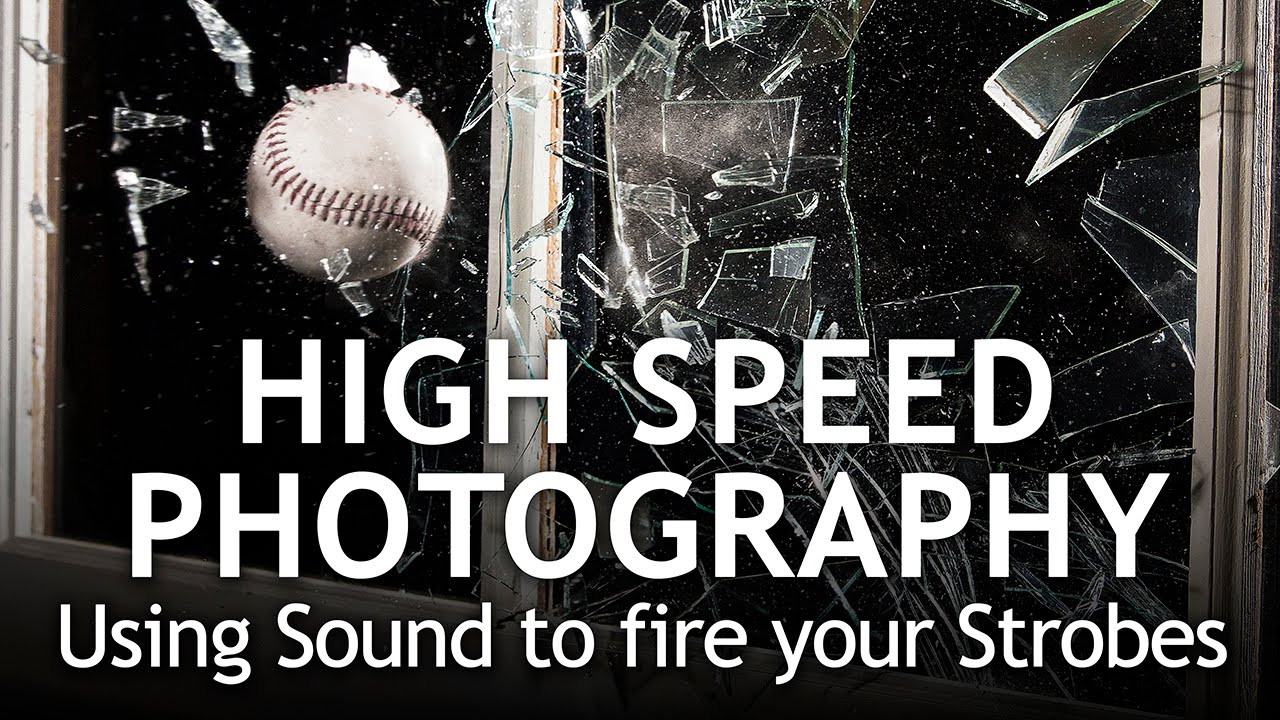
There’s a category of shot that lives outside normal studio workflow. You can’t meter for it the usual way, you can’t chimp between frames, and you definitely can’t rely on your shutter speed to do the heavy lifting. Freezing a baseball punching through a pane of glass falls squarely into that category. The physics aren’t on your side: the glass explodes and the ball exits in a window of time measured in milliseconds. Your reflexes are irrelevant. The only way to capture it is to remove yourself from the equation entirely and let sound do the triggering.
This is exactly what Jay P. Morgan works through in a recent tutorial from his channel, The Slanted Lens. Watch the full tutorial on YouTube. I’ve sketched this setup into my lighting journal because it solves a specific problem I’ve run into on commercial work: clients want kinetic product shots, and the usual trick of a fast shutter speed doesn’t cut it when ambient light is part of the equation. The sound-trigger approach, paired with a completely dark room and strobe burst, is cleaner and more repeatable than anything I’ve tried relying on the camera alone.
Here’s a full walkthrough of the technique, step by step.
Step 1: Understand Why the Camera Can’t Be the Trigger
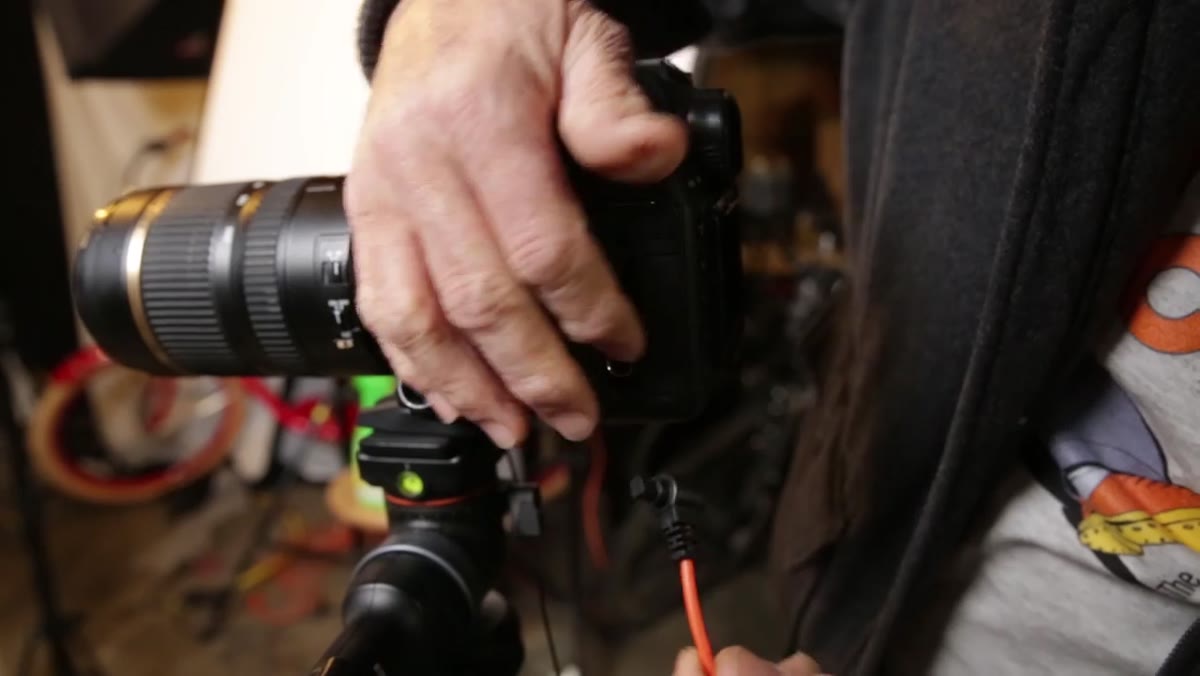 MIOPS trigger connected to camera near a window
Morgan’s first instinct was to plug the MIOPS trigger into the camera body, so that the sound of breaking glass would trip the shutter, and the camera would then fire the strobes via a PocketWizard. Logical in theory. The problem is latency. The signal has to travel through the camera’s shutter mechanism before it ever reaches the strobe, and that loop is too slow to capture the precise moment of impact. The image comes out showing aftermath rather than the event. One additional layer of delay was enough to miss the shot entirely.
MIOPS trigger connected to camera near a window
Morgan’s first instinct was to plug the MIOPS trigger into the camera body, so that the sound of breaking glass would trip the shutter, and the camera would then fire the strobes via a PocketWizard. Logical in theory. The problem is latency. The signal has to travel through the camera’s shutter mechanism before it ever reaches the strobe, and that loop is too slow to capture the precise moment of impact. The image comes out showing aftermath rather than the event. One additional layer of delay was enough to miss the shot entirely.
The fix is to cut the camera out of that chain completely.
Step 2: Plug the PocketWizards Directly into the MIOPS Trigger
 PocketWizard plugged directly into MIOPS trigger unit
Once Morgan moved the MIOPS trigger to the window, near the action, and plugged the PocketWizards directly into it, the trigger could fire the strobes the moment it detected sound, with no camera firmware in the middle. This is the core insight of the entire setup. The strobes freeze the moment. The camera is simply open and waiting to record it.
PocketWizard plugged directly into MIOPS trigger unit
Once Morgan moved the MIOPS trigger to the window, near the action, and plugged the PocketWizards directly into it, the trigger could fire the strobes the moment it detected sound, with no camera firmware in the middle. This is the core insight of the entire setup. The strobes freeze the moment. The camera is simply open and waiting to record it.
If you’re new to this routing, the MIOPS trigger has a sync output that accepts a standard 3.5mm cable. Run that to your PocketWizard, which then fires your strobe heads as it normally would on any wireless setup. Your strobes are now controlled by sound, not by the camera.
Step 3: Set the Camera to Bulb and Open the Shutter Manually
 TC80N3 remote release connected to camera body
With the strobes handled by the trigger, the camera’s only job is to have its shutter open when the flash fires. Morgan sets the camera to Bulb mode and uses a Canon TC80N3 remote release to hold the shutter open in complete darkness. Press the button, shutter opens. Release the button, shutter closes. Because the room is fully blacked out, no ambient light is hitting the sensor during that window. The only exposure comes from the strobe burst.
TC80N3 remote release connected to camera body
With the strobes handled by the trigger, the camera’s only job is to have its shutter open when the flash fires. Morgan sets the camera to Bulb mode and uses a Canon TC80N3 remote release to hold the shutter open in complete darkness. Press the button, shutter opens. Release the button, shutter closes. Because the room is fully blacked out, no ambient light is hitting the sensor during that window. The only exposure comes from the strobe burst.
The camera settings he lands on: f/11, ISO 400, shutter on Bulb. The f/11 gives enough depth of field to keep both the glass and the ball in focus across the plane of action. ISO 400 keeps noise low since the strobes are doing all the work.
Step 4: Configure the MIOPS Trigger Sensitivity
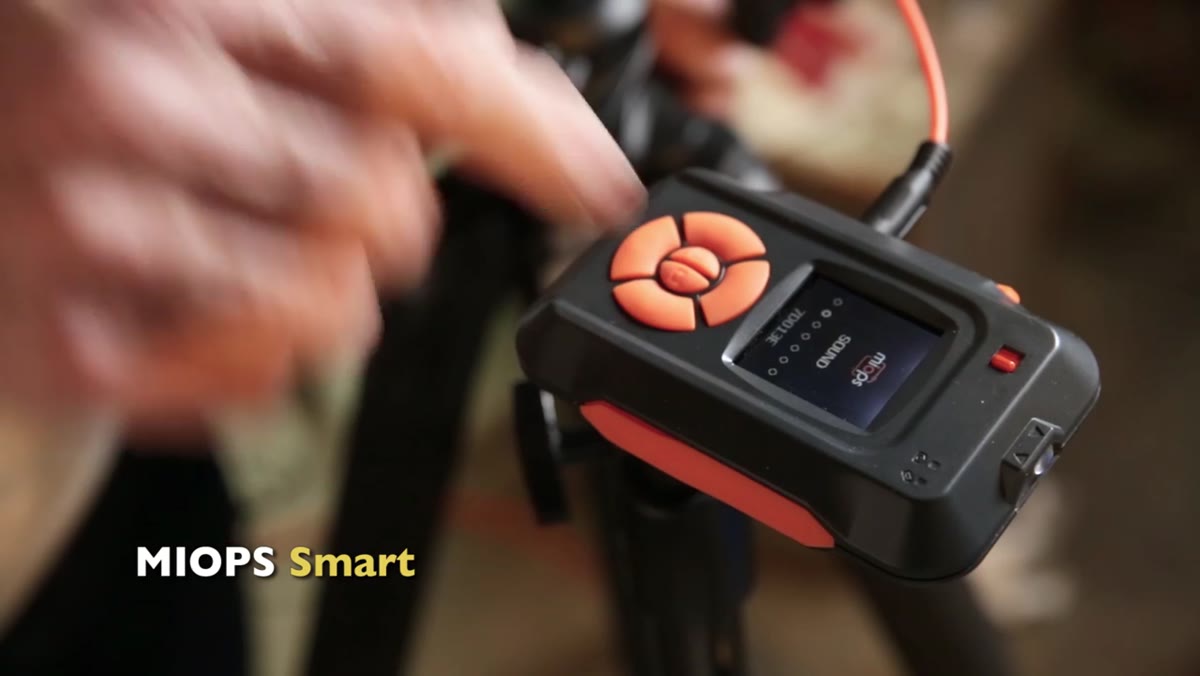 MIOPS trigger screen showing sound sensitivity setting
Sound mode on the MIOPS trigger has a sensitivity slider that runs from zero to 99. Morgan starts at 99, which is essentially maximum sensitivity, and finds it fires from any ambient noise in the room: footsteps, a cough, a door. Unusable on a working set. He walks the sensitivity down to 86, which becomes the sweet spot for this shoot. At 86, normal movement and ambient studio noise don’t trip the trigger, but the sharp crack of a ball hitting glass sets it off reliably every time.
MIOPS trigger screen showing sound sensitivity setting
Sound mode on the MIOPS trigger has a sensitivity slider that runs from zero to 99. Morgan starts at 99, which is essentially maximum sensitivity, and finds it fires from any ambient noise in the room: footsteps, a cough, a door. Unusable on a working set. He walks the sensitivity down to 86, which becomes the sweet spot for this shoot. At 86, normal movement and ambient studio noise don’t trip the trigger, but the sharp crack of a ball hitting glass sets it off reliably every time.
This number will vary depending on your studio environment. If you’re shooting in a quiet space, you may need to sit lower. If you’re near street noise or HVAC, you might have to go higher and rely on the directional placement of the trigger to discriminate the sound source. Test before you break anything expensive.
Step 5: Dial In the Delay to Control What You Capture
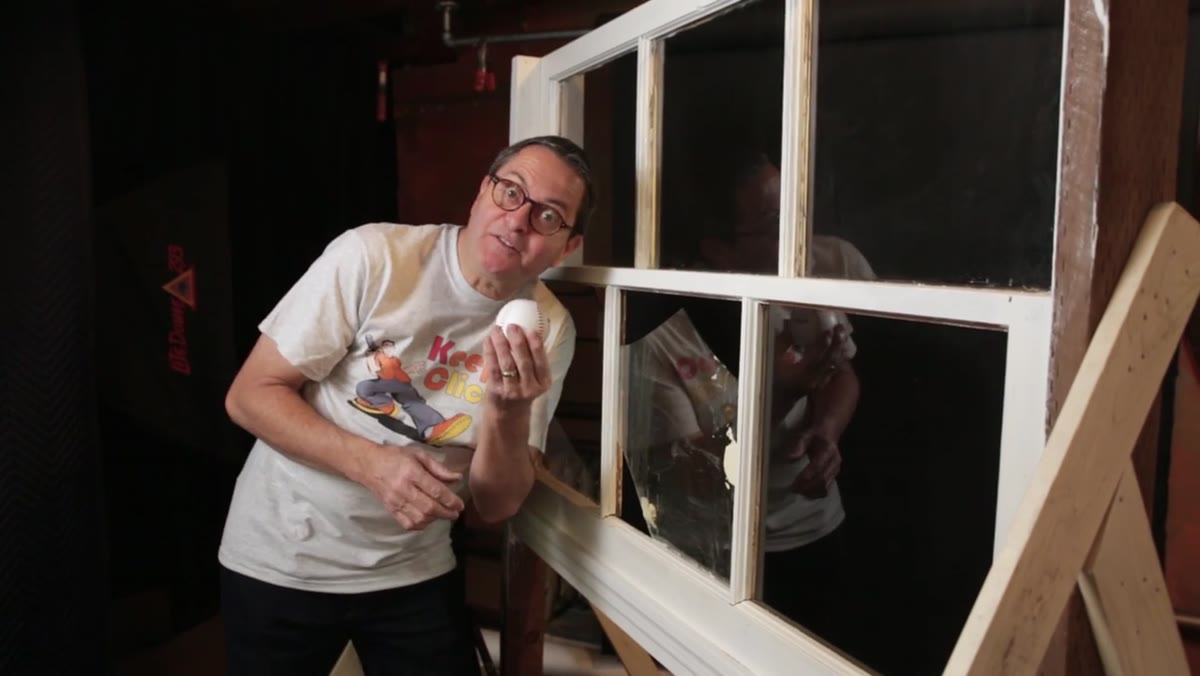 MIOPS app or screen showing delay value adjustment
Physics adds an unavoidable baseline delay: roughly three milliseconds for every meter the trigger sits from the breaking point. At two and a half to three feet away, the rig already has about three milliseconds baked in before any additional delay is added. Morgan uses this as his zero point and then increments from there.
MIOPS app or screen showing delay value adjustment
Physics adds an unavoidable baseline delay: roughly three milliseconds for every meter the trigger sits from the breaking point. At two and a half to three feet away, the rig already has about three milliseconds baked in before any additional delay is added. Morgan uses this as his zero point and then increments from there.
He tests at zero, five, ten, twenty, forty, and eighty milliseconds of added delay. Shorter delays capture the ball still partially in the glass. Longer delays show it further through and past the frame. None of these is objectively “correct.” The right delay depends on what the shot needs to say. For this shoot, he’s chasing the ball mid-exit, which puts him somewhere in the five-to-twenty millisecond range depending on throw velocity.
Step 6: Build the Lighting for Drama, Not Just Exposure
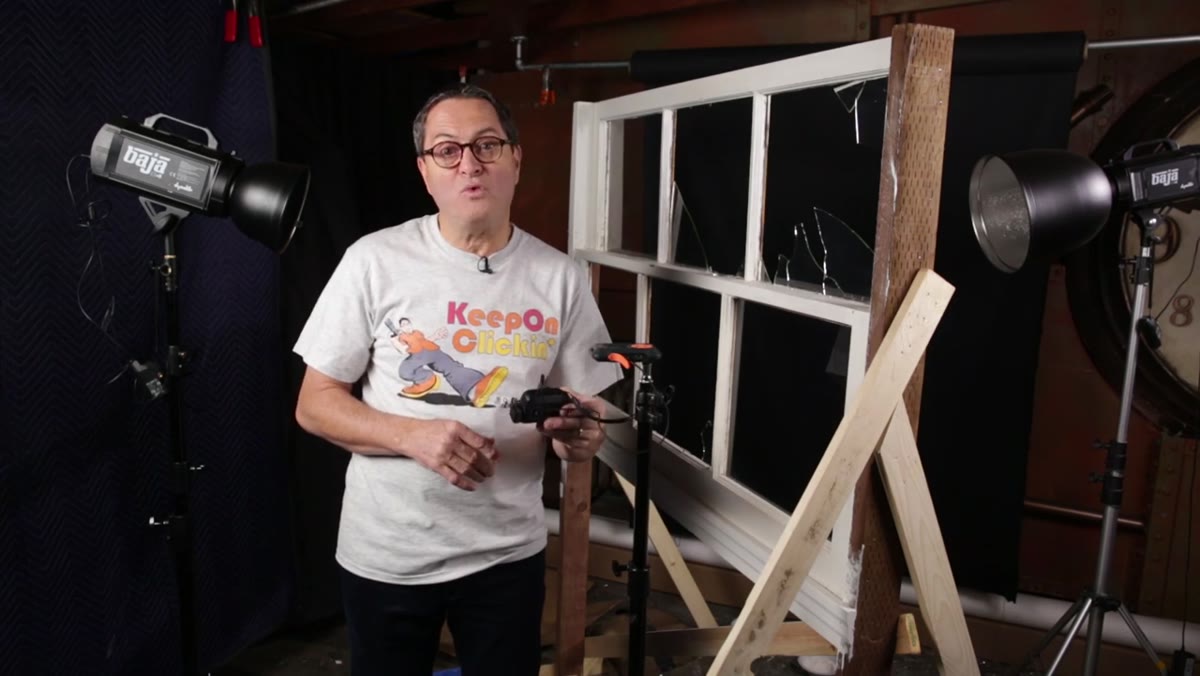
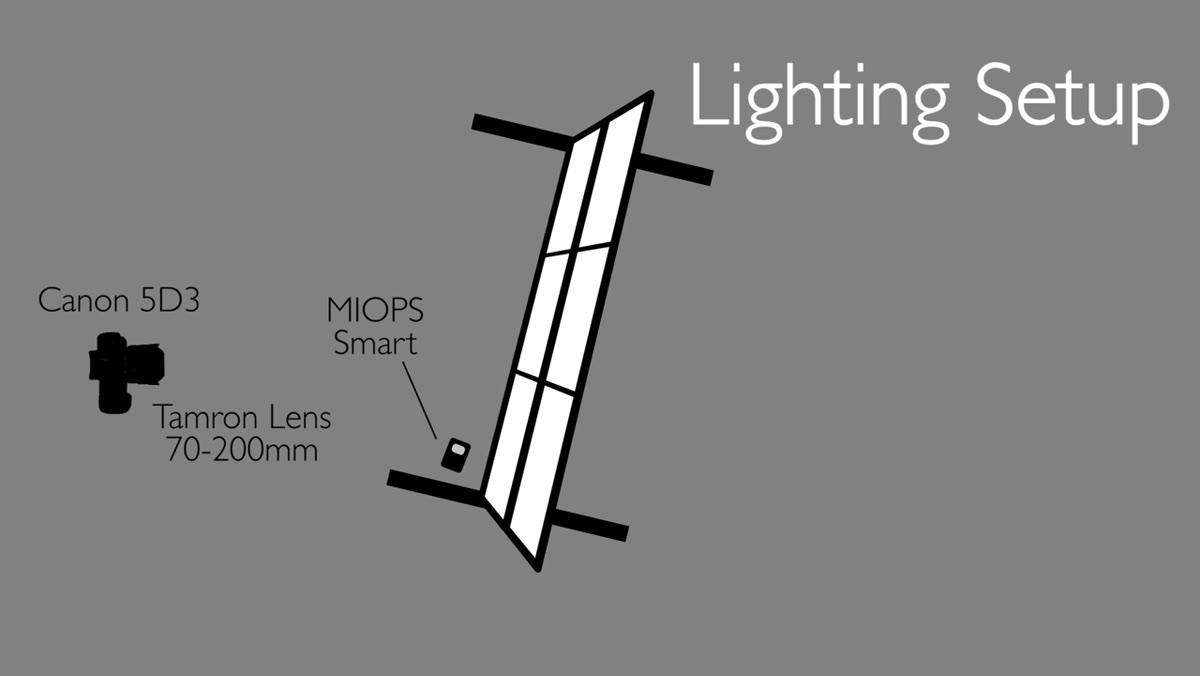 Lighting setup with Baja B4 positioned behind the glass
Morgan’s lighting is worth spending time on because it’s doing more than just illuminating the scene. The primary light is a Baja B4 positioned behind the glass, pointing toward camera. This backlit position means the light rakes through the shards and debris as the ball exits, creating that explosive, glowing quality you see in the best high-speed shots. He mounts it with an RNR-285 narrow-degree reflector to keep the beam controlled and concentrated on the glass plane rather than spilling across the whole studio.
Lighting setup with Baja B4 positioned behind the glass
Morgan’s lighting is worth spending time on because it’s doing more than just illuminating the scene. The primary light is a Baja B4 positioned behind the glass, pointing toward camera. This backlit position means the light rakes through the shards and debris as the ball exits, creating that explosive, glowing quality you see in the best high-speed shots. He mounts it with an RNR-285 narrow-degree reflector to keep the beam controlled and concentrated on the glass plane rather than spilling across the whole studio.
A second Baja B4, positioned in front with a grid, acts as fill. The grid keeps it from flooding the scene and instead directs the light onto the ball’s path through the glass. The result is a layered exposure: the backlight creates drama and glow, the front fill preserves detail. Everything else in the frame stays dark by design.
One Caveat From My Own Experience
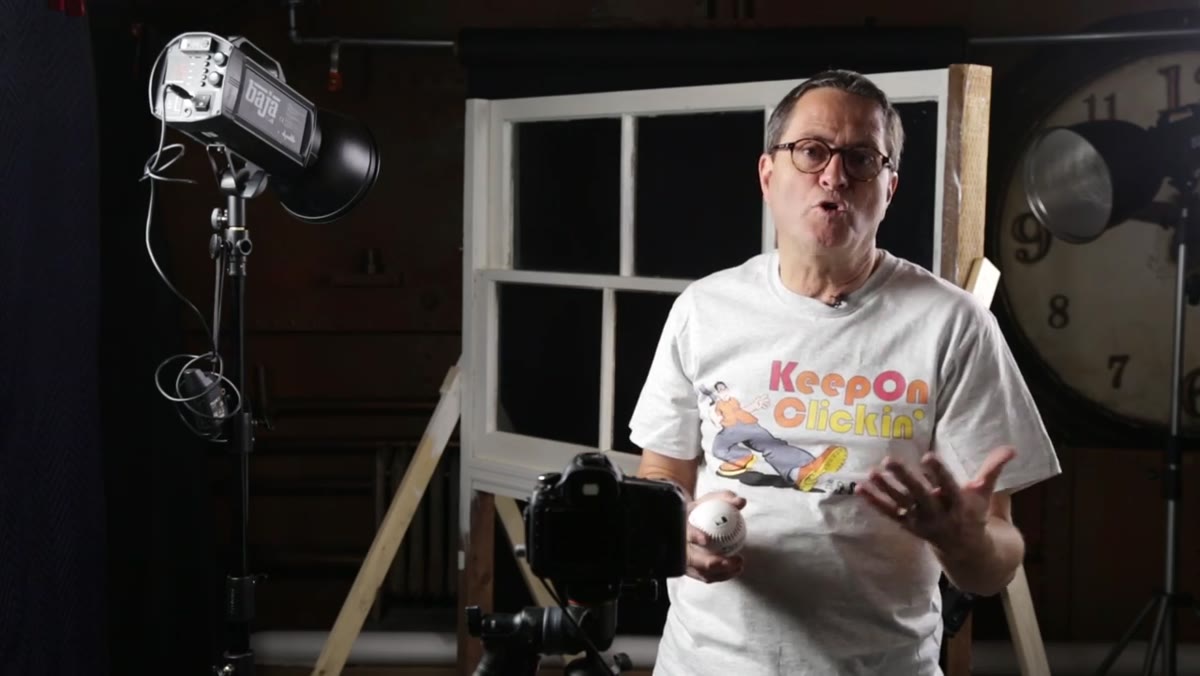
The variable Morgan is honest about, and one I’d underline even harder, is the human element. He’s throwing the ball by hand, which means arm strength and release point vary from throw to throw. The trigger is consistent. The throw is not. In my work, when I’ve done similar kinetic setups, I try to build a mechanical release for the projectile whenever possible, even something as low-tech as a rubber-banded sling, so the velocity stays constant and the delay setting becomes a reliable creative tool rather than a guess.
Also: build your lighting diagram before anything breaks. I have masking tape labels on every light in my studio for exactly this reason. When glass is flying and you’re resetting between takes, you need to be able to restore the setup without thinking. Know where everything lives before the chaos starts.
The single most important thing this tutorial taught me is that strobe-triggered high-speed photography is fundamentally about removing latency from every link in the chain. The camera is not the fastest device in your kit. The strobe is. Route your signal to go directly to the light, keep the room dark, and let the physics of the flash duration do what your shutter speed never could.
Watch the full tutorial on YouTube to see the actual results and the behind-the-scenes breakdown from Jay P. Morgan. The finished frames speak for themselves.
Comments (1)
Shared this with my photography group. Everyone loved it.
Leave a Comment