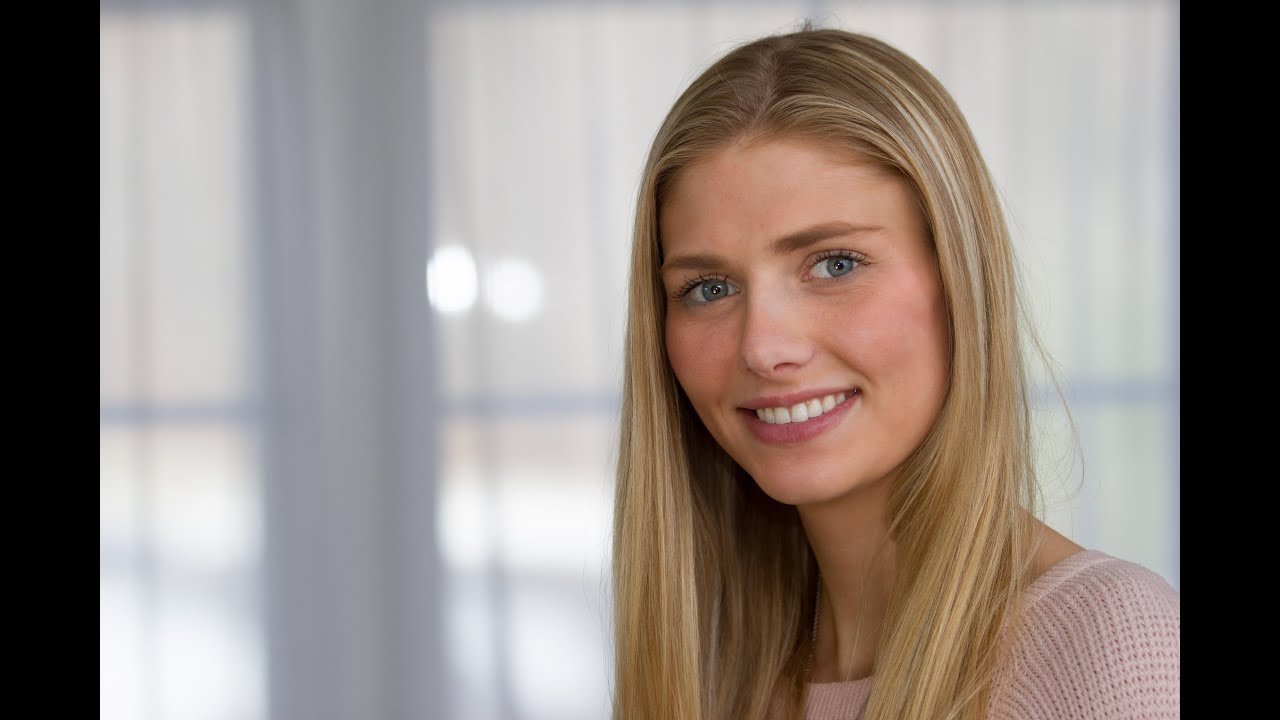
Most of my studio work happens under controlled conditions, with lights I’ve labeled with masking tape, positions I’ve mapped in my lighting app, and modifiers I’ve tested before any client walks through the door. But I don’t always get to shoot in my studio. Editorial work takes me into offices, event halls, hotel rooms, and warehouses, and every one of those spaces has its own agenda when it comes to light. Sunlight pouring through a low window bounces off a hardwood floor and throws that horror-movie under-lighting onto a subject’s face. Fluorescent overheads flatten everything. The room is never neutral.
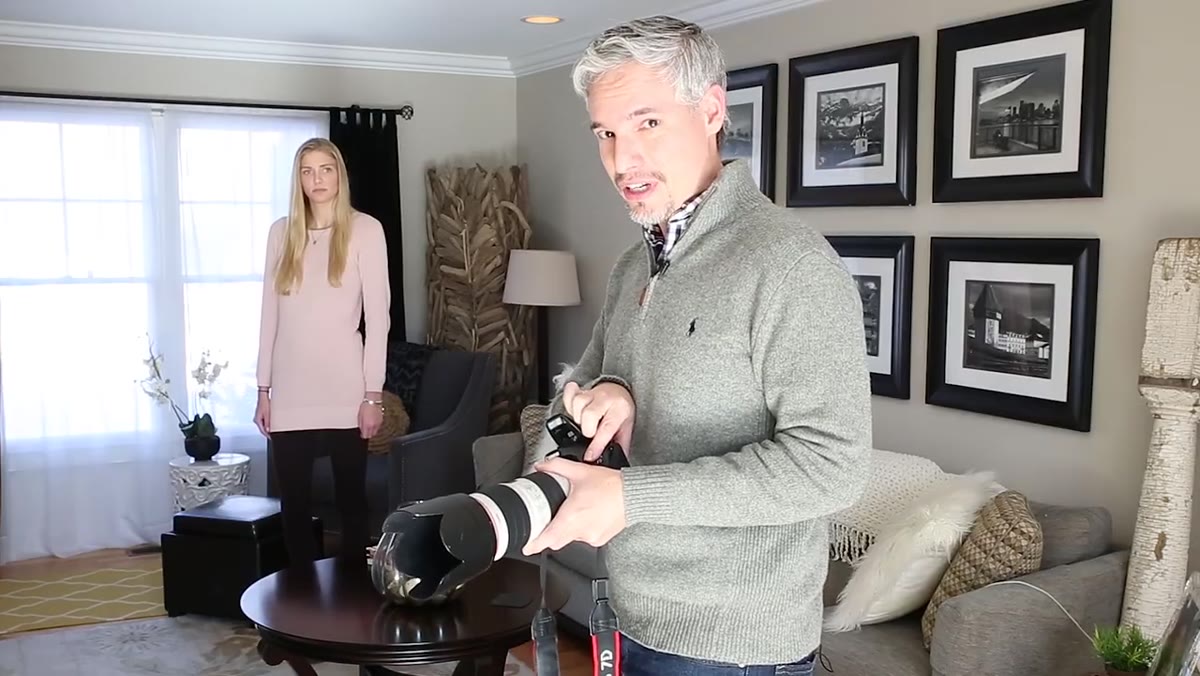
Bounce flash is one of the fastest ways to take control of a bad room. It doesn’t require a light stand or a trigger system. It fits in your jacket pocket. And when it’s done right, it looks nothing like flash at all. In this Tony & Chelsea Northrup tutorial on bounce flash, Tony walks through the exact progression I’d recommend to anyone learning this technique: start with the problem, add the wrong fix, then work toward the right one. It’s a well-structured breakdown, and I want to expand on it with some things I’ve picked up shooting on location for fashion and beauty clients.
Step 1: Diagnose the Existing Light Before You Touch Your Flash
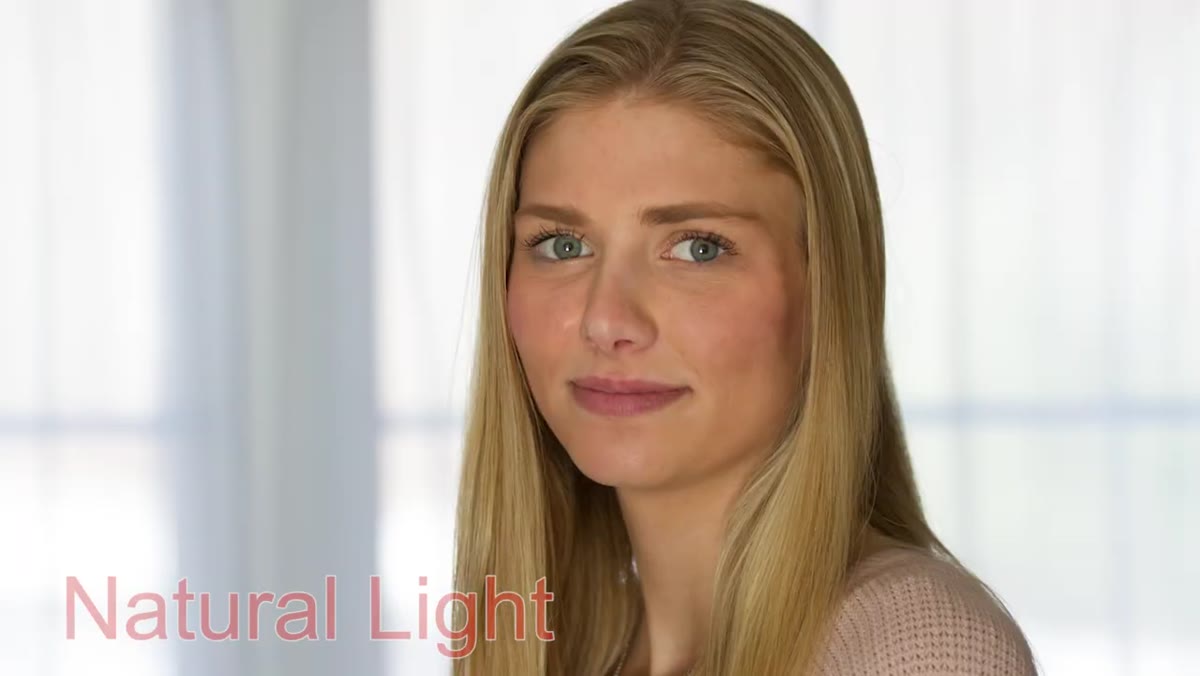 Natural light portrait showing unflattering under-lighting on subject’s face
Before you fire a single test shot, look at where your light is coming from. Tony’s opening example shows exactly what happens when you don’t: the floor behind him is catching sunlight and bouncing it upward onto his subject’s face. The result is shadows that climb the wrong direction, up the nose and under the brows. This is the kind of light that reads as threatening on screen and simply unflattering in a portrait.
Natural light portrait showing unflattering under-lighting on subject’s face
Before you fire a single test shot, look at where your light is coming from. Tony’s opening example shows exactly what happens when you don’t: the floor behind him is catching sunlight and bouncing it upward onto his subject’s face. The result is shadows that climb the wrong direction, up the nose and under the brows. This is the kind of light that reads as threatening on screen and simply unflattering in a portrait.
Walk around your subject. Look at where the shadows fall. If they’re coming from below or from an angle that carves the face in a way you wouldn’t choose, you need to add a dominant light source that overrides what the room is doing. That’s your goal. Bounce flash isn’t just supplemental fill, it can become the primary light if you use it correctly.
Step 2: Understand Why Direct On-Camera Flash Makes It Worse
 On-camera flash result showing harsh specular highlights and chin shadow
The reflex move for most photographers new to flash is to flip up the built-in unit and fire away. Tony tries this deliberately, and the result is instructive. Direct on-camera flash adds two obvious problems: harsh specular highlights across the face and a hard, dark shadow that falls directly under the chin and nose. The light source is small and it’s positioned right at lens level, so the shadows have nowhere to go except straight back and downward.
On-camera flash result showing harsh specular highlights and chin shadow
The reflex move for most photographers new to flash is to flip up the built-in unit and fire away. Tony tries this deliberately, and the result is instructive. Direct on-camera flash adds two obvious problems: harsh specular highlights across the face and a hard, dark shadow that falls directly under the chin and nose. The light source is small and it’s positioned right at lens level, so the shadows have nowhere to go except straight back and downward.
The physics here matter. A small light source close to the subject produces hard, high-contrast light. The built-in flash is about as small as a light source gets. No amount of power adjustment fixes that problem. You have to change the size or the position of the source, and ideally both.
Step 3: Mount an External Speedlight and Compare the Difference
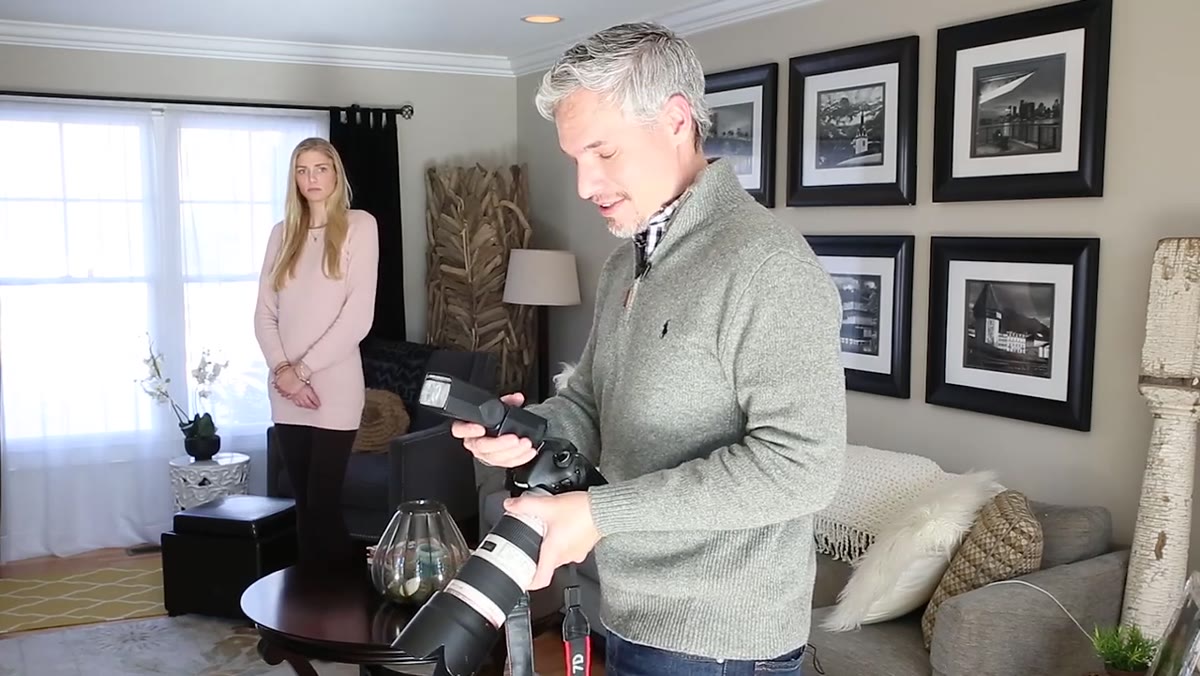 External speedlight mounted on hot shoe, flash pointed forward
Attaching an external flash to your hot shoe improves the situation immediately, even before you change the angle. The head sits a few inches higher than the lens, which shifts the shadow downward and slightly behind the subject rather than straight under the chin. It’s a modest improvement, but Tony’s comparison shots make it visible.
External speedlight mounted on hot shoe, flash pointed forward
Attaching an external flash to your hot shoe improves the situation immediately, even before you change the angle. The head sits a few inches higher than the lens, which shifts the shadow downward and slightly behind the subject rather than straight under the chin. It’s a modest improvement, but Tony’s comparison shots make it visible.
Run your external flash in TTL mode (fully automatic) for this first test. You want to isolate the variable of position, not get into manual exposure adjustments yet. What you’re looking for is whether the shadow under the chin softens, and whether the catchlights in your subject’s eyes shift upward. Both are signs you’re moving in the right direction.
Step 4: Tilt the Flash Head Up and Use the Ceiling as Your Light Source
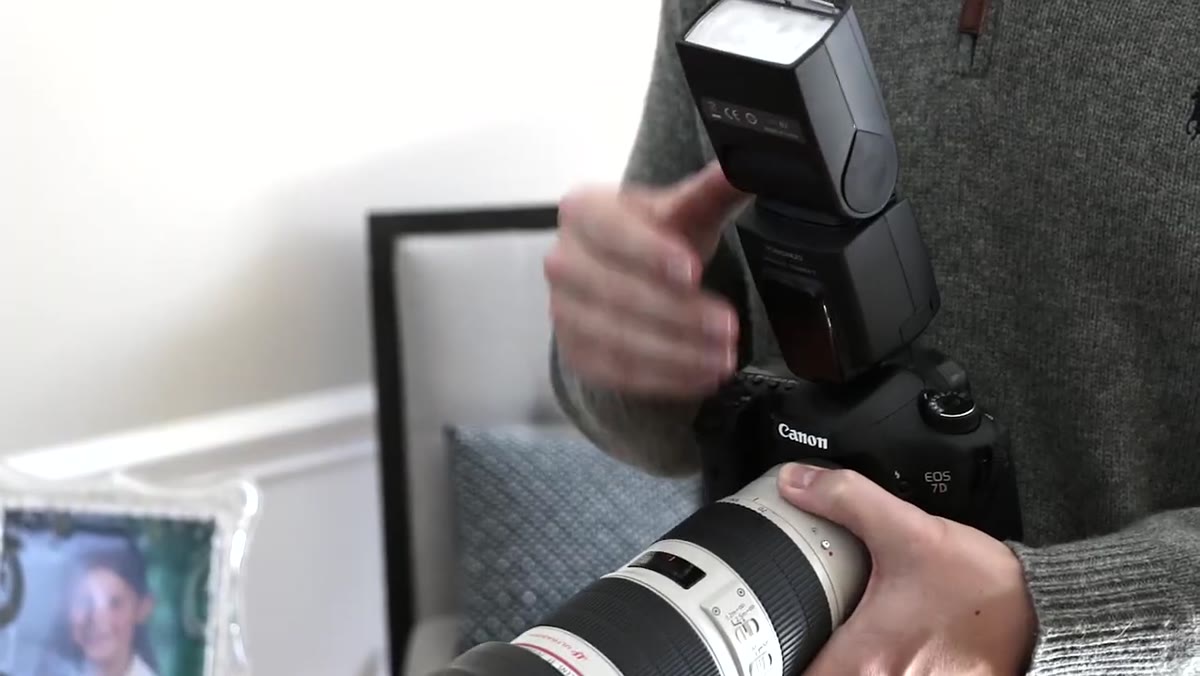 Flash head tilted upward, bouncing light off ceiling
This is where the technique actually begins. Rotate the flash head straight up, so it’s firing at the ceiling rather than at your subject. The ceiling becomes a large, soft reflective surface, and that surface becomes your effective light source. The larger the light source relative to your subject, the softer the shadows. A standard eight-foot ceiling bouncing a speedlight covers a surface area that no portable modifier can match.
Flash head tilted upward, bouncing light off ceiling
This is where the technique actually begins. Rotate the flash head straight up, so it’s firing at the ceiling rather than at your subject. The ceiling becomes a large, soft reflective surface, and that surface becomes your effective light source. The larger the light source relative to your subject, the softer the shadows. A standard eight-foot ceiling bouncing a speedlight covers a surface area that no portable modifier can match.
The shadow under the chin in Tony’s comparison nearly disappears. The light wraps around the face more naturally. The catchlight moves to a twelve o’clock position in the eyes, which reads as outdoor or window light to most viewers. One practical note: this only works well with white or near-white ceilings. I once walked into a shoot at a co-working space with exposed dark wood beam ceilings and had to rethink the whole approach on the spot.
Step 5: Pull Out the Bounce Card to Add Front Fill
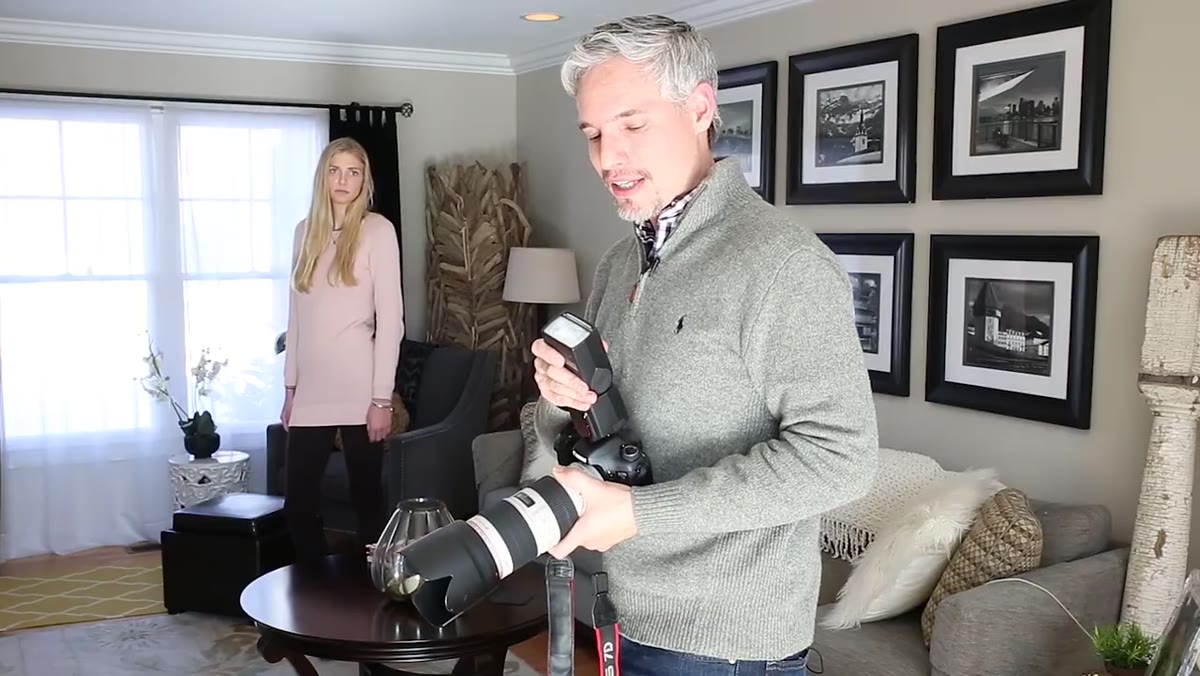 White bounce card extended from flash head, diffuser panel flipped out
Most mid-range speedlights include a small white card that pulls out from the flash head. When the head is tilted up to bounce off the ceiling, this card catches a fraction of the light and redirects it straight forward toward the subject. The result is a two-part lighting effect: soft top light from the ceiling plus a gentle front fill from the card. The shadows under the brows and nose fill in without losing the sense of dimension.
White bounce card extended from flash head, diffuser panel flipped out
Most mid-range speedlights include a small white card that pulls out from the flash head. When the head is tilted up to bounce off the ceiling, this card catches a fraction of the light and redirects it straight forward toward the subject. The result is a two-part lighting effect: soft top light from the ceiling plus a gentle front fill from the card. The shadows under the brows and nose fill in without losing the sense of dimension.
This is a small change with a visible payoff. Look at the catchlights in your subject’s eyes before and after. With the card deployed, you’ll see a second, smaller catchlight appear below the main one. That’s the fill doing its job. Whether you like that look is a matter of taste, but it’s worth knowing the card is there and understanding what it does.
Step 6: Experiment with Side-Bouncing for Directional Light
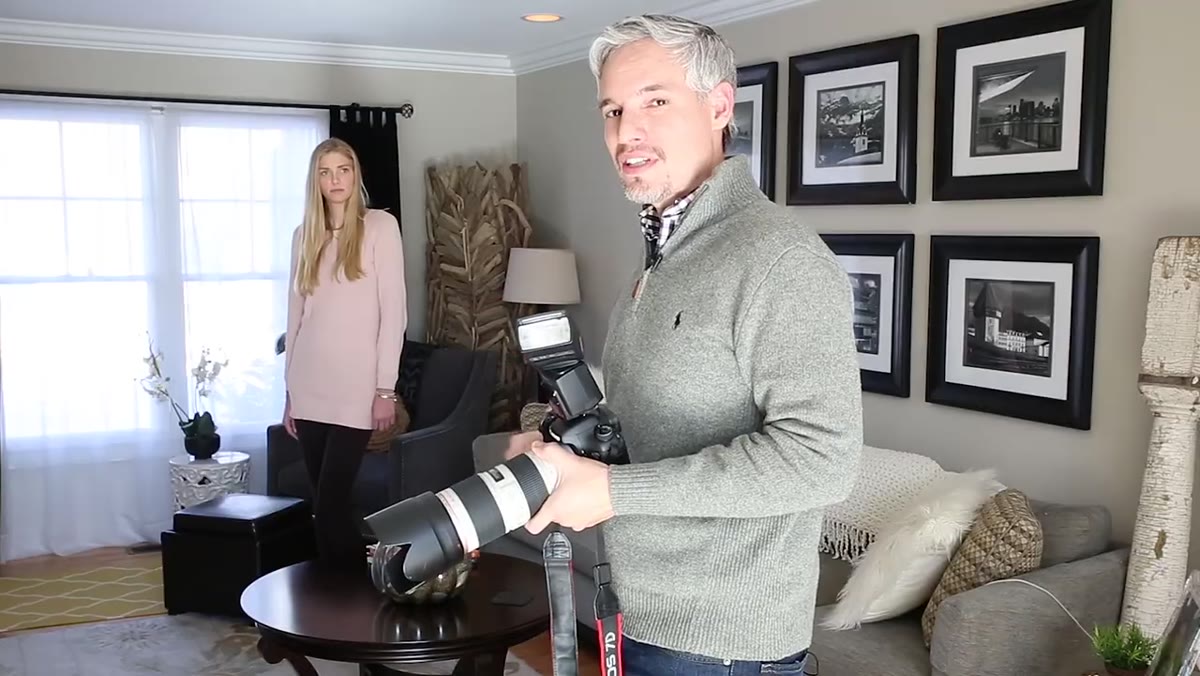 Flash head rotated to the side, bouncing off a side wall
Straight-up ceiling bounce produces light that’s even and soft but also fairly flat. If you want more shape on the face, try rotating the flash head to the left or right and bouncing off a wall instead of, or in addition to, the ceiling. Tony demonstrates both left and right wall bounces and shows that each produces a different result depending on room geometry.
Flash head rotated to the side, bouncing off a side wall
Straight-up ceiling bounce produces light that’s even and soft but also fairly flat. If you want more shape on the face, try rotating the flash head to the left or right and bouncing off a wall instead of, or in addition to, the ceiling. Tony demonstrates both left and right wall bounces and shows that each produces a different result depending on room geometry.
The key variable here isn’t just the angle, it’s the distance and color of the surface you’re bouncing from. A close white wall gives you a big, soft, directional source. A distant gray wall gives you something dimmer and less defined. Colored walls will cast a color onto your subject’s skin, and that can be difficult to correct in post without affecting the rest of the image. I always scan the walls for color before I commit to a side bounce.
What I’d Add from My Own Location Work
Bounce flash rewards preparation, and the single habit that’s helped me most is scouting the ceiling and walls before the subject arrives. When I’m shooting a beauty editorial on location, I’ll arrive early, fire a few test shots at a stand-in, and record what worked in my lighting journal. Even a quick sketch of the room layout with a note on ceiling height and color saves time when the clock is running.
One more thing Tony doesn’t cover here but that I’d flag: bounce flash loses power fast in large spaces or with high ceilings. If you’re in a room with twelve-foot or higher ceilings, your flash may not have enough output to bounce effectively, and you’ll get underexposed, muddy results. In those cases, I’ll drop to manual flash power, open up the aperture one stop, and see if I can still get a clean exposure. If not, it’s time to pull out a reflector or rethink the setup entirely.
The core lesson from Tony’s tutorial is one I’d stake a lot of professional advice on: the ceiling is free. You already have it. You don’t need to carry anything extra. Bouncing your flash off that surface turns a harsh, pocket-sized strobe into something that reads like soft natural light, and that difference shows up in every portrait you take in a difficult room.
Watch the full tutorial on YouTube to see Tony’s side-by-side comparisons, which make the differences between each step immediately obvious.
Comments
Leave a Comment