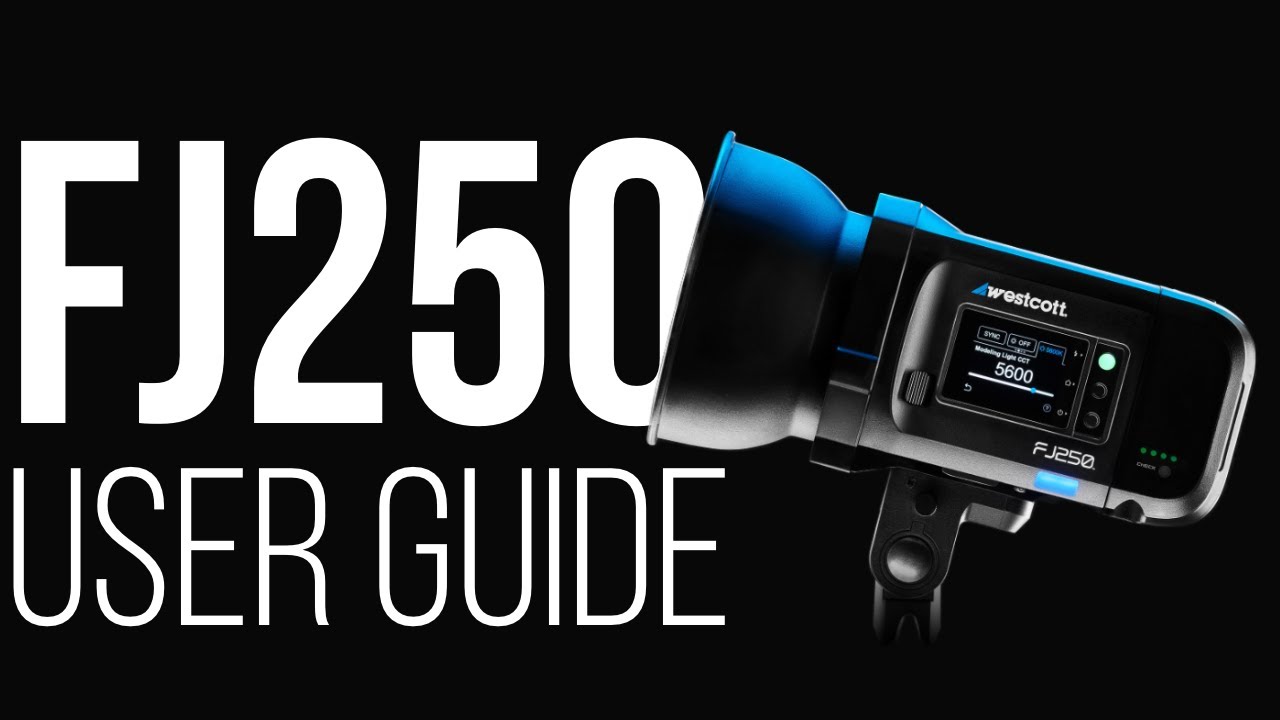
When I first started working with compact strobes, I made every rookie mistake in the book. I’d run out of battery power mid-shoot, misconfigure my power settings, and waste precious time troubleshooting instead of capturing images. After years of studio and location work, I’ve learned that understanding your gear’s fundamentals—especially power management—is non-negotiable. In this excellent tutorial, Joel Grimes walks through the FJ250 strobe setup with the precision I’ve come to expect from Westcott’s educational content. Let me break down what he covers and add some hard-won insights from my own experience.
Understanding the FJ250’s Core Advantage: Compact Power with Enterprise-Level Battery Life
The FJ250 sits in a sweet spot in the strobe market. It’s a 250-watt-second unit—substantial enough for serious work, yet small enough to pack into a location kit without feeling like you’re hauling a professional studio. What separates it from competitors is the battery technology.
You’re looking at 850+ full-power flashes per single charge. That’s not marketing speak—that’s real-world utility. When you’re shooting a portrait session that runs three hours, you’re not scrambling to find an outlet or swapping batteries every hour. This matters more than you’d think, especially for location work where your power sources are unpredictable.
Battery and Power: The Foundation of Your Shoot
Joel walks through the battery system with methodical clarity, and I want to emphasize why this section matters so much. Your battery isn’t just an accessory—it’s the backbone of your entire lighting system.
The FJ250 uses interchangeable AC/DC batteries that also work with the FJ400 II and FJ800. This is intentional design. If you’re building a three-light kit (which I recommend for serious studio work), you can use the same battery ecosystem across all three units. That means one charging protocol, one set of spares, and one less variable to manage when you’re setting up.
Here’s my practical take: always charge your batteries the night before a shoot, not the morning of. Even with 850+ flashes available, I’ve had clients request extra setup shots, test lighting changes mid-session, or extend the shoot window. You want maximum capacity from the moment you arrive.
Powering Your Strobe: AC vs. DC Considerations
The dual AC/DC capability here is worth understanding deeply because it changes how you approach different shooting scenarios.
For studio work, AC power is your default. It’s unlimited. Plug into your wall, and you’re running indefinitely. There’s no battery drain, no “how many flashes do I have left” anxiety. The FJ250 recycles quickly on AC power—among the fastest in its class—so you maintain shooting rhythm without interruption. When I’m doing a full-day studio session with multiple clients, AC power is non-negotiable.
For location work, DC (battery) power becomes your primary system. This is where that 850-flash rating shines. Joel emphasizes seamless switching between power modes, and I’ve found this to be genuinely useful. You might start a shoot at a client’s office using a location battery, then move to the studio mid-afternoon where you can switch to AC. No reconfiguration needed.
One insight I wish I’d understood earlier: the recycle time on battery power is slightly longer than on AC. It’s still fast—among the best in the category—but if you’re pushing the strobe hard on location, you’ll notice a marginally longer wait between flashes at higher power levels. Budget for this when planning your shooting rhythm.
The Touchscreen Interface: Where Modern Design Meets Practical Control
The full-color OLED touchscreen isn’t just aesthetic. It’s a legitimate productivity feature. You can adjust power, review settings, and troubleshoot without fumbling through button hierarchies. For accent lighting, rim lighting, hair light, and background light work—the precise applications Joel highlights—quick adjustments between setups matter tremendously.
I use the touchscreen most when dialing in ratios between multiple lights. Instead of walking between strobes, I can adjust the accent light’s power from where I’m standing, watching the effect on my subject in real-time through my camera’s viewfinder. That’s workflow efficiency.
Practical Applications: Where I Rely on the FJ250
The FJ250 excels in specific roles within a larger lighting setup. I typically use it as:
- Rim light on portrait sessions (the compact size means I can position it tightly without dominating the background)
- Hair light for separation in group portraits (fast recycle time keeps pace with continuous shooting)
- Background light control in white-infinity setups (native Bowens mount means infinite modifier options)
- Location accent light when traveling with minimal gear (battery life means I’m not hunting for power)
The Missing Pieces: What You Need to Know
Joel’s tutorial covers the essentials, but here’s what I always tell photographers new to this strobe: invest in wireless triggering if you don’t already have it. The FJ250 pairs with Westcott’s systems, and reliable triggers are non-negotiable for consistent exposures.
Second, understand your modifier ecosystem. Native Bowens mount is industry standard, but not all modifiers are created equal. I’ve wasted time with cheap beauty dishes that don’t collapse properly or softboxes with uneven light distribution. Your strobe is only as good as the light it modifies.
Watch the Full Tutorial
Joel’s complete walkthrough covers nuances I haven’t touched here—specific button sequences, menu navigation, and firmware updates that might be relevant to your workflow. Watch the full FJ250 User Guide tutorial to see these elements in action.
The bottom line: the FJ250 is built for photographers who value efficiency and consistency. Understanding its power management, battery capabilities, and touchscreen interface puts you in control of your lighting, not at its mercy.