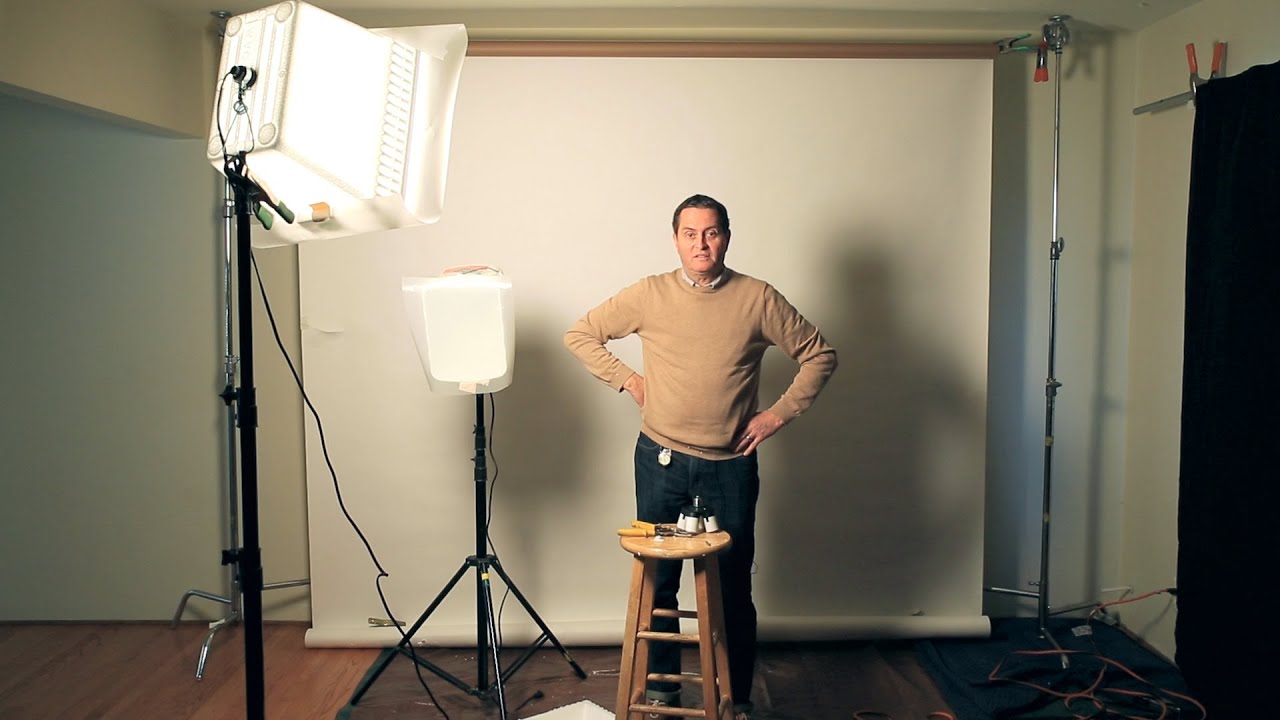
I shoot commercial work out of a rented studio most of the week, but there are jobs — quick corporate headshots, product pickups, last-minute editorial requests — where dragging everything to a paid space doesn’t make financial sense. For years I told myself I needed a dedicated room with proper infrastructure before I could do serious work at home. What I actually needed was a smarter approach to the space I already had. That shift in thinking came partly from watching photographers who build real setups inside ordinary rooms, and Jay P. Morgan at The Slanted Lens is one of the best at showing exactly how that’s done.
Watch the full tutorial on YouTube
In this The Slanted Lens tutorial, Jay P. and his crew walk through converting a bedroom into a functional home studio. They cover wall color, floor protection, a wall-mounted backdrop system built from plumbing hardware, window light management, DIY modifiers, and a two-light interview setup. Every solution is cheap, removable, and genuinely useful. What follows is my breakdown of each step, with the details you need to actually replicate this without pausing and rewinding the video twelve times.
Step 1: Assess and Neutralize Your Walls
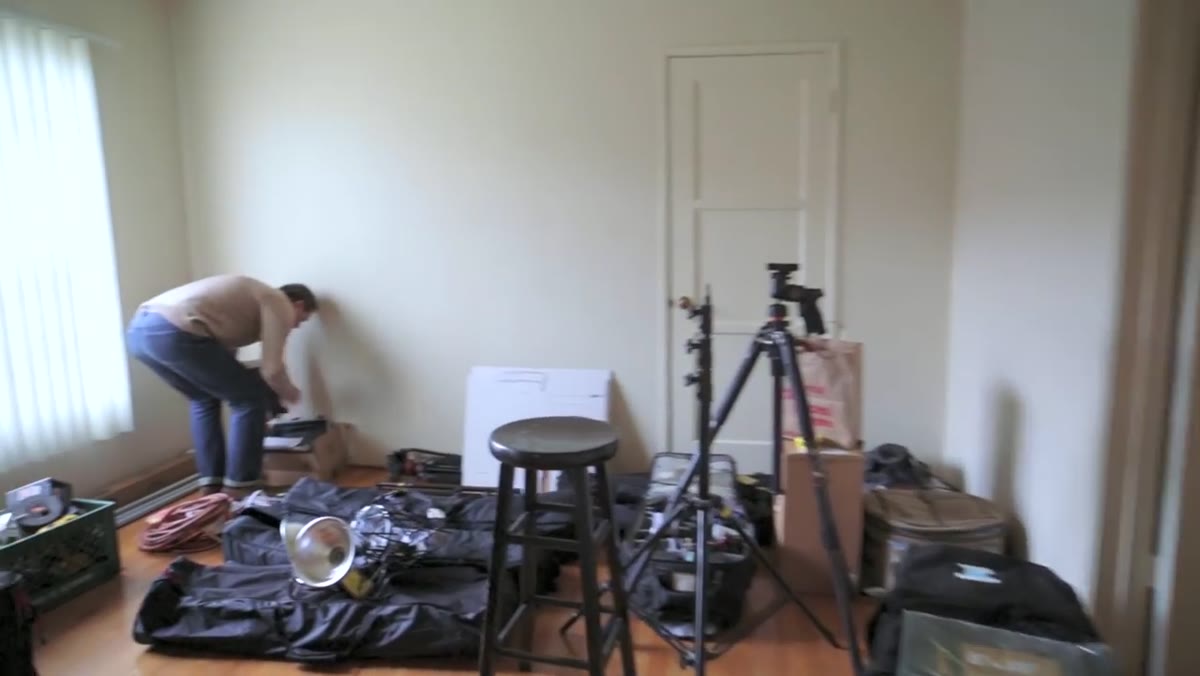 Jay P. gesturing at neutral-colored bedroom walls
Before any light goes up, look at what your room is actually doing to your color. Colored walls are not a backdrop problem, they are a physics problem. A green wall will pump green into your shadows. A red wall will fight your color balance the entire shoot. I learned this the expensive way early in my career, and I still think about it every time I walk into an unfamiliar room. The fix Jay P. recommends is the correct one: roll neutral paint over whatever color is there. A flat, warm-neutral gray or off-white kills the color bounce and gives your lights somewhere clean to land. If you are renting and can’t paint, you can get some of the same mileage by hanging large sections of neutral gray seamless on the problem walls, though that costs more than a can of paint.
Jay P. gesturing at neutral-colored bedroom walls
Before any light goes up, look at what your room is actually doing to your color. Colored walls are not a backdrop problem, they are a physics problem. A green wall will pump green into your shadows. A red wall will fight your color balance the entire shoot. I learned this the expensive way early in my career, and I still think about it every time I walk into an unfamiliar room. The fix Jay P. recommends is the correct one: roll neutral paint over whatever color is there. A flat, warm-neutral gray or off-white kills the color bounce and gives your lights somewhere clean to land. If you are renting and can’t paint, you can get some of the same mileage by hanging large sections of neutral gray seamless on the problem walls, though that costs more than a can of paint.
Step 2: Protect and Neutralize the Floor
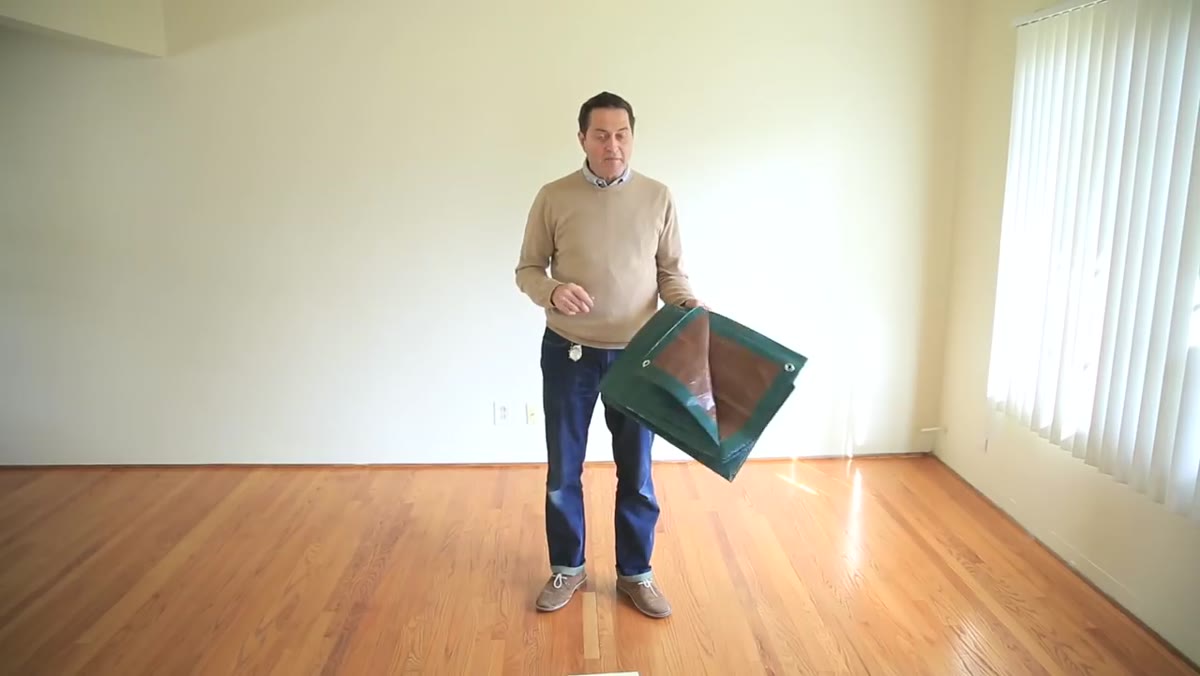 Tarp laid flat across hardwood bedroom floor
A brown canvas drop cloth or tarp on the floor accomplishes two things at once. It protects a hardwood floor from stands, sandbags, and scuffing – which matters a great deal if you’re working in someone else’s space or a rental. More importantly, it neutralizes a potential color bounce source from below. A polished light-wood floor can kick a warm yellow cast up into the underside of a subject’s chin and neck. That kind of contamination is subtle enough that you may not catch it until you’re in post and wondering why your shadows look muddy. A neutral brown tarp is a two-dollar solution to a problem most beginners don’t even know they have.
Tarp laid flat across hardwood bedroom floor
A brown canvas drop cloth or tarp on the floor accomplishes two things at once. It protects a hardwood floor from stands, sandbags, and scuffing – which matters a great deal if you’re working in someone else’s space or a rental. More importantly, it neutralizes a potential color bounce source from below. A polished light-wood floor can kick a warm yellow cast up into the underside of a subject’s chin and neck. That kind of contamination is subtle enough that you may not catch it until you’re in post and wondering why your shadows look muddy. A neutral brown tarp is a two-dollar solution to a problem most beginners don’t even know they have.
Step 3: Build a Wall-Mounted Backdrop Holder
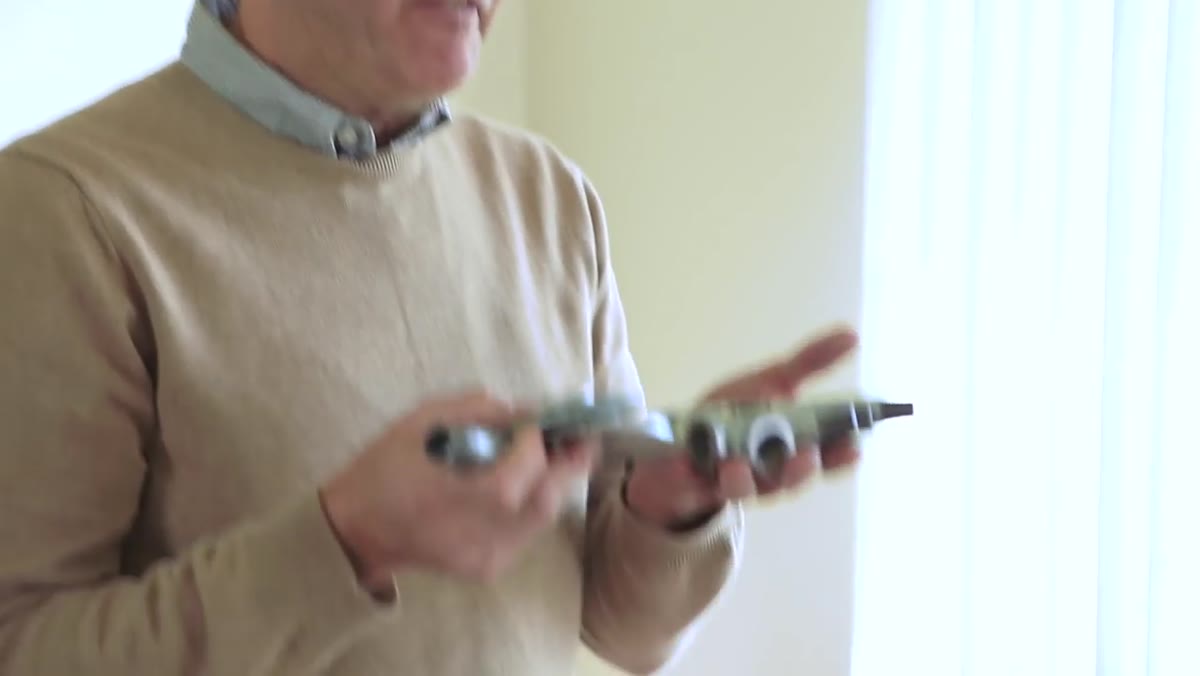 Half-inch galvanized pipe, elbow, and wall plate assembled on workbench
This is the section of the tutorial I’ve sent to more photographers than any other. Jay P. builds a minimal backdrop arm from half-inch galvanized pipe: a wall plate, a short vertical pipe screwed in, an elbow fitting, and a six-inch horizontal return. Two of these units mounted to the wall or ceiling at the right distance apart hold a one-inch conduit crossbar, which then carries your seamless. A-clamps on each end keep the crossbar from sliding. The whole system sits flush against the wall and ceiling, leaving your floor completely clear. No stands to trip over, no C-stands eating up the square footage you need for your subject and your lights. The total hardware cost is well under twenty dollars at any home improvement store.
Half-inch galvanized pipe, elbow, and wall plate assembled on workbench
This is the section of the tutorial I’ve sent to more photographers than any other. Jay P. builds a minimal backdrop arm from half-inch galvanized pipe: a wall plate, a short vertical pipe screwed in, an elbow fitting, and a six-inch horizontal return. Two of these units mounted to the wall or ceiling at the right distance apart hold a one-inch conduit crossbar, which then carries your seamless. A-clamps on each end keep the crossbar from sliding. The whole system sits flush against the wall and ceiling, leaving your floor completely clear. No stands to trip over, no C-stands eating up the square footage you need for your subject and your lights. The total hardware cost is well under twenty dollars at any home improvement store.
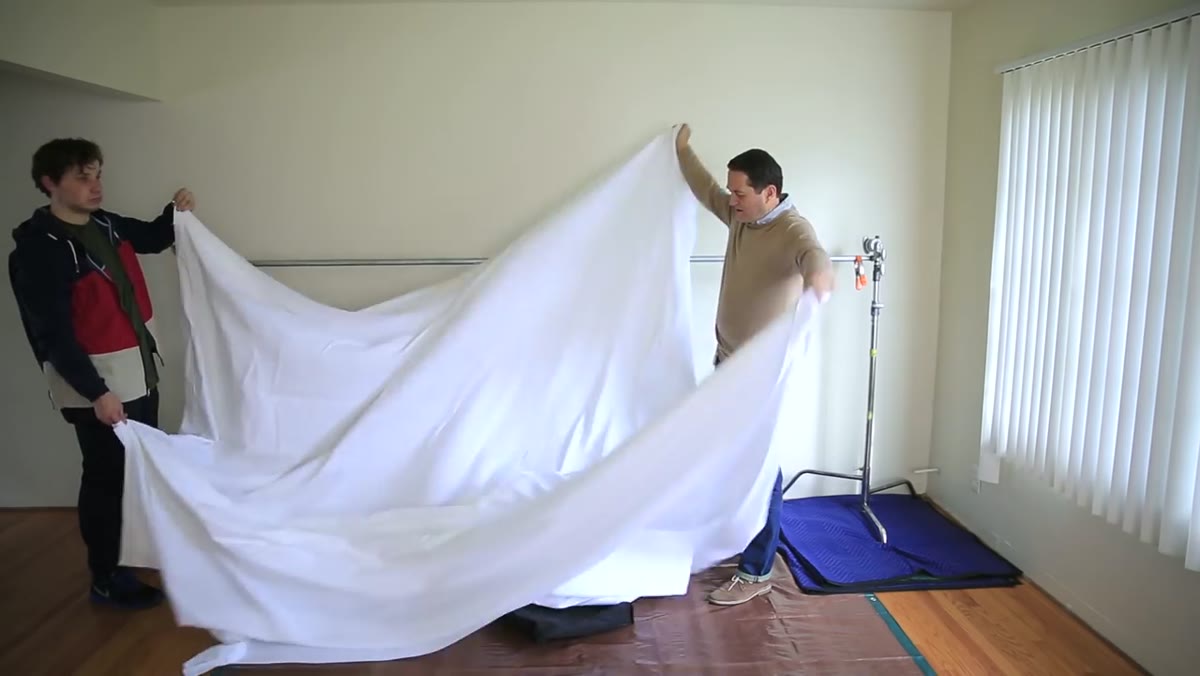
For the backdrop itself, Jay P. uses a roughly thirty-dollar white vinyl backdrop from Amazon with a sewn pocket at one end. He threads a pipe through the pocket at the top to hang it, then adds a second pipe through the pocket at the bottom to act as a weight bar. That tension at the bottom pulls wrinkles out without a steamer. If you want to sweep the backdrop into a seamless curve, you unroll it toward the floor and let it curve naturally. If the pocket length doesn’t match your crossbar spread exactly, drape the backdrop over the bar and use A-clamps directly on the fabric.
Step 4: Control or Block Window Light
 Black foamcore or dark fabric placed over window to block ambient light
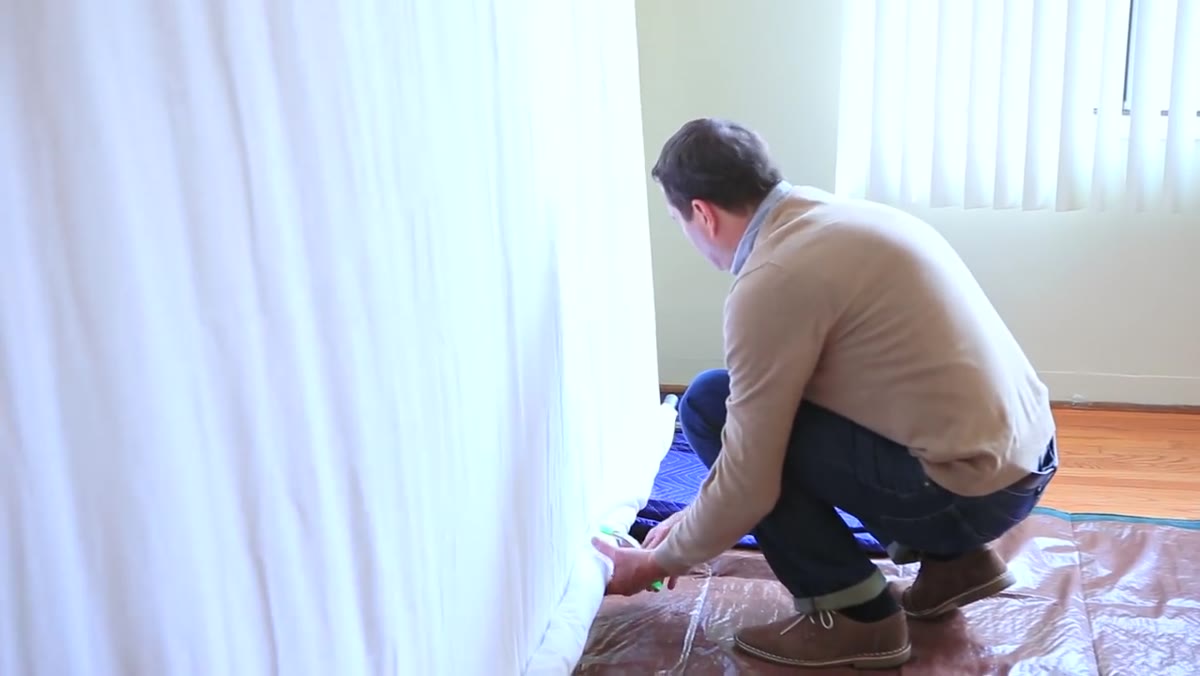
Windows are either your best friend or a variable you can’t trust, and on most jobs they are the latter. Uncontrolled daylight changes color temperature and intensity every twenty minutes. For a home studio setup, the right move is to block window light completely during a shoot and replace it with controlled artificial sources. Jay P. recommends using black foam core or dark fabric to cover windows. This is something I keep a roll of black duvetyne for – it’s cheap, compressible, and works on any window with a little tape or clamps. Once your windows are blocked, you own the room. Every photon in the frame came from something you put there intentionally.
Black foamcore or dark fabric placed over window to block ambient light
Windows are either your best friend or a variable you can’t trust, and on most jobs they are the latter. Uncontrolled daylight changes color temperature and intensity every twenty minutes. For a home studio setup, the right move is to block window light completely during a shoot and replace it with controlled artificial sources. Jay P. recommends using black foam core or dark fabric to cover windows. This is something I keep a roll of black duvetyne for – it’s cheap, compressible, and works on any window with a little tape or clamps. Once your windows are blocked, you own the room. Every photon in the frame came from something you put there intentionally.
Step 5: Build or Adapt Inexpensive DIY Modifiers
 Homemade reflector card and simple DIY diffusion material shown in hand
Not every modifier needs to come from a lighting manufacturer. Jay P. walks through options you can construct at home, including foam core reflectors for fill and basic diffusion panels made from inexpensive translucent material stretched across a simple frame. I keep a stack of white foam core boards in my studio for exactly this purpose. Cut them to different sizes and they become fill cards, negative fill (if you use the black side), or flag cards for cutting spill off a wall. They cost almost nothing, they’re easy to label – I run a strip of masking tape down each one and write what angle it produces useful fill from – and they’re instantly disposable if they get wrecked on a shoot.
Homemade reflector card and simple DIY diffusion material shown in hand
Not every modifier needs to come from a lighting manufacturer. Jay P. walks through options you can construct at home, including foam core reflectors for fill and basic diffusion panels made from inexpensive translucent material stretched across a simple frame. I keep a stack of white foam core boards in my studio for exactly this purpose. Cut them to different sizes and they become fill cards, negative fill (if you use the black side), or flag cards for cutting spill off a wall. They cost almost nothing, they’re easy to label – I run a strip of masking tape down each one and write what angle it produces useful fill from – and they’re instantly disposable if they get wrecked on a shoot.
Step 6: Set Up a Two-Light Interview Configuration
 Two lights positioned at 45 degrees either side of interview subject
The tutorial closes with a practical two-light interview setup that transfers directly to any talking-head or headshot scenario. One light acts as the key, positioned at roughly 45 degrees to the subject on the camera-right side, modified to be soft enough for a flattering result on skin. The second light serves as either a fill or a kicker to separate the subject from the background. Jay P. keeps the ratio controlled so neither side of the face falls into heavy shadow, which is the right call for corporate or editorial interview work where the client wants the subject looking approachable and clearly lit. The background itself gets what spills naturally from the setup, keeping things simple and the floor uncrowded.
Two lights positioned at 45 degrees either side of interview subject
The tutorial closes with a practical two-light interview setup that transfers directly to any talking-head or headshot scenario. One light acts as the key, positioned at roughly 45 degrees to the subject on the camera-right side, modified to be soft enough for a flattering result on skin. The second light serves as either a fill or a kicker to separate the subject from the background. Jay P. keeps the ratio controlled so neither side of the face falls into heavy shadow, which is the right call for corporate or editorial interview work where the client wants the subject looking approachable and clearly lit. The background itself gets what spills naturally from the setup, keeping things simple and the floor uncrowded.
What I’d Add From My Own Work
The one thing this tutorial doesn’t address is color temperature verification before you shoot, not just during. I made a serious mistake on an early editorial job by assuming my strobes and the ambient leaking through a covered window were matching. They weren’t. I now take a test shot with a gray card in frame every time I set up in an unfamiliar room, even one I’ve painted neutral myself. Pull that gray card into Lightroom, correct to it, and lock that white balance setting for the session. It takes three minutes and has saved me hours of post-production grief more than once.
The wall-mounted backdrop system from Step 3 is also something I’d permanently install over building any portable stand system. If you have a room you use even semi-regularly, two pipe brackets and a length of conduit on the ceiling is the single highest-leverage infrastructure investment you can make. It changes the room from a space you’re fighting to a space that’s already ready.
The real takeaway from Jay P.’s tutorial is that a functional studio is not about square footage or expensive infrastructure. It is about controlling what the room contributes to your light. Neutralize the surfaces, block the variables you can’t use, mount your backdrop so it stays out of your way, and build your light from scratch with two sources you understand completely. That is a professional result from a spare bedroom.
Watch the full tutorial on YouTube
Comments
Leave a Comment