Every working photographer eventually hits the same wall. You’ve memorized fifteen poses from Pinterest, you’ve bookmarked the same reference folder everyone else has, and then you’re standing in front of a couple who are looking at you like you know what you’re doing — and your brain goes completely blank. The poses you memorized don’t fit their height difference, or the location, or the light. You improvise badly. The session feels like it’s held together with tape.
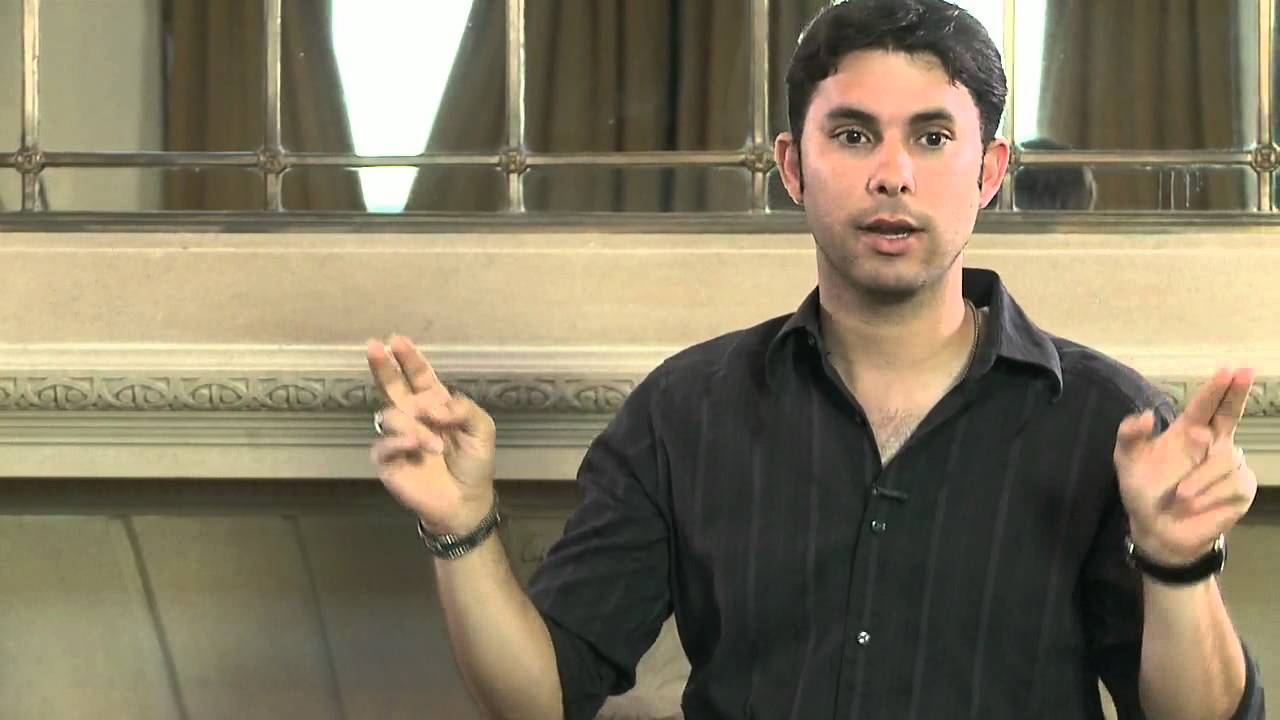
I kept running into this problem on editorial jobs where I couldn’t prep a shot list the way I would for a product shoot. In this CreativeLive tutorial, Roberto Valenzuela lays out something genuinely more useful than a pose library: a set of underlying principles that make any pose work, regardless of the people in front of you. Watch the full tutorial on YouTube — what follows is my breakdown of the core technique with the pieces I think are most actionable for studio and location work.
Valenzuela calls his framework “777” — seven principles across three categories, totaling twenty-one variables you can inject into almost any pose to make it read well on camera. The goal isn’t a cheat sheet. The goal is to internalize these principles so thoroughly that posing becomes something you construct on the fly, rather than retrieve from memory.
Step 1: Understand What the 777 System Actually Is
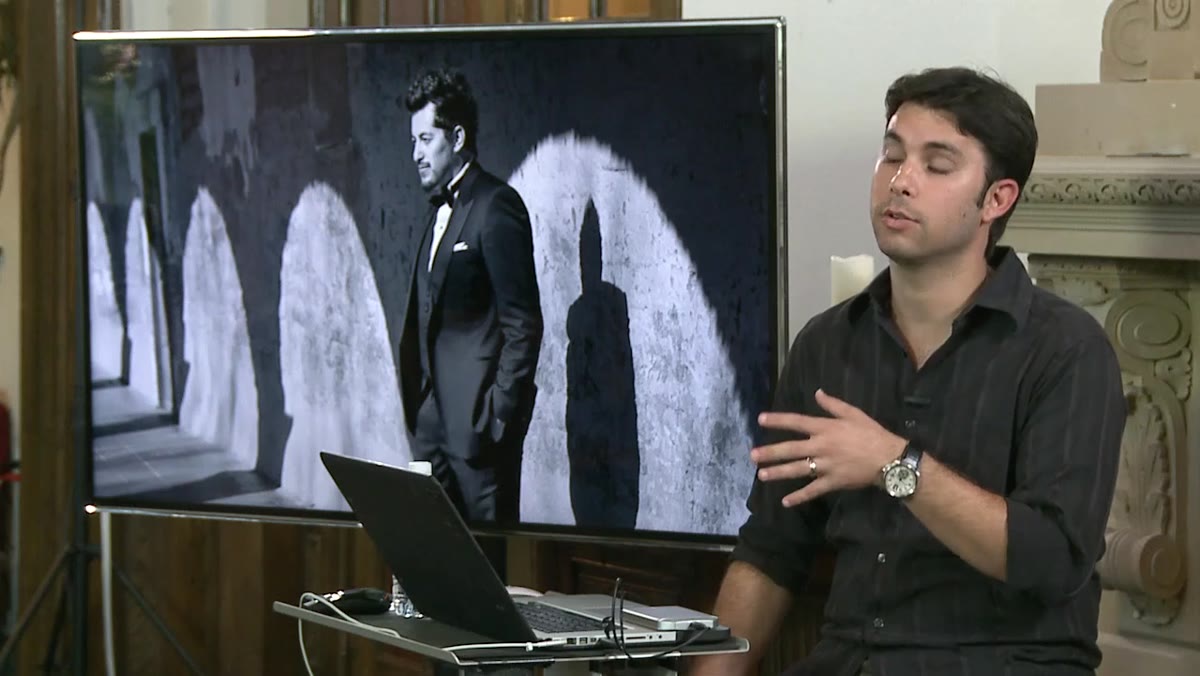 Roberto explaining the goal is generating poses, not memorizing them
The framework isn’t a list of poses. It’s a list of visual decisions. Valenzuela’s point is that if you can identify twenty-one specific things that tend to make a photograph look good — and learn to apply them to whatever situation you’re in — you have an infinitely more flexible toolkit than any pose guide. Think of it the way I think about lighting ratios: knowing why a 3:1 ratio looks flattering is more useful than knowing that Rembrandt lighting exists. The principle lets you adapt. The label doesn’t.
Roberto explaining the goal is generating poses, not memorizing them
The framework isn’t a list of poses. It’s a list of visual decisions. Valenzuela’s point is that if you can identify twenty-one specific things that tend to make a photograph look good — and learn to apply them to whatever situation you’re in — you have an infinitely more flexible toolkit than any pose guide. Think of it the way I think about lighting ratios: knowing why a 3:1 ratio looks flattering is more useful than knowing that Rembrandt lighting exists. The principle lets you adapt. The label doesn’t.
Before you can use the 777 system on set, you need to accept that most posing problems are actually structural problems. Something is parallel that shouldn’t be, or rigid when it should curve, or cropped in a way that reads as amputation. Start training yourself to see poses in terms of geometry, not aesthetics.
Step 2: Cross the Noses — The X Factor
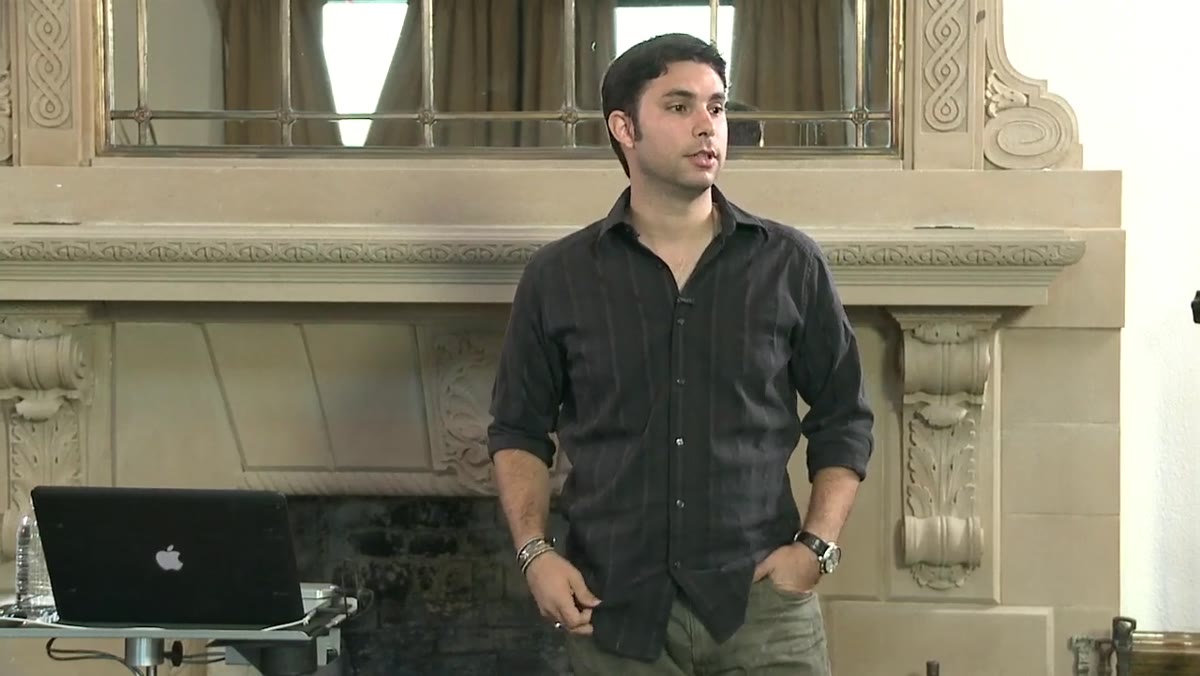 Instructor demonstrating nose direction with two subjects close together
One of the most immediately useful principles Valenzuela covers is what he calls the X factor: when two people are close together, their noses should cross rather than point directly at each other. When subjects face each other head-on at close range, the image looks confrontational or awkward, even when they’re smiling. The symmetry reads as staged and a little unsettling in a way most viewers can’t quite name.
Instructor demonstrating nose direction with two subjects close together
One of the most immediately useful principles Valenzuela covers is what he calls the X factor: when two people are close together, their noses should cross rather than point directly at each other. When subjects face each other head-on at close range, the image looks confrontational or awkward, even when they’re smiling. The symmetry reads as staged and a little unsettling in a way most viewers can’t quite name.
The practical fix is simple. Instead of telling a couple to look at each other, ask one or both of them to turn their cheek slightly toward camera. This does two things at once. First, it breaks that dead-parallel nose line and creates the crossing angle that reads as natural. Second, it gives you a three-quarter view of at least one face rather than a pure profile — which on a standard zoom lens at close range can flatten and widen the cheek in an unflattering way. A three-quarter angle shows the width of the face on one side and a sliver of the other, which is almost universally more flattering. One person becomes the featured subject; the other supports. That hierarchy makes the image readable.
Step 3: Treat 90-Degree Angles as a Deliberate Choice, Not a Default
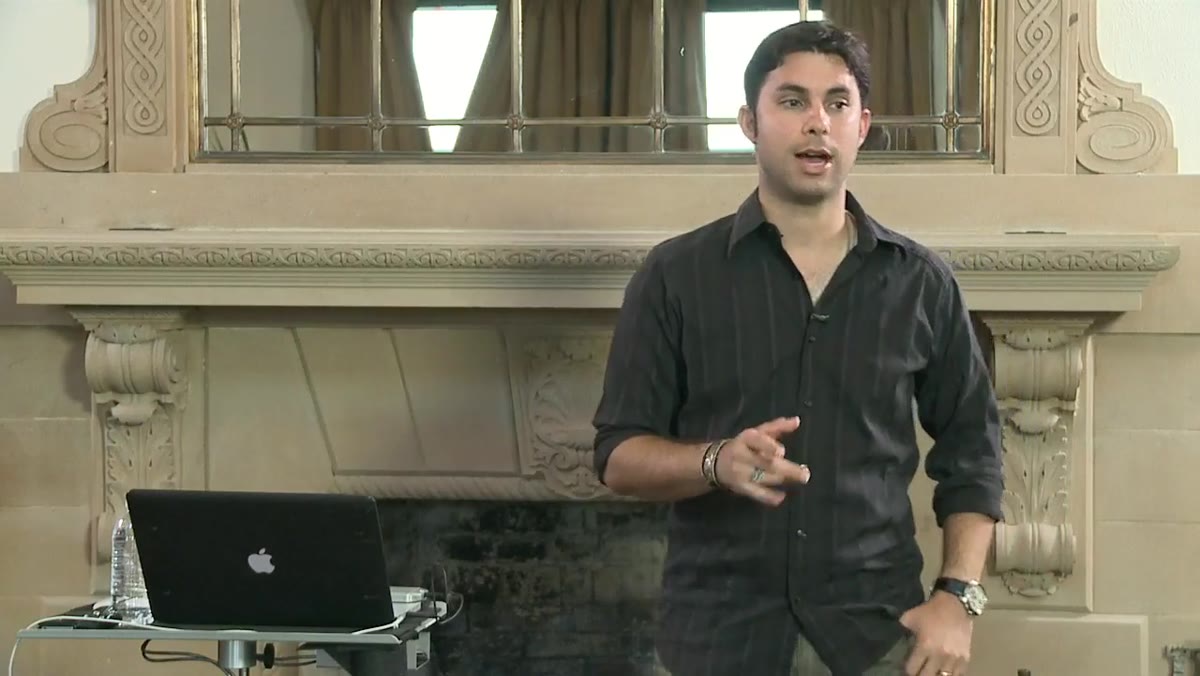 Roberto showing arm and leg positions that create 90-degree angles
Valenzuela’s point about right angles is one of those things that sounds simple until you watch your own footage back and realize you’ve been doing it constantly by accident. Hard 90-degree angles in limbs — a wrist cocked straight up, a bent arm making a perfect L, legs at a right angle — read as stiff and constructed. They signal effort, which is the opposite of what you want.
Roberto showing arm and leg positions that create 90-degree angles
Valenzuela’s point about right angles is one of those things that sounds simple until you watch your own footage back and realize you’ve been doing it constantly by accident. Hard 90-degree angles in limbs — a wrist cocked straight up, a bent arm making a perfect L, legs at a right angle — read as stiff and constructed. They signal effort, which is the opposite of what you want.
His position is that roughly 90 to 95 percent of the time, you should be actively breaking those angles: softening the wrist, adjusting the elbow, letting the knee fall to a more natural degree. The exception is intentional. If you want structural, powerful, architectural energy in an image — certain fashion editorial looks, corporate portraiture, conceptual work — a hard angle can serve you. But it has to be a choice, not a default. In the studio, I’ve started scanning the frame specifically for accidental right angles before I fire a single shot. It takes about five seconds and it’s caught more problems than any other pre-shot check I run.
Step 4: Prioritize Spinal Posture as the Foundation
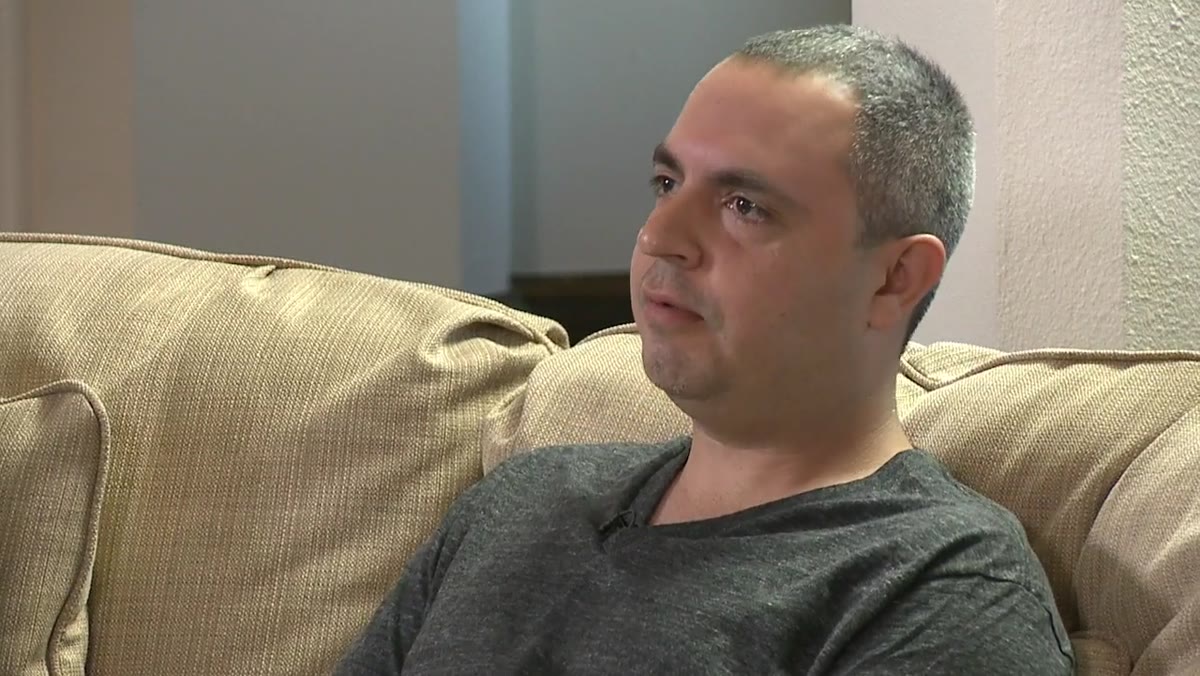 Subject demonstrating straight spine versus collapsed posture
Before you adjust anything else on a subject — hands, chin, weight distribution — get the spine right. Valenzuela flags spinal alignment as a foundational element of the 777 system, and from a purely visual standpoint, this tracks. A collapsed spine changes every other proportion in the frame. Shoulders roll forward, the neck shortens, the chin drops, and the whole silhouette reads as smaller and less confident.
Subject demonstrating straight spine versus collapsed posture
Before you adjust anything else on a subject — hands, chin, weight distribution — get the spine right. Valenzuela flags spinal alignment as a foundational element of the 777 system, and from a purely visual standpoint, this tracks. A collapsed spine changes every other proportion in the frame. Shoulders roll forward, the neck shortens, the chin drops, and the whole silhouette reads as smaller and less confident.
In studio shooting, I ask subjects to imagine a thread pulling from the crown of their head toward the ceiling. It’s a cliché direction, but it works because it creates length through the neck and naturally opens the shoulders without making someone look stiff. The key is not to confuse a straight spine with a rigid one. You want elongation, not a military brace. Once posture is set, everything else you adjust — the hand placement, the angle of the face, the position of the feet — will sit on a stable visual foundation.
Step 5: Apply the Principles as a Checklist, In Order
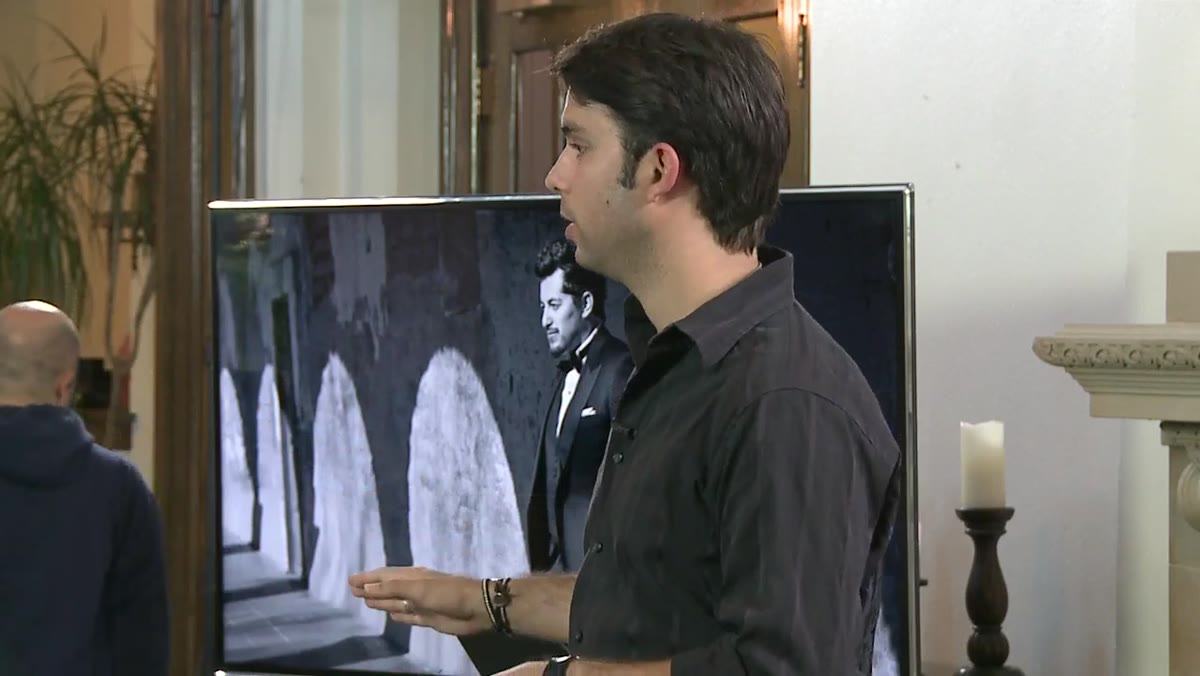 Roberto referencing the full list of 21 variables across three categories
The 777 framework only works if you build a habit of running through it systematically rather than reacting to whatever feels wrong in the moment. Valenzuela’s method is designed to be applied sequentially: establish location and environment first, build the pose on top of that, then refine the execution. Trying to fix execution details before the underlying pose geometry is right is like dialing in a perfect lighting ratio before you’ve set your key light position. You’re optimizing the wrong layer.
Roberto referencing the full list of 21 variables across three categories
The 777 framework only works if you build a habit of running through it systematically rather than reacting to whatever feels wrong in the moment. Valenzuela’s method is designed to be applied sequentially: establish location and environment first, build the pose on top of that, then refine the execution. Trying to fix execution details before the underlying pose geometry is right is like dialing in a perfect lighting ratio before you’ve set your key light position. You’re optimizing the wrong layer.
Practically, this means slowing down at the start of a session more than feels comfortable. Take an extra sixty seconds to assess the angles, set the spinal posture, check for parallel lines and hard angles. That investment compounds. Once the structural principles are in place, minor adjustments are fast and intuitive.
What I’d Add From My Own Studio Work
The 777 principles work equally well when you’re thinking about how light interacts with a pose — which isn’t covered in this particular tutorial but is the natural next step. The angle you turn a subject’s face for the X factor is the same angle that determines which side of the face catches your key light and which falls into shadow. Those two decisions are not independent.
In my studio, I set the light position first, then pose into it. The face angle that creates the most flattering shadow pattern on the subject’s features is usually also the angle that satisfies Valenzuela’s nose-crossing principle. When the two align, the image snaps into place. When they conflict, I adjust the light. Posing and lighting are the same conversation.
The single most useful thing Roberto Valenzuela teaches in this tutorial is that posing is a system, not a library. If you understand why certain angles and alignments work, you can construct a solid pose from scratch in any situation. Memorized poses break under pressure. Principles hold.
Watch the full tutorial on YouTube to see Valenzuela demonstrate the complete 777 framework with live subjects — the visual demonstration of the nose-crossing and angle principles is worth seeing in motion.
Comments
Leave a Comment