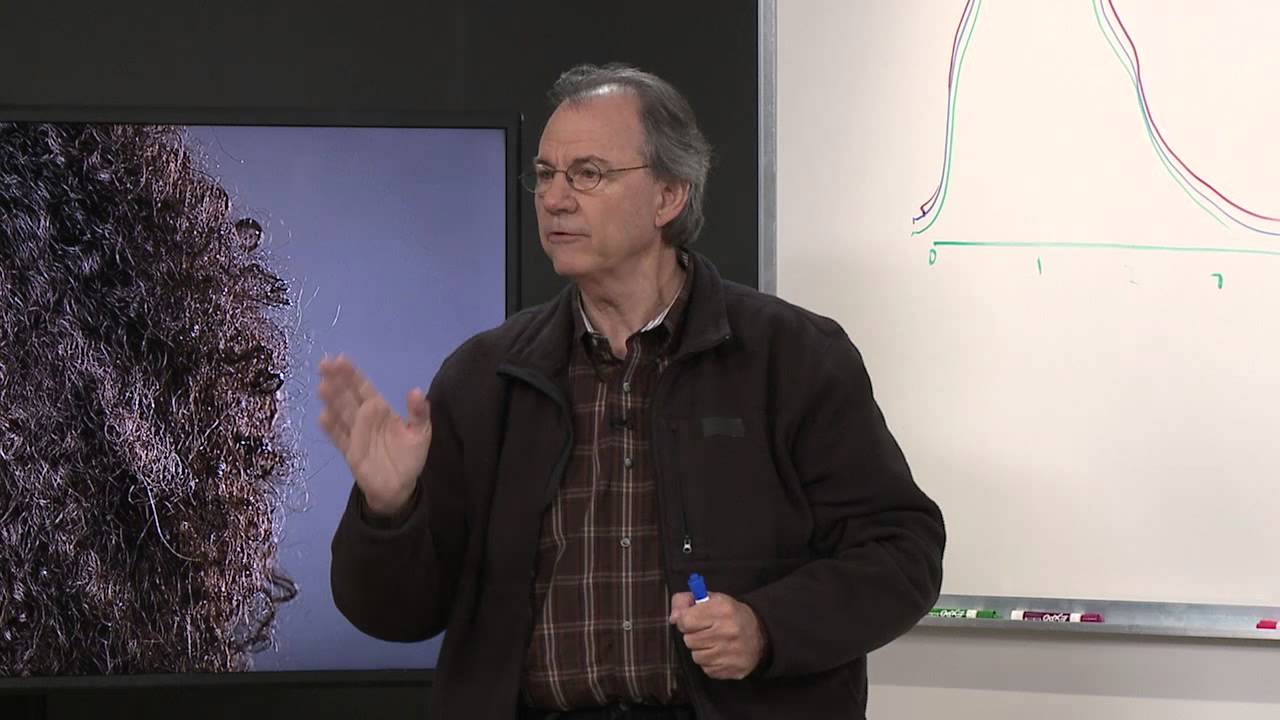
There’s a specific kind of frustration that comes from pulling images off a card after a long studio day and noticing your skin tones drift warmer as the shoot progresses. Not dramatically wrong. Just enough to cost you twenty minutes in post, multiplied across every frame where you pulled your power down between setups. I spent a long time blaming my monitors, my presets, even my skin tone references. The actual cause was something I’d never thought to question: the physics of how a flash tube generates light across the color spectrum.
In this CreativeLive tutorial, Tony Corbell walks through exactly what’s happening inside a strobe when it fires, and why the method a manufacturer uses to reduce power output changes the color of the light you’re capturing. Watch the full tutorial on YouTube. It’s a short clip, but the concept is dense enough that I’ve come back to it several times. What follows is my breakdown of the mechanics, plus what I’ve started doing differently because of it.
Step 1: Understand That the Three Color Channels Don’t Fire Simultaneously
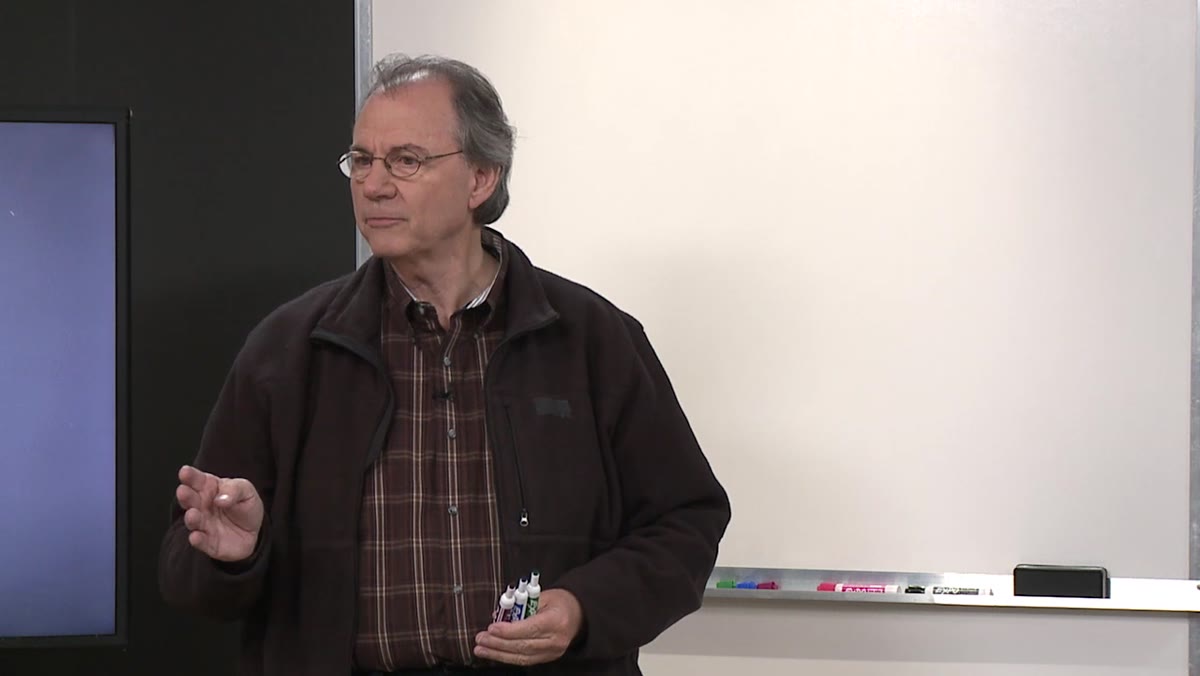 Corbell beginning to explain color spectrum wavelengths
Red, green, and blue light don’t travel the same way. Each has a different wavelength, and the wavelength determines how quickly that color completes its cycle. Red has the longest wavelength, blue has the shortest. When a strobe fires, all three colors are present in the burst, but they don’t peak at exactly the same moment. This isn’t a flaw in the equipment. It’s just physics.
Corbell beginning to explain color spectrum wavelengths
Red, green, and blue light don’t travel the same way. Each has a different wavelength, and the wavelength determines how quickly that color completes its cycle. Red has the longest wavelength, blue has the shortest. When a strobe fires, all three colors are present in the burst, but they don’t peak at exactly the same moment. This isn’t a flaw in the equipment. It’s just physics.
The reason this matters for photographers is that your camera is capturing an RGB value during a specific slice of time. If the exposure happens while all three channels are peaking together, you get accurate, balanced color. If something clips one of those channels before it fully peaks, your color balance shifts.
Step 2: Visualize the Flash Burst as a Timeline
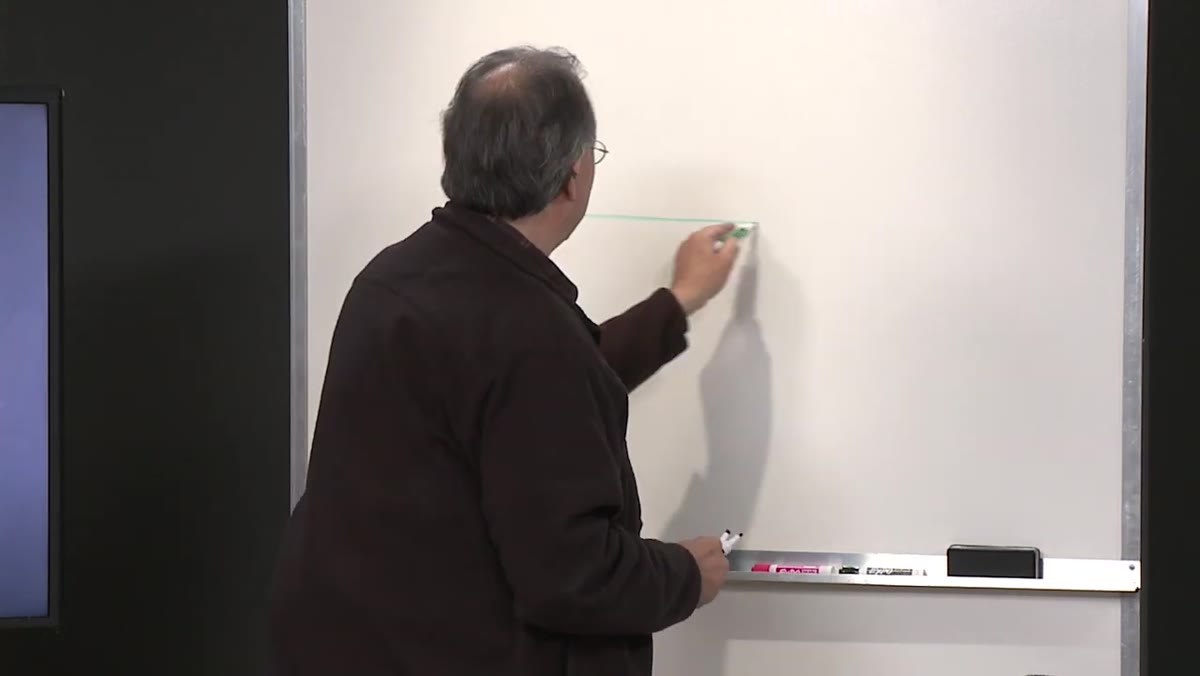 Corbell sketching a timeline axis from 0 to several milliseconds
Corbell maps this out with a simple horizontal timeline measured in milliseconds. When the strobe fires, the burst climbs quickly to a peak and then falls off. Think of it as a sharp hill rather than a plateau. The goal is for your exposure to be made while you’re at the top of that hill, where all three color channels are fully present and peaking together.
Corbell sketching a timeline axis from 0 to several milliseconds
Corbell maps this out with a simple horizontal timeline measured in milliseconds. When the strobe fires, the burst climbs quickly to a peak and then falls off. Think of it as a sharp hill rather than a plateau. The goal is for your exposure to be made while you’re at the top of that hill, where all three color channels are fully present and peaking together.
At full power, this is straightforward. The burst is strong, the peak is high, and there’s a wide enough window at the top that the exposure captures all three channels cleanly. This is why color consistency at full power tends to be reliable regardless of the brand of light you’re using.
Step 3: Recognize What Actually Changes When You Lower Flash Power
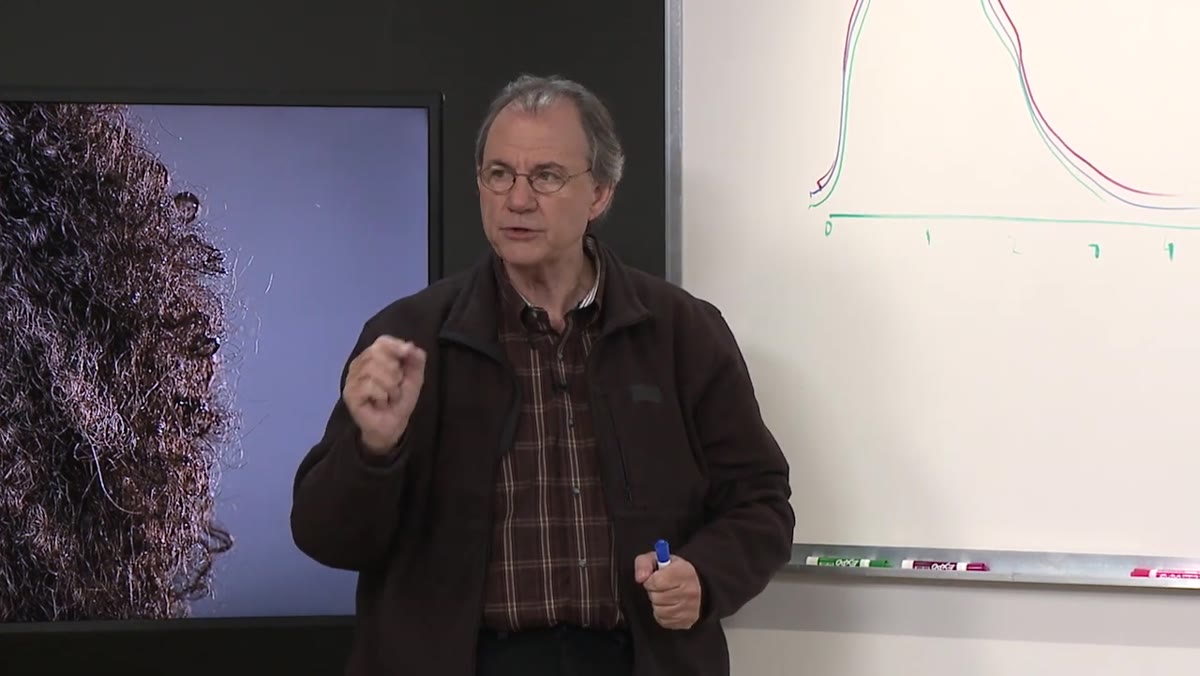 Corbell explaining two methods of reducing flash power output
Here’s where equipment decisions start to have real-world consequences. There are two ways a manufacturer can reduce the power output of a flash unit. The first is to reduce the charge stored in the capacitors. The burst gets smaller, but its duration stays roughly the same. The peak shifts down, but the shape of the curve doesn’t change dramatically. The second method is to shorten the flash duration itself. This is the cheaper, more common approach, especially in speedlights and entry-level studio strobes.
Corbell explaining two methods of reducing flash power output
Here’s where equipment decisions start to have real-world consequences. There are two ways a manufacturer can reduce the power output of a flash unit. The first is to reduce the charge stored in the capacitors. The burst gets smaller, but its duration stays roughly the same. The peak shifts down, but the shape of the curve doesn’t change dramatically. The second method is to shorten the flash duration itself. This is the cheaper, more common approach, especially in speedlights and entry-level studio strobes.
When duration is shortened to reduce power, you’re cutting off the end of the burst. If the strobe was firing at 1/4000th of a second at full power and you’re now at 1/8000th, you’ve removed a slice of time from the tail of the burst. The problem is that the blue channel, having the shortest wavelength, finishes its cycle last. It’s the channel most likely to be clipped when duration is shortened. Less blue in the exposure means the image reads warm.
Step 4: Connect This to the Flash White Balance Setting on Your Camera
 Corbell explaining why Flash and Daylight WB presets differ in-camera
Most cameras offer both a Daylight preset and a Flash preset in the white balance menu. They’re not identical, and there’s a reason for that. Daylight sits around 5500K. The Flash preset typically runs slightly cooler, somewhere in the 5500 to 6000K range depending on the camera manufacturer. Corbell’s point is that this gap exists precisely because flash units tend to run a touch cool at full power due to how the burst peaks, and manufacturers baked in a correction.
Corbell explaining why Flash and Daylight WB presets differ in-camera
Most cameras offer both a Daylight preset and a Flash preset in the white balance menu. They’re not identical, and there’s a reason for that. Daylight sits around 5500K. The Flash preset typically runs slightly cooler, somewhere in the 5500 to 6000K range depending on the camera manufacturer. Corbell’s point is that this gap exists precisely because flash units tend to run a touch cool at full power due to how the burst peaks, and manufacturers baked in a correction.
But this fixed preset doesn’t account for what happens when you change power. If your flash color temperature shifts warmer every time you pull power down by two stops, a single Flash preset won’t track that shift. You’re compensating for the average behavior of the light, not the specific behavior at any given output level.
Step 5: Know When Budget Lights Require a Different Workflow
 Corbell recommending custom white balance with lower-end lights
Corbell is direct about this: more expensive flash equipment typically uses capacitor-based power reduction rather than duration-based reduction, which means the color behavior stays consistent across the power range. You set your white balance once and it holds. With lower-cost lights that use duration to control power, the color temperature can shift measurably between your full-power setting and your minus-three-stop setting.
Corbell recommending custom white balance with lower-end lights
Corbell is direct about this: more expensive flash equipment typically uses capacitor-based power reduction rather than duration-based reduction, which means the color behavior stays consistent across the power range. You set your white balance once and it holds. With lower-cost lights that use duration to control power, the color temperature can shift measurably between your full-power setting and your minus-three-stop setting.
His practical fix is straightforward. Shoot a custom white balance every time you change your power output by a significant amount. A gray card or a color checker under your actual lights at your actual power setting gives you an accurate reference. It takes thirty seconds. It saves you from chasing color drift across an entire gallery in post.
Step 6: Test Your Own Lights Before You Trust Them
 Corbell wrapping up with a statement about knowing your equipment
The most useful thing you can take from this tutorial isn’t a setting. It’s a test. Set your lights to full power, shoot a gray card, note the Kelvin reading. Then drop to half power and shoot again. Then quarter power. If the readings drift more than 150 to 200K across that range, your lights are using duration to manage power and you need to account for that in your workflow.
Corbell wrapping up with a statement about knowing your equipment
The most useful thing you can take from this tutorial isn’t a setting. It’s a test. Set your lights to full power, shoot a gray card, note the Kelvin reading. Then drop to half power and shoot again. Then quarter power. If the readings drift more than 150 to 200K across that range, your lights are using duration to manage power and you need to account for that in your workflow.
I now do this on any new strobe the day it arrives. I have a small notebook where I log the color temperature behavior at each power stop for every light in my studio. It sounds excessive until you’re in the middle of a beauty shoot and you know without guessing whether pulling power will cost you a white balance correction.
What I’d Add From My Own Experience
The first time I ran this test on my older monolights, I found a shift of nearly 400K between full power and quarter power. That explained a lot of inconsistencies I’d been chalking up to ambient light contamination or my own inconsistent metering. The lights themselves were the variable.
If you shoot tethered, you can catch this shift in real time. But if you’re working fast and reviewing cards later, a consistent custom white balance at each power level is the only way to keep color honest. Establish your power settings before the talent arrives, build the exposure you want, shoot your gray card reference at that exact setting, and apply it in Lightroom as your starting point. Adjust creatively from there.
The single most important idea in this tutorial is that flash color temperature is not fixed. It is a variable tied to how your specific equipment manages power output, and treating it as a constant is the reason so many studio photographers fight unnecessary color problems in post. Budget lights aren’t disqualified from serious work, but they require a disciplined custom white balance process that more expensive gear handles internally.
Watch the full tutorial on YouTube and pay particular attention to the timeline diagram Corbell draws. Once you see the burst mapped as a curve with three color channels peaking inside it, the whole problem clicks into place in a way that no settings guide can replicate.
Comments (2)
This is going in my reference folder. Incredibly useful.
Been doing this wrong for years apparently. Thanks for the wake-up call.
Leave a Comment