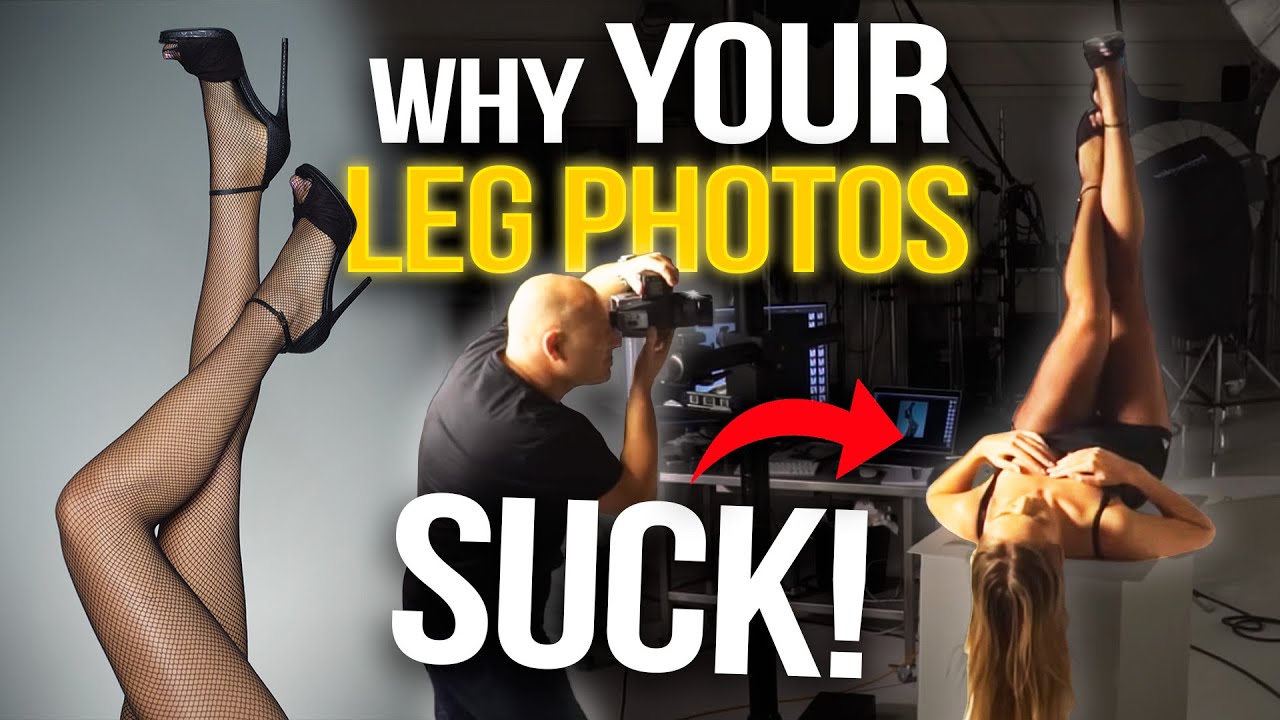
Legs are harder to light than faces. I didn’t fully believe that until I spent an afternoon reviewing test shots where perfectly capable models looked flat, shapeless, and honestly kind of rough, and the only variable was my lighting position. Faces give you landmarks: eyes, nose, cheekbones. Legs give you a cylinder. Getting that cylinder to read as dimensional, toned, and visually interesting requires a specific approach that most general lighting tutorials never touch.
This Visual Education tutorial from Karl Taylor is the clearest breakdown I’ve found. Watch the full tutorial on YouTube before or after reading this, because Taylor works through the logic in real time with two models, two modifier comparisons, and live posing adjustments. What I’m doing here is extracting the framework so you can apply it without rewinding.
The core argument Taylor makes is one I’ve since written in my lighting journal and taped to my monitor: you are contouring a cylinder, and everything else, skin prep, pose, modifier choice, flows from that single geometric fact.
Step 1: Build a Reflective Surface Into Your Set
 Two white blocks with gloss acrylic sheet on top
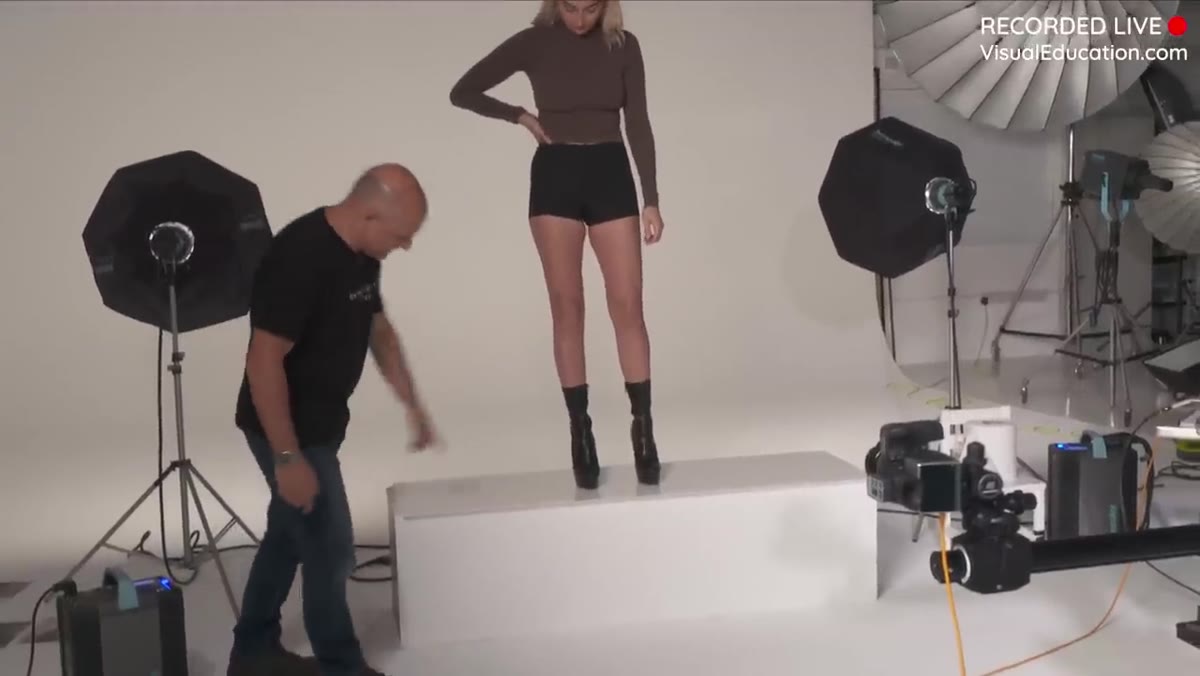
Before a single light fires, Taylor addresses the floor. Two rectangular blocks sit side by side with a sheet of white gloss acrylic laid across the top. This isn’t decorative. A reflective floor surface does two things: it bounces light back up into the underside of the legs, softening shadows that would otherwise pool along the shin and ankle, and it creates a clean reflection of the footwear, which adds visual weight to the bottom of the frame without extra lights.
Two white blocks with gloss acrylic sheet on top
Before a single light fires, Taylor addresses the floor. Two rectangular blocks sit side by side with a sheet of white gloss acrylic laid across the top. This isn’t decorative. A reflective floor surface does two things: it bounces light back up into the underside of the legs, softening shadows that would otherwise pool along the shin and ankle, and it creates a clean reflection of the footwear, which adds visual weight to the bottom of the frame without extra lights.
The spec here is simple: 3mm white gloss acrylic, cut to cover your platform cleanly so there’s no seam visible from camera. In the US this material is sold as Macrolon. Perspex is the UK equivalent. A single sheet from a plastics supplier runs $30 to $60 depending on size. I’ve used a similar setup for shoe and hosiery work and the difference compared to a matte white floor is not subtle.
Step 2: Light the Background Separately and Evenly
 Two octaboxes flanking a white cove background
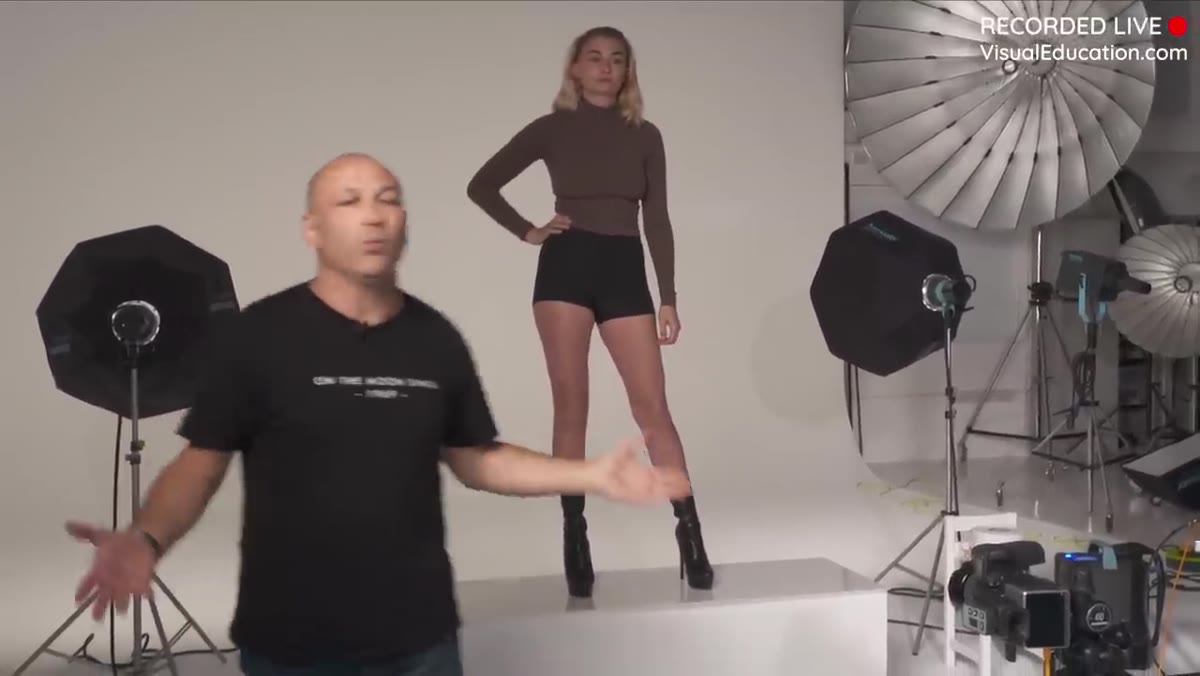
Taylor places two 75cm octaboxes, one on each side, aimed at the white background cove. The goal is even, flat illumination across the entire backdrop with no hot spots or gradients. This is a supporting light, not a creative one. Its only job is to give you a clean, controllable background exposure that you can dial relative to your key light.
Two octaboxes flanking a white cove background
Taylor places two 75cm octaboxes, one on each side, aimed at the white background cove. The goal is even, flat illumination across the entire backdrop with no hot spots or gradients. This is a supporting light, not a creative one. Its only job is to give you a clean, controllable background exposure that you can dial relative to your key light.
If you don’t have a cove, a seamless white paper roll works. A plain white wall works. The modifier size matters less than the evenness. Meter both sides of the background separately and make sure they match within a third of a stop. Uneven background lighting reads as either a vignette or a blown patch, and both pull attention away from the legs.
Step 3: Choose a Frontal Key Light - and Understand Why
 Ring flash positioned around camera lens
This is where the tutorial gets opinionated, and I think Taylor is right. His first-choice key light for legs is either a ring flash or a parabolic. The reasoning is geometric. A cylindrical subject lit from the side picks up harsh shadow transitions along its curved surface. Rim lighting from behind creates a separation glow that can look stylized but kills the three-dimensional read of the leg’s shape. Frontal light, placed directly on or near the lens axis, wraps evenly around the cylinder and gives you clean, controlled gradation.
Ring flash positioned around camera lens
This is where the tutorial gets opinionated, and I think Taylor is right. His first-choice key light for legs is either a ring flash or a parabolic. The reasoning is geometric. A cylindrical subject lit from the side picks up harsh shadow transitions along its curved surface. Rim lighting from behind creates a separation glow that can look stylized but kills the three-dimensional read of the leg’s shape. Frontal light, placed directly on or near the lens axis, wraps evenly around the cylinder and gives you clean, controlled gradation.
Ring flashes are expensive. Taylor’s workaround costs around $200 and achieves comparable results. He also tests a small softbox and a standard P70 reflector head as alternatives. The lesson I take from this is not “buy a ring flash” but rather: the closer your key light is to the lens axis, the more control you have over how the cylinder of the leg is rendered. That principle applies whether you’re using a ring flash, a parabolic, or a beauty dish placed tight to camera center.
Step 4: Test With Background Only Before Adding Your Key
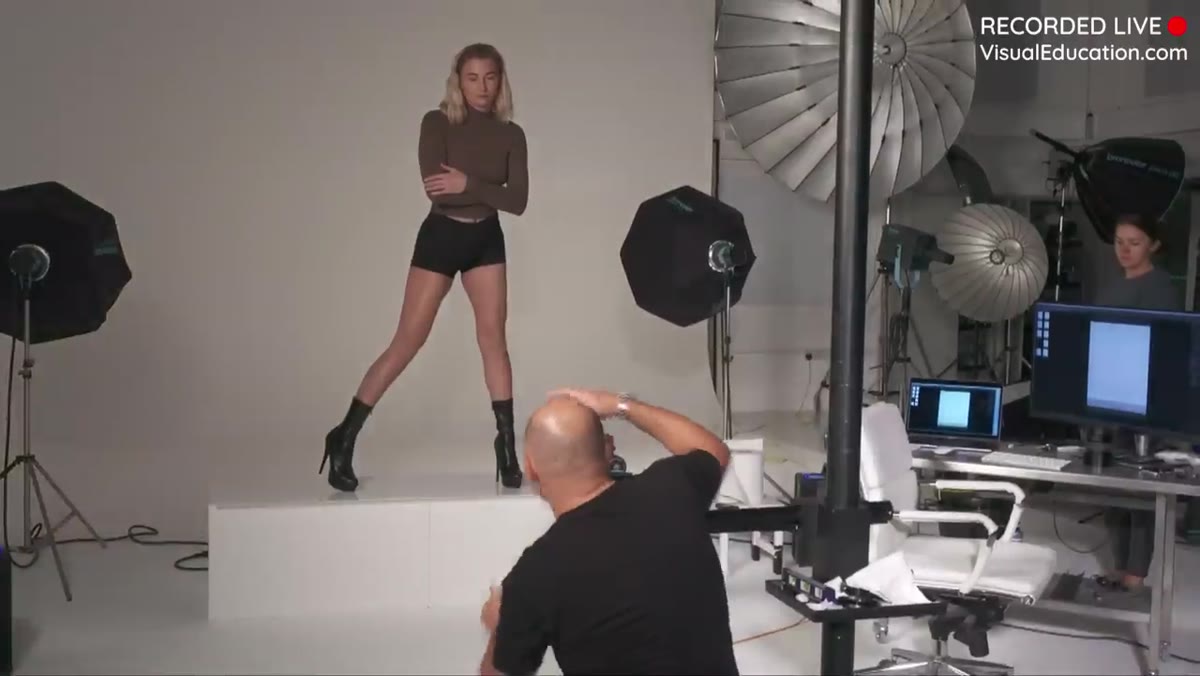 Test frame with background lights only, no key light
Before committing to your main light, shoot a frame with only the background lights firing. This gives you a clean read of your background exposure and shows you exactly how much ambient fill, if any, is hitting the subject from the background sources alone. Taylor uses this as a calibration step, not a final image.
Test frame with background lights only, no key light
Before committing to your main light, shoot a frame with only the background lights firing. This gives you a clean read of your background exposure and shows you exactly how much ambient fill, if any, is hitting the subject from the background sources alone. Taylor uses this as a calibration step, not a final image.
This habit has saved me on more shoots than I can count. It’s easy to dial in your key and then realize your background is two stops hotter than you intended because the background lights were doing more work than you thought. Shoot the background alone first, set it where you want it, then introduce the key.
Step 5: Shape the Pose Around the Light
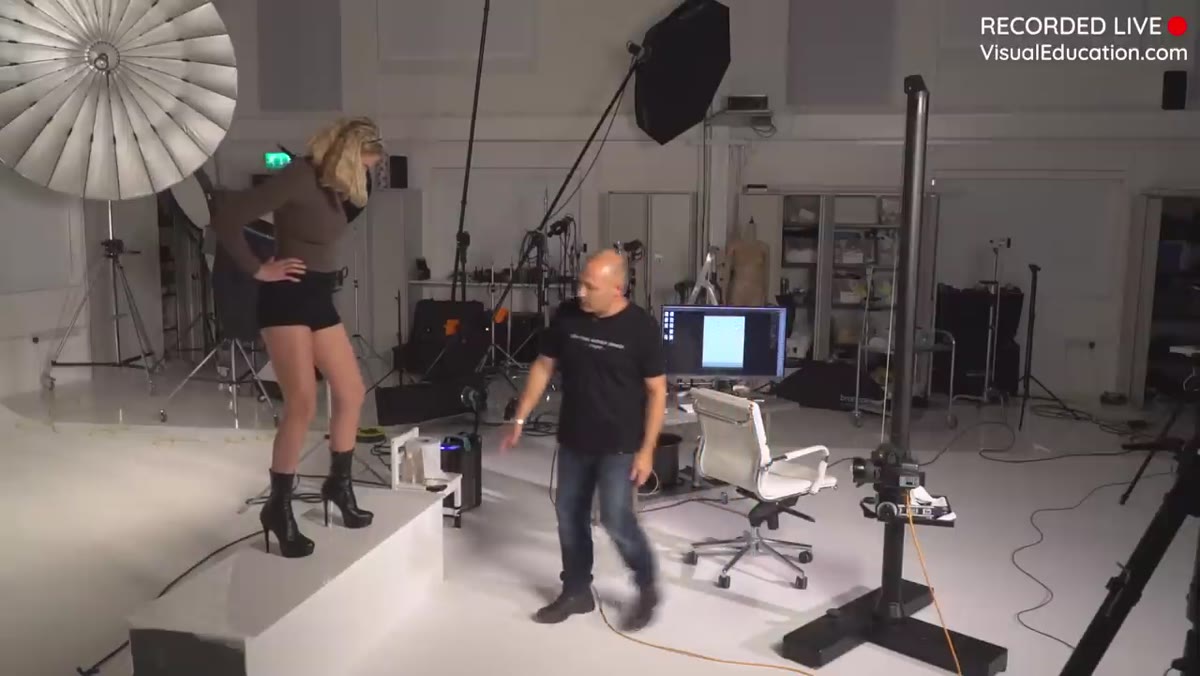 Model bending one leg, weight shifted to toe
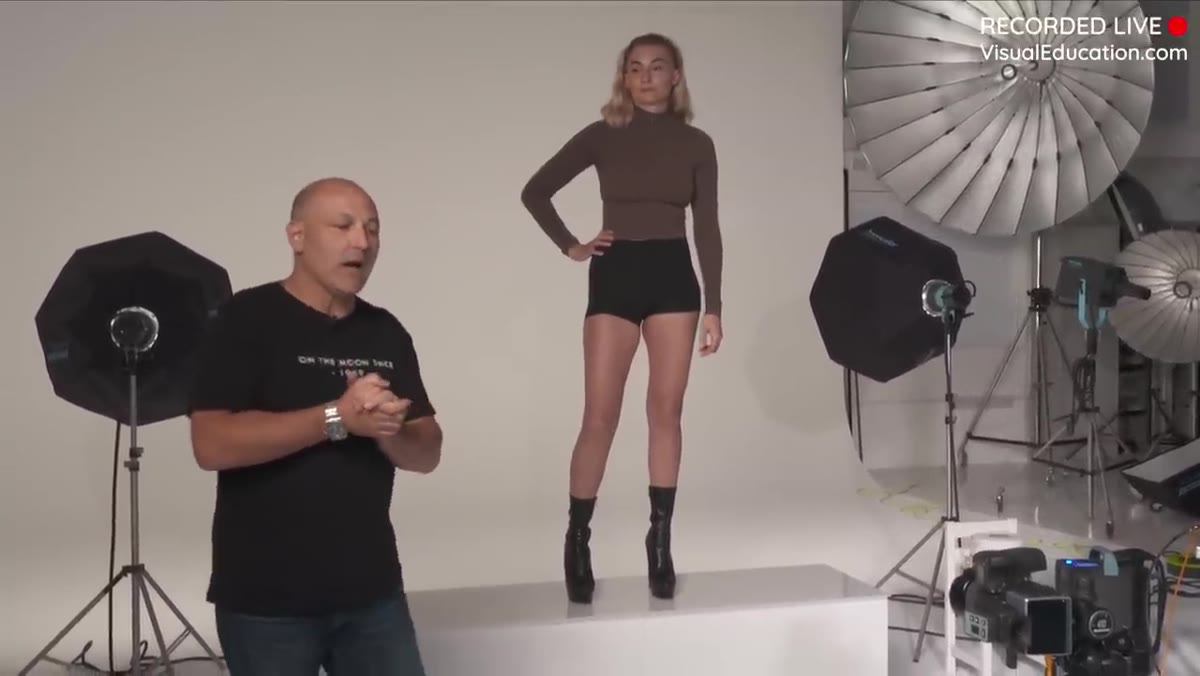
Posing legs for photography isn’t about finding a neutral stance. Taylor directs his model to bend one leg inward, shift weight onto the toe of the front foot, and keep the rear leg straighter. This does three things simultaneously: it creates a height difference between the two legs that reads as dynamic in frame, it shows the heel of the shoe, which anchors the bottom of the image, and the bent knee introduces a diagonal line that fights the static quality of two parallel verticals.
Model bending one leg, weight shifted to toe
Posing legs for photography isn’t about finding a neutral stance. Taylor directs his model to bend one leg inward, shift weight onto the toe of the front foot, and keep the rear leg straighter. This does three things simultaneously: it creates a height difference between the two legs that reads as dynamic in frame, it shows the heel of the shoe, which anchors the bottom of the image, and the bent knee introduces a diagonal line that fights the static quality of two parallel verticals.
The key cue Taylor gives is pressure on the toe. When weight transfers forward onto the toe, the calf muscle engages slightly and the line from ankle to knee tightens. On camera, that reads as definition even without any retouching. Direct your subject to feel the weight shift, not just approximate the shape.
Step 6: Consider Skin Finish as Part of the Lighting Plan
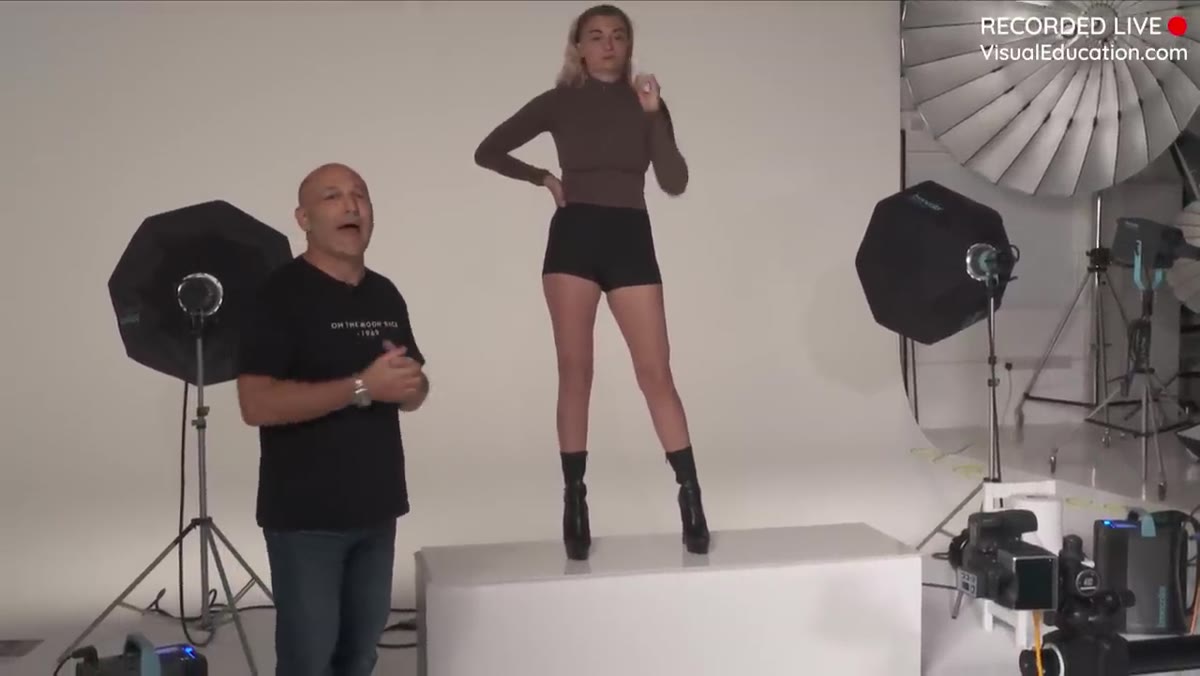 Discussion of moisturizer and sheen products for legs
Taylor flags something that most lighting tutorials skip entirely: what’s on the skin matters as much as what’s hitting it. A matte finish absorbs light and reduces the sense of form. A light application of moisturizer or a dedicated leg sheen product creates micro-reflections across the surface that help the cylinder read as three-dimensional under frontal light.
Discussion of moisturizer and sheen products for legs
Taylor flags something that most lighting tutorials skip entirely: what’s on the skin matters as much as what’s hitting it. A matte finish absorbs light and reduces the sense of form. A light application of moisturizer or a dedicated leg sheen product creates micro-reflections across the surface that help the cylinder read as three-dimensional under frontal light.
This isn’t a beauty tip. It’s physics. Specular highlights on skin confirm the shape of the surface they’re sitting on. With frontal lighting on a matte surface, you lose that confirmation. With even a modest sheen, the gradation from highlight to shadow becomes readable. Test it on your next hosiery or footwear shoot and meter both versions. The exposure difference is negligible. The visual difference is significant.
What I’d Add From My Own Experience
I’d push Taylor’s frontal light logic one step further for anyone shooting on a tighter budget. A large beauty dish, 55cm or bigger, placed directly above the lens and angled down at roughly 15 degrees gives you most of the ring flash effect at a fraction of the cost. The falloff is slightly steeper than a ring flash, which actually helps when you want to separate the legs from the background without additional rim lighting. I’ve sketched this setup in my lighting journal as a default starting point for any leg or hosiery work, and I reach for it more than any other configuration in this category.
The other thing I’d add is to check your white balance against a gray card before the first full-power test shot. Leg skin tones are unforgiving. A 200K shift toward cool and healthy skin looks sallow. A shift toward warm and it starts looking sunburned. Get the color temperature right before you start adjusting anything else.
The single most transferable idea from this tutorial is to stop thinking about legs as a body part and start thinking about them as a geometric form that needs contouring. Once that clicks, every decision, modifier, position, skin finish, pose direction, becomes a tool for shaping that form rather than a guess.
Watch the full tutorial on YouTube to see the live modifier comparisons and the full posing sequence with both models. The side-by-side between the ring flash alternative and the softbox is worth watching in real time.
Comments
Leave a Comment