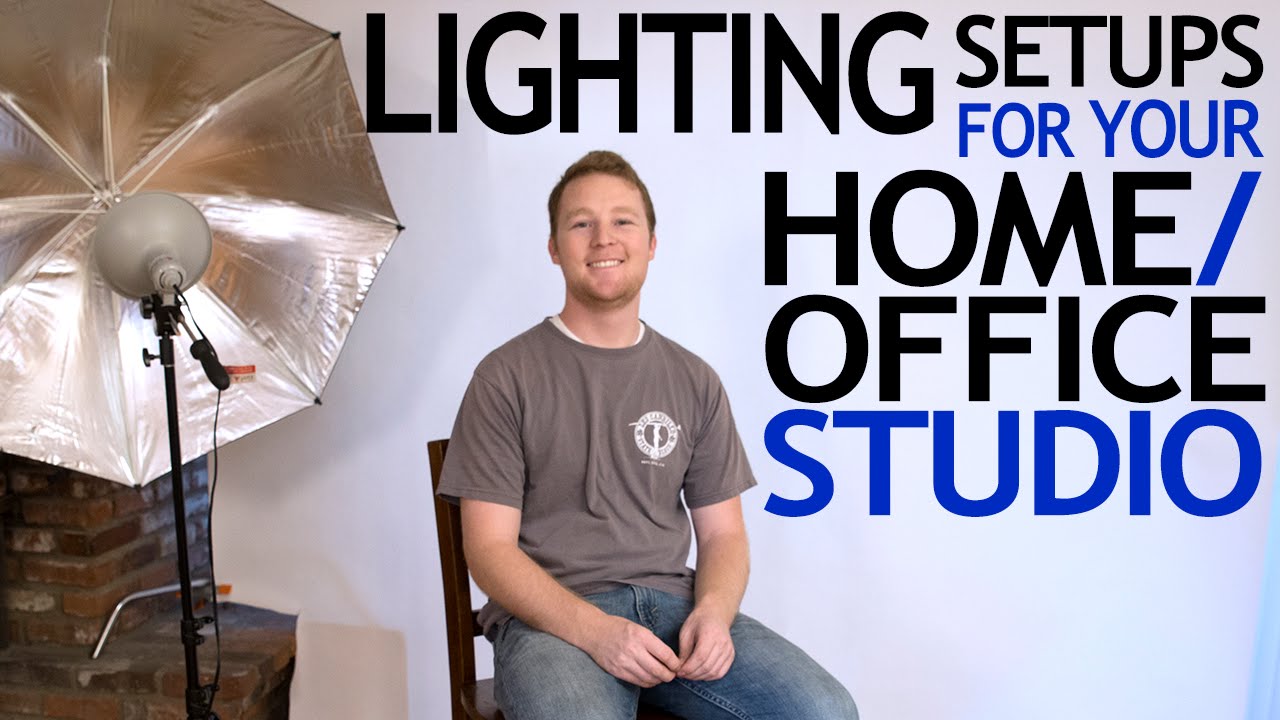
Most of my clients assume I shoot in a massive rented studio with a grip truck parked outside. The reality is that some of my best-performing commercial work has come out of a spare bedroom with a paper backdrop and a couple of lights I can carry under one arm. Budget constraints are not a creative death sentence. They’re a focusing mechanism.
That’s exactly why I keep coming back to this tutorial from J.P. Morgan over at The Slanted Lens. Watch the full tutorial on YouTube before or after reading this breakdown. Morgan walks through five functional lighting setups using gear that costs under $200 total, and he does it without pretending cheap lights are premium tools or that premium tools are the only path forward. His recommendation centers on entry-level Photoflex kits with umbrellas, which I’d echo for anyone starting out. The umbrellas are the real workhorses here, not the lights themselves.
What I want to do in this walkthrough is extract the actual technique from each setup and give you enough specificity to replicate these on your next shoot, whether you’ve watched the video or not.
Step 1: Position Your Single Key Light and Learn the Umbrella Angle
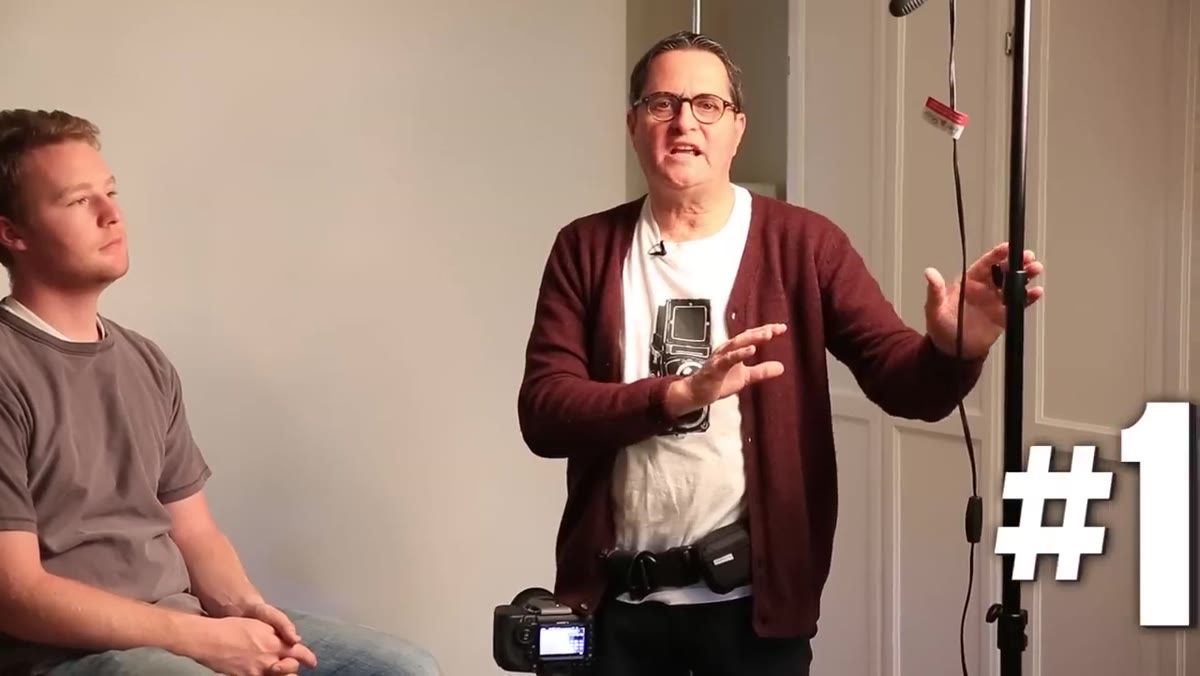 Single umbrella positioned to the right of camera
Start with one light placed slightly to the right of your camera position, angled toward your subject’s face. The critical variable that most beginners ignore is the tilt of the umbrella. Tilt it back toward the camera and you concentrate the light on the subject’s face, keeping the background relatively dark. Rotate it forward, almost pointing at the background, and you flood the background with reflected light, pushing it toward white without a dedicated background light. This single adjustment gives you two very different looks from one source.
Single umbrella positioned to the right of camera
Start with one light placed slightly to the right of your camera position, angled toward your subject’s face. The critical variable that most beginners ignore is the tilt of the umbrella. Tilt it back toward the camera and you concentrate the light on the subject’s face, keeping the background relatively dark. Rotate it forward, almost pointing at the background, and you flood the background with reflected light, pushing it toward white without a dedicated background light. This single adjustment gives you two very different looks from one source.
This is something I test every time I work with a new umbrella modifier. The relationship between umbrella angle and background brightness is not linear, so take a few test frames at three different tilt positions and compare them side by side before you commit to a final placement. Mark your preferred position on the light stand with a strip of masking tape. You will thank yourself during the next shoot when you need to replicate it fast.
Step 2: Add a Reflector as Your Fill
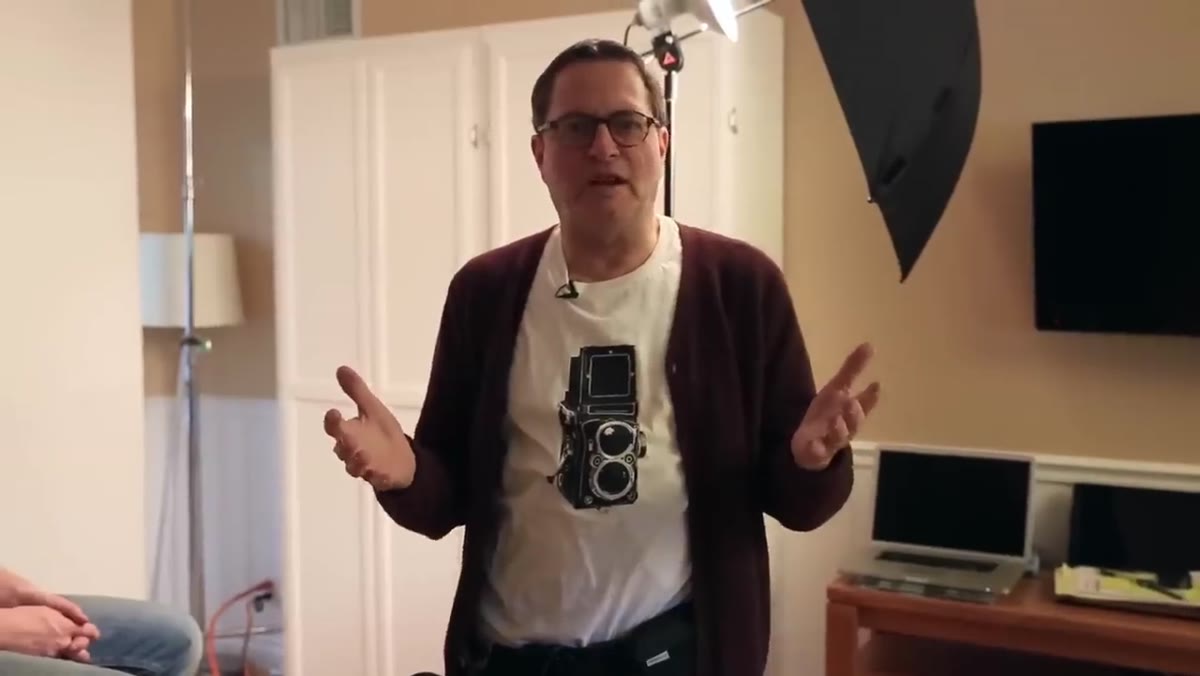 White reflector placed opposite the key light
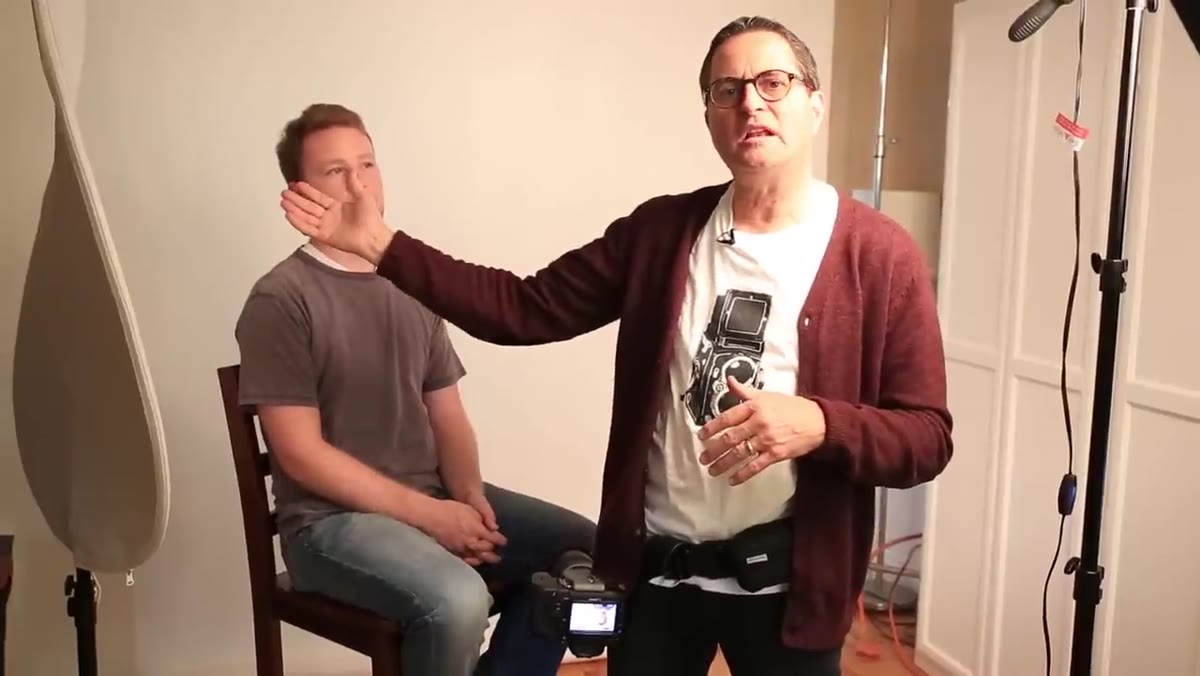
Once your key light is locked in, bring in a reflector on the opposite side to fill the shadows on your subject’s face. Morgan uses a seven-in-one reflector, but a five-in-one works just as well. In a pinch, a white foam core board or even a white bed sheet pinned to a stand will do the same job. The goal is to bounce enough of the key light back into the shadow side so that detail is preserved without flattening the image entirely.
White reflector placed opposite the key light
Once your key light is locked in, bring in a reflector on the opposite side to fill the shadows on your subject’s face. Morgan uses a seven-in-one reflector, but a five-in-one works just as well. In a pinch, a white foam core board or even a white bed sheet pinned to a stand will do the same job. The goal is to bounce enough of the key light back into the shadow side so that detail is preserved without flattening the image entirely.
Position the reflector close enough to your subject to make a visible difference in the shadow, then pull it back slightly until the fill feels natural rather than forced. You want shadow, not darkness, and you want fill, not flatness. The gap between those two is narrower than it sounds, which is why I always shoot a reference frame with the reflector at three different distances before I settle on placement. Write the distance down. Your future self will be grateful.
Step 3: Introduce a Second Light as a Rim or Contour Source
 Second light placed camera left as a rim/contour light
When you bring in a second light, resist the instinct to plant it symmetrically opposite the first and call it a two-light setup. Flat, even lighting has its uses in product work and certain beauty contexts, but for portraits it tends to kill dimension. Instead, position the second light to the left of camera, behind your subject’s shoulder line, and use it as a contour or rim light to separate the subject from the background.
Second light placed camera left as a rim/contour light
When you bring in a second light, resist the instinct to plant it symmetrically opposite the first and call it a two-light setup. Flat, even lighting has its uses in product work and certain beauty contexts, but for portraits it tends to kill dimension. Instead, position the second light to the left of camera, behind your subject’s shoulder line, and use it as a contour or rim light to separate the subject from the background.
With budget umbrellas, the way you control the hardness of this second light is by adjusting how much of the umbrella is actually illuminating your subject. Close the umbrella down to narrow the light stream and you get a harder, more specular edge. Open it wider and the light softens. Morgan demonstrates pulling the light back and angling it so only the edge of the umbrella grazes the subject, which gives a sharp but controlled rim without blowing out the shoulder or ear. This is a technique I use constantly on corporate headshots where I want the subject to pop off a darker background.
Step 4: Configure a Three-Light Setup for Two Subjects
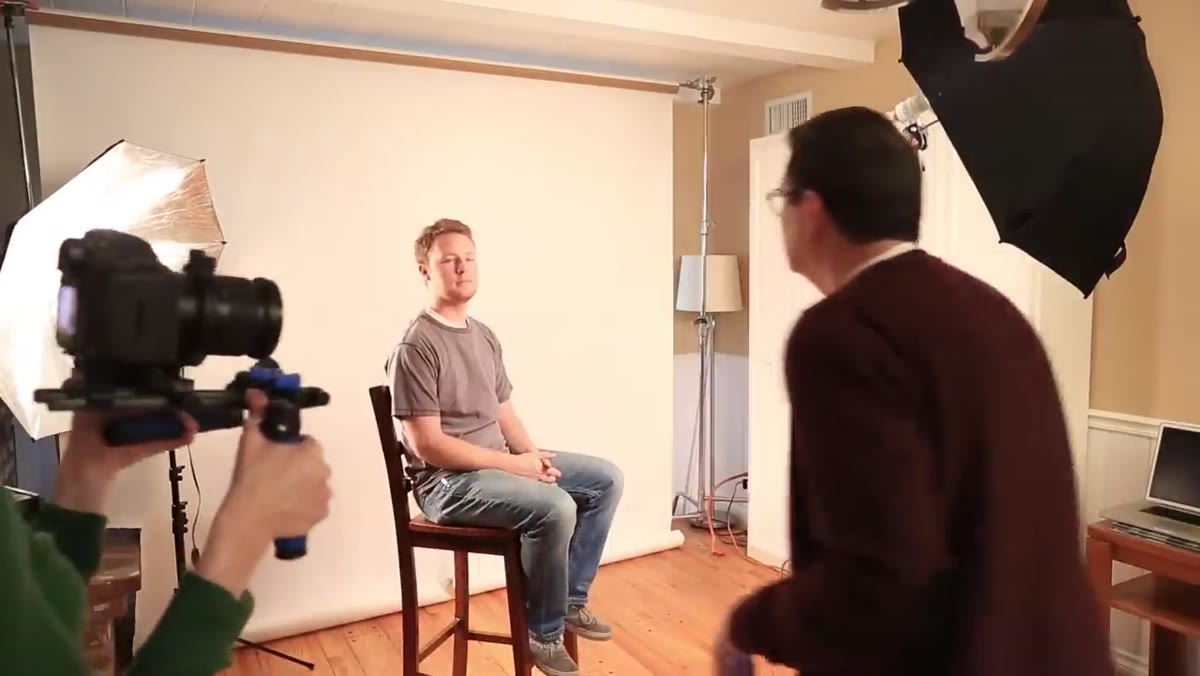 Three-light diagram with two subjects positioned in frame
Shooting two people with two lights almost always ends with one subject lit well and the other looking like an afterthought. The solution is a third light, used specifically to give each subject their own source. The core key light stays roughly centered or slightly favoring one subject, while the two flanking lights handle separation and fill duties independently.
Three-light diagram with two subjects positioned in frame
Shooting two people with two lights almost always ends with one subject lit well and the other looking like an afterthought. The solution is a third light, used specifically to give each subject their own source. The core key light stays roughly centered or slightly favoring one subject, while the two flanking lights handle separation and fill duties independently.
Spacing is everything here. If your subjects are standing too close together, one light will spill across both of them and undercut the whole point of the three-light arrangement. Give them enough physical separation that each flanking light has a clear angle to work with. For two-person executive portraits, which I shoot regularly for corporate clients, I often mark the floor with tape before the subjects even step in front of camera. It keeps the spacing consistent across a long roster of talent.
Step 5: Create a Dramatic Portrait on a White Background
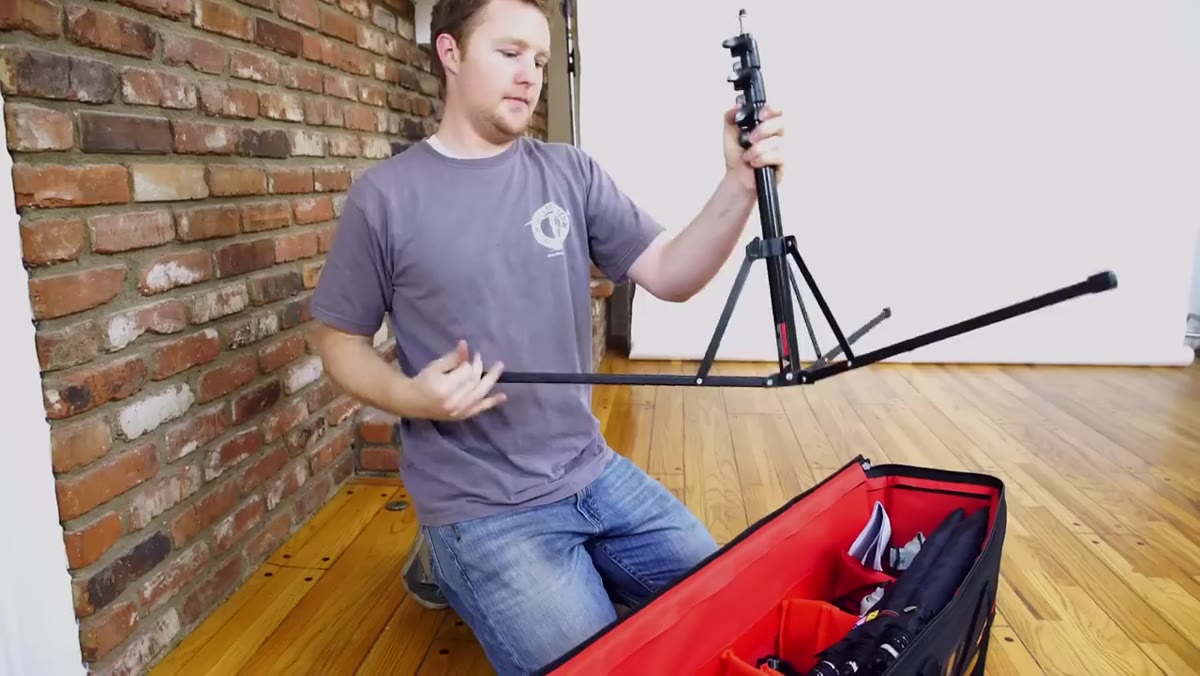 High-contrast portrait setup against bright white background
This is where the setup gets interesting. Using the same affordable lights, Morgan demonstrates how to produce a high-contrast, dramatic portrait against a white background by controlling where the light falls rather than adding more of it. The background goes bright when you redirect the key light toward it. The subject goes dramatic when you pull the fill back and let shadow do some work.
High-contrast portrait setup against bright white background
This is where the setup gets interesting. Using the same affordable lights, Morgan demonstrates how to produce a high-contrast, dramatic portrait against a white background by controlling where the light falls rather than adding more of it. The background goes bright when you redirect the key light toward it. The subject goes dramatic when you pull the fill back and let shadow do some work.
The balance between subject exposure and background exposure is the whole game here. If your background is overexposing into a blown-out white, you’re in good shape for a clean, commercial look. If you want more texture in the background, stop down slightly or move the subject further from the light redirected at the background. Distance is your primary exposure control when you don’t have dimmers or multiple power settings on affordable lights.
What I’d Add From My Own Experience
The one thing Morgan doesn’t dwell on, and I understand why in a beginner-focused tutorial, is white balance consistency across multiple lights. Entry-level daylight-balanced bulbs can vary by several hundred Kelvin even within the same brand, and if your key light and your rim light are rendering slightly different color temperatures, skin tones get muddy in a way that’s genuinely difficult to fix in post. Before I rely on any new set of budget lights for a real job, I shoot a gray card under each light independently, check the Kelvin readings in Lightroom, and note the difference. If they’re more than 200K apart, I correct in-camera by adjusting the white balance for a mid-point and then fine-tune per light in post using the HSL panel.
I learned this the hard way on an editorial shoot early in my career, when two lights that looked identical on paper rendered so differently that the beauty images were unsalvageable. That was an expensive lesson. A gray card and five minutes of testing is not.
The single most important idea in this entire tutorial is that light control, not light quantity, is what separates a photograph from a snapshot. You don’t need more lights. You need to understand what each light is doing and why. Start with one source and a reflector, make it work, and only add a second or third light when you can articulate exactly what job that new light is performing.
Watch the full tutorial on YouTube to see each setup demonstrated in real time. Morgan’s hands-on approach makes the umbrella angle adjustments especially clear, and seeing the before-and-after frames side by side is worth the watch on its own.
Comments
Leave a Comment