Painting With Light in Photoshop: A Studio Photographer's Take on Dramatic Lighting

Painting With Light in Photoshop: A Studio Photographer's Take on Dramatic Lighting

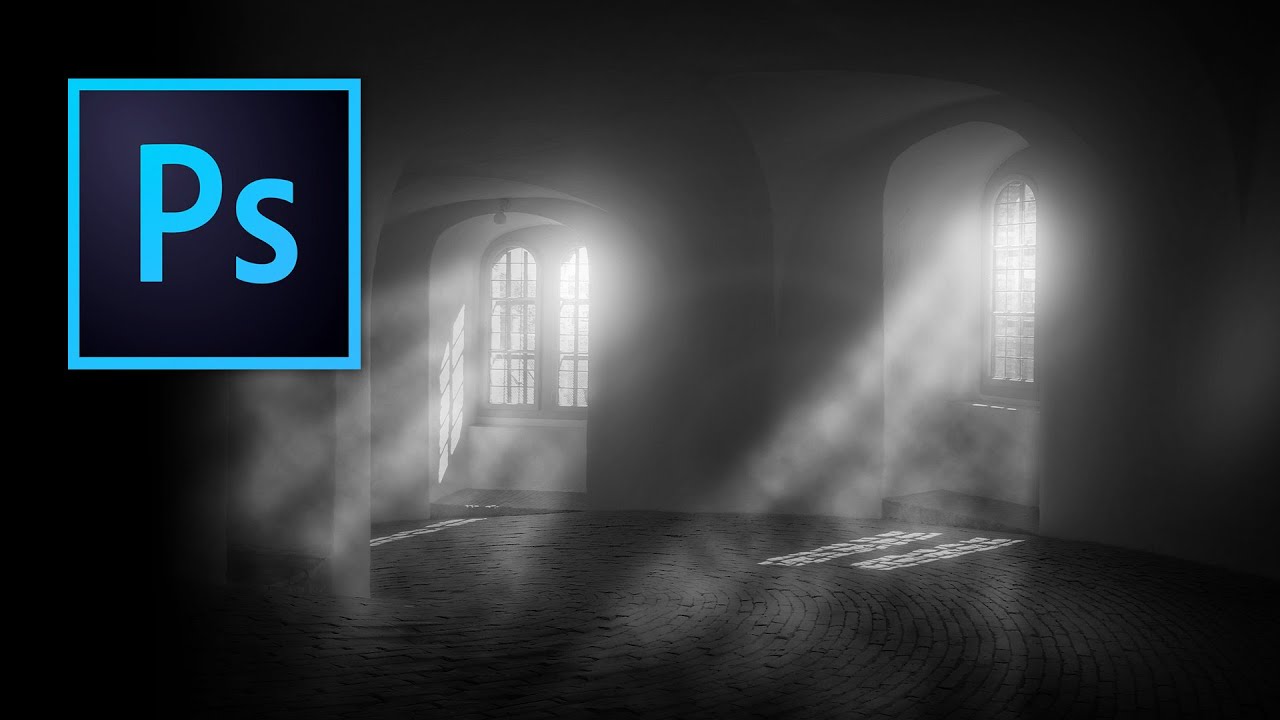
Most of my lighting problems get solved before I ever open Photoshop. I label every head in my studio with masking tape, I keep a lighting journal of every setup I’ve ever shot, and I’ve designed my own diagram app because the ones available never matched how I actually think on set. But even with all that prep, there are times when a client image needs something the strobes couldn’t give it on the day.

Why I Stopped Editing With Just a Keyboard and Mouse (And What I Use Instead)

Why I Stopped Editing With Just a Keyboard and Mouse (And What I Use Instead)

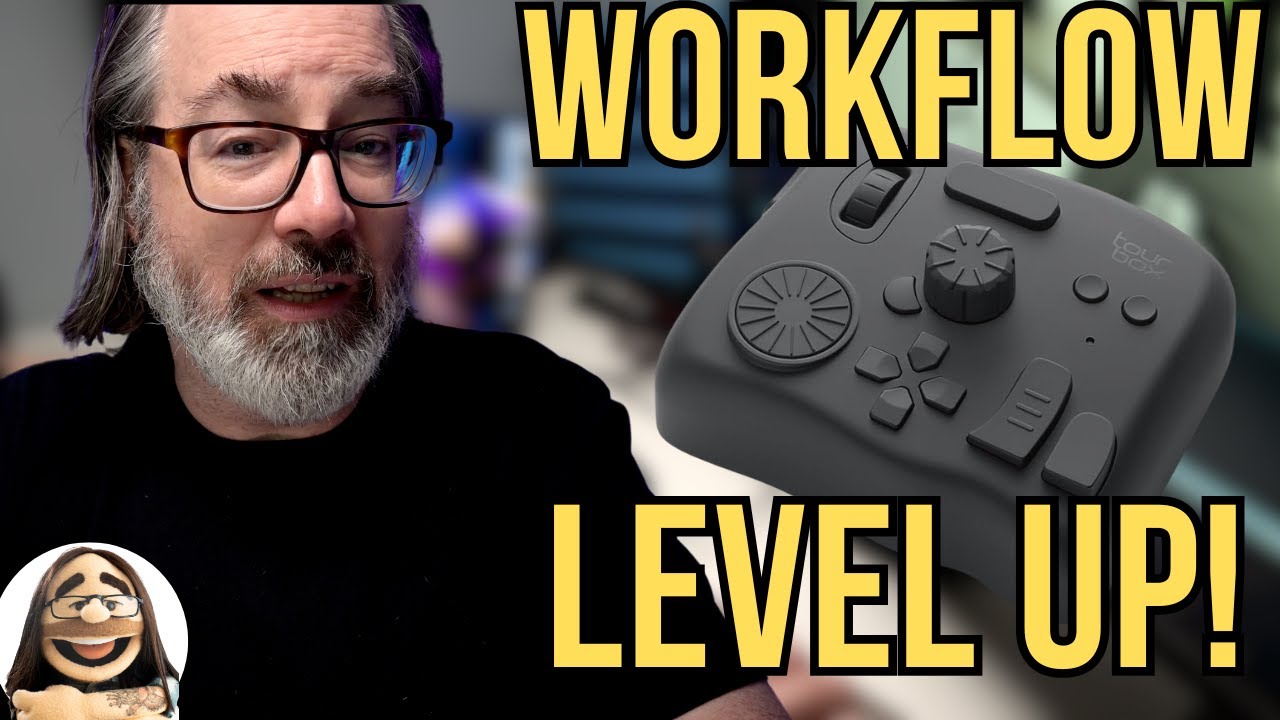
I am not an early adopter. Every modifier that arrives at my studio gets tested the same day, yes, but software and hardware controllers? I let other people be the guinea pigs. I have a system that works, built over years of commercial and editorial shooting, and the last thing I want during a deadline crunch is to relearn muscle memory. So when I came across this Watch the full tutorial on YouTube from Daniel Norton Photographer, I almost scrolled past it.