Apple's M5 Ultra Mac Studio: A Game-Changer for Professional Photography Workflows

Apple's M5 Ultra Mac Studio: A Game-Changer for Professional Photography Workflows

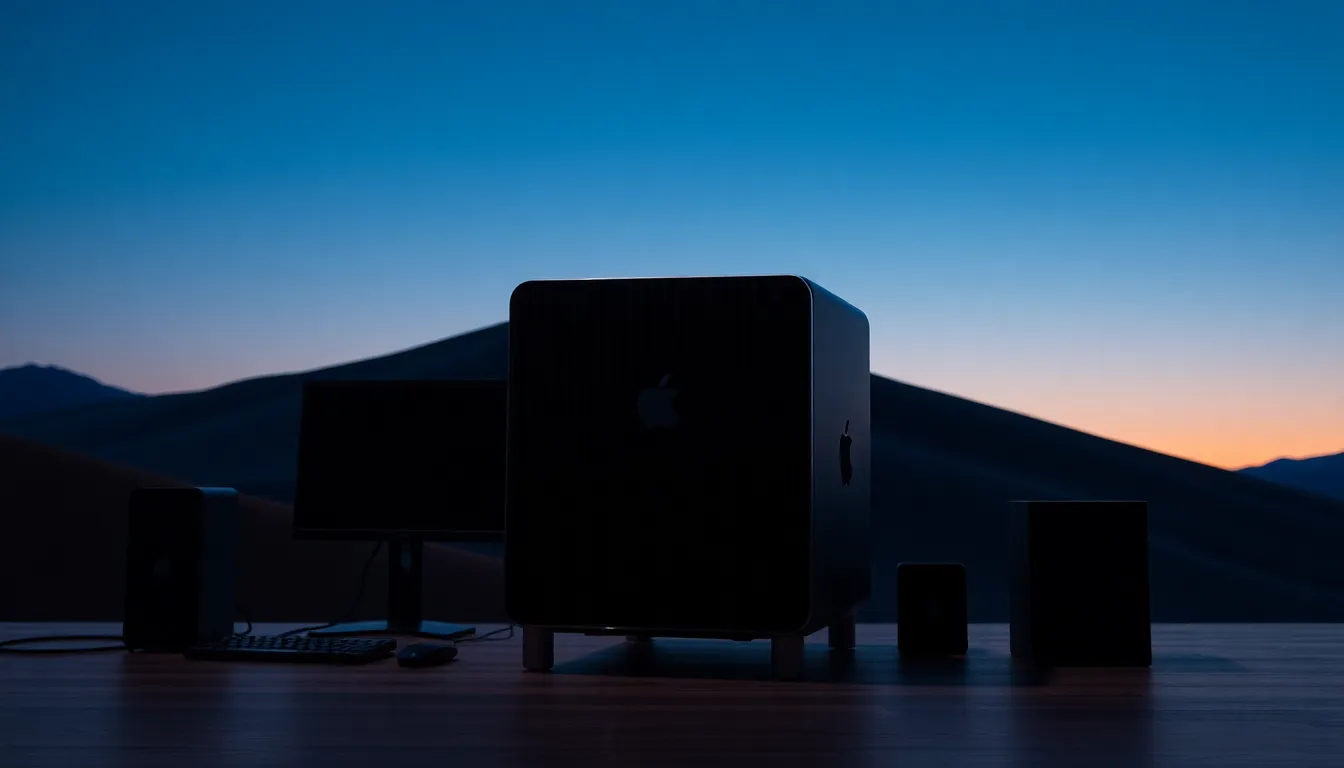
Apple’s M5 Ultra Mac Studio: A Game-Changer for Professional Photography Workflows I’ve watched Apple’s desktop offerings evolve over the past decade, and I’ll be direct: the new Mac Studio with M5 Ultra silicon represents a legitimate leap forward for those of us managing demanding studio photography operations. Processing Power Meets Studio Reality Apple just released the M5 generation of Mac Studio, and the specs matter more than you might think. The M5 Ultra variant delivers the kind of computational horsepower that separates “waiting around” from “getting back to shooting.

Godox Enters the Print Game: Why Studio Photographers Should Pay Attention

Godox Enters the Print Game: Why Studio Photographers Should Pay Attention

I’ve watched Godox evolve from a lighting-focused manufacturer into something broader over the past few years, and their announcement of the P100 portable color printer represents another meaningful step in that direction. While it might seem like an odd pivot for a company built on flash systems and continuous lights, I think there’s genuine logic here—especially for those of us who work between studios and location shoots. Moving Beyond Traditional Boundaries Let me be straightforward: Godox has always been about democratizing professional-grade equipment.

What a Sewing Studio Teaches Me About Building a Creative Space That Actually Works

What a Sewing Studio Teaches Me About Building a Creative Space That Actually Works

There’s a version of studio envy that has nothing to do with lighting equipment. I felt it the first time I walked into a workspace that was clearly built around how someone actually thinks, not just what looks good in a behind-the-scenes photo. My own studio in Los Angeles has gone through probably six iterations in the last decade. Too sterile. Too cluttered. Wrong flow between the shooting area and the editing corner.

Why I Stopped Editing With Just a Keyboard and Mouse (And What I Use Instead)

Why I Stopped Editing With Just a Keyboard and Mouse (And What I Use Instead)

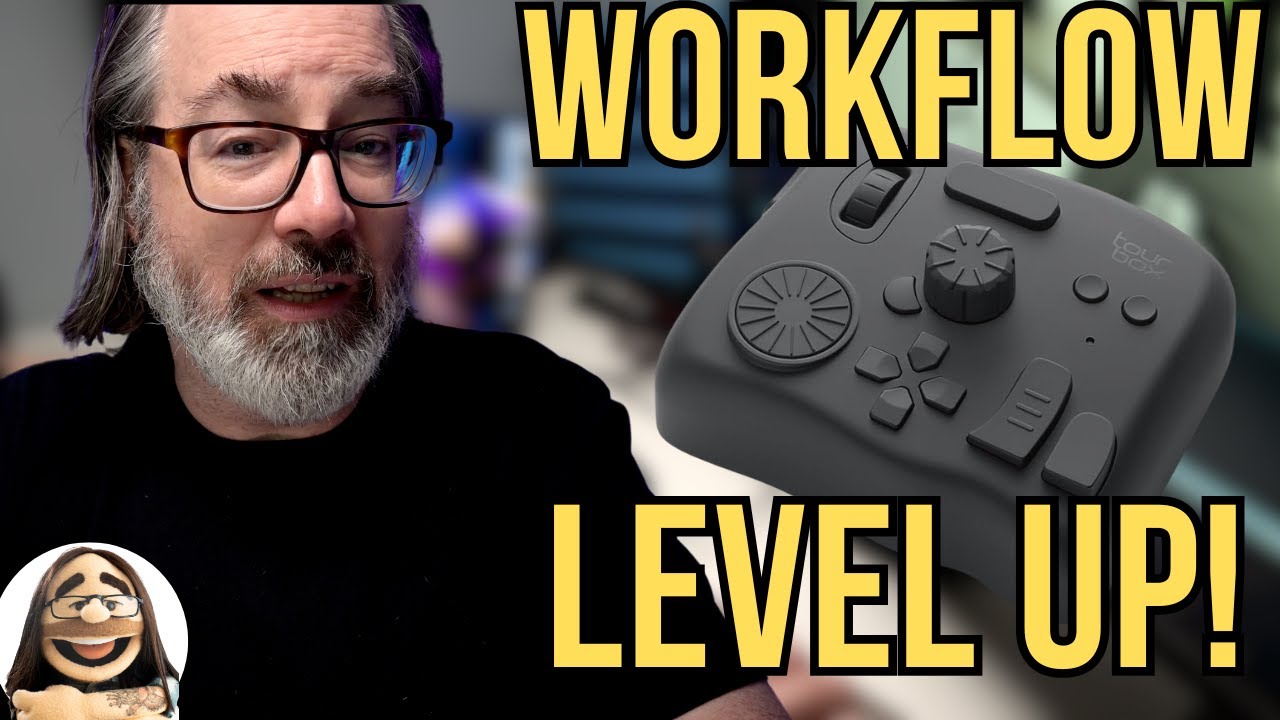
I am not an early adopter. Every modifier that arrives at my studio gets tested the same day, yes, but software and hardware controllers? I let other people be the guinea pigs. I have a system that works, built over years of commercial and editorial shooting, and the last thing I want during a deadline crunch is to relearn muscle memory. So when I came across this Watch the full tutorial on YouTube from Daniel Norton Photographer, I almost scrolled past it.

The Studio Workflow That Actually Works: My Step-by-Step System

The Studio Workflow That Actually Works: My Step-by-Step System

I’ve spent fifteen years refining my studio workflow, and I can tell you with certainty: the photographers who produce the best results aren’t the ones with the fanciest gear. They’re the ones who’ve systematized their process so thoroughly that setup becomes automatic and they can focus entirely on their subject. Your workflow is the skeleton that holds everything together—lighting decisions, posing cues, camera settings, even client communication. Without one, you’re improvising.

The Studio Workflow That Eliminates Wasted Time and Bad Light

The Studio Workflow That Eliminates Wasted Time and Bad Light

The Studio Workflow That Eliminates Wasted Time and Bad Light I’ve watched photographers burn through two-hour sessions shooting 800 frames, then spend weeks sorting through mediocre images. The problem isn’t talent—it’s workflow. A structured process separates professionals from people who own equipment. I treat studio sessions like cooking. You mise en place before you touch heat. You don’t improvise seasoning mid-dish. The same principle applies to photography: prepare everything before your subject arrives, execute the plan with precision, adjust only what needs adjusting.

What Apple's Mac Pro Discontinuation Means for Your Studio Workflow

What Apple's Mac Pro Discontinuation Means for Your Studio Workflow

The End of an Era Apple has quietly discontinued the Mac Pro, and I have to be honest—it’s a significant shift worth paying attention to if you’re running a serious photography studio. The company has removed the tower from its lineup entirely, leaving the Mac Studio as the new flagship desktop option. After decades of offering a modular, expandable powerhouse, Apple is essentially saying: this is as big as we’re going.

The Studio Workflow That Actually Works

The Studio Workflow That Actually Works

The Studio Workflow That Actually Works I’ve spent fifteen years refining my studio process, and I’ve learned that the difference between a chaotic shoot and a smooth one isn’t talent—it’s structure. A solid workflow removes decision fatigue, lets you focus on your subject, and produces consistent, professional results. Here’s the exact system I use. Pre-Session Prep Is Non-Negotiable Before anyone steps foot in my studio, I’ve already made 80% of my creative decisions.

The Studio Workflow That Actually Works: My 15-Year System

The Studio Workflow That Actually Works: My 15-Year System

The Studio Workflow That Actually Works: My 15-Year System I’ve watched photographers waste entire afternoons chasing light instead of capturing it. They move modifiers randomly, adjust power settings without measuring results, and change poses every thirty seconds. By the end of the shoot, they’ve got scattered images and no repeatable process. I don’t work that way. After fifteen years in the studio, I’ve built a workflow that removes variables, speeds up execution, and produces consistent results every single time.

The Non-Negotiable Studio Workflow: My Process for Consistent Results

The Non-Negotiable Studio Workflow: My Process for Consistent Results

The Non-Negotiable Studio Workflow: My Process for Consistent Results I’ve shot enough portraits in my studio to know that consistency doesn’t happen by accident. It happens because you build a system and defend it. Every session follows the same sequence, the same measurements, the same decision tree. This isn’t about being rigid—it’s about removing friction so you can focus on the human element. Pre-Session Prep: The Blueprint Matters Before anyone steps in front of my camera, I’ve already made 80% of my technical decisions.

Studio Workflow: From Client Arrival to Final Image

Studio Workflow: From Client Arrival to Final Image

A smooth studio workflow delivers consistent results, keeps sessions on schedule, and creates a professional experience that clients remember. The best photographers don’t improvise their workflow — they’ve developed a repeatable system that handles every session from the moment the client walks in to the delivery of final images. Before the Client Arrives Equipment Check (30 Minutes Before) Test every piece of equipment you plan to use: Fire each flash and verify it triggers reliably Check battery levels on all strobes and camera bodies Verify your tethering connection works (if shooting tethered) Set up your first lighting configuration Take a test shot and evaluate on a calibrated monitor Finding a dead battery or a misfiring strobe during the session wastes the client’s time and undermines their confidence.